TL;DR: AI UI design tools have transformed how teams create interfaces. The best options in 2026 generate production-quality screens from simple text prompts. AIDesigner leads for premium output, Figma AI for ecosystem integration, and Uizard for rapid prototyping. Here are the 12 tools worth your time.
What Are the Best AI UI Design Tools?
The best AI UI design tools in 2026 are AIDesigner, Figma AI, Galileo AI, Uizard, and Vercel v0. These tools generate professional UI designs from text prompts in seconds, offering features like responsive layouts, component libraries, and code export for designers and developers.
What Are AI UI Design Tools?
AI UI design tools are software platforms that use artificial intelligence to generate user interface designs from text descriptions, sketches, or reference images. Instead of manually placing buttons, cards, and layouts, you describe what you want in plain English, and the AI creates a complete interface in seconds.
These tools have evolved dramatically. In 2024, most generated generic layouts that needed heavy editing. In 2026, the best AI UI design tools produce screens that look like a senior designer created them - with proper spacing, hierarchy, and component relationships.
The AI-powered design tools market is projected to grow from $6.1 billion in 2025 to $28.5 billion by 2035. Over 31% of UI designers have already integrated AI tools into their workflows, and that number is climbing fast.
Quick Comparison: Best AI UI Design Tools 2026
| Tool | Best For | Starting Price | Output Quality | Learning Curve |
|---|---|---|---|---|
| AIDesigner | Premium UI/web design | Free / $25/mo | Excellent | Very Easy |
| Figma AI | Teams already in Figma | Free / $15/mo | Very Good | Easy |
| Galileo AI | High-fidelity from prompts | Free / $19/mo | Excellent | Easy |
| Uizard | Rapid prototyping | Free / $12/mo | Good | Very Easy |
| Visily | Collaborative wireframes | Free / $11/mo | Good | Easy |
| UX Pilot | Wireframe generation | Free / $12/mo | Good | Easy |
| Framer AI | Marketing websites | Free / $15/mo | Very Good | Easy |
| Vercel v0 | Developers (React code) | Free / $20/mo | Very Good | Moderate |
| Motiff | Figma alternative | Free / $20/mo | Very Good | Easy |
| Adobe Firefly | Asset generation | Free / $5/mo | Very Good | Easy |
| Banani | Multi-screen mockups | Free / $19/mo | Good | Easy |
| Relume | Website wireframes | Free / $38/mo | Good | Moderate |
How AI UI Design Tools Are Changing the Industry
Before diving into specific tools, let’s understand why AI UI design matters:
The Speed Advantage
Traditional UI design involves manual layout creation, component selection, and pixel-level adjustments. A single screen might take 2-4 hours. With AI tools, that same screen takes 2-4 minutes.
This isn’t about replacing designers. It’s about eliminating the grunt work so designers can focus on strategy, user research, and creative direction.
The Democratization Effect
Product managers can now visualize ideas before involving the design team. Founders can create investor-ready mockups without hiring contractors. Developers can prototype interfaces before writing code.
According to Mordor Intelligence, Asia-Pacific is seeing the fastest adoption at 34.56% CAGR, as teams move directly to AI-infused workflows without legacy tool baggage.
The Quality Gap Is Closing
Early AI UI tools generated layouts that screamed “I was made by AI.” Generic cards, stock layouts, and inconsistent spacing. The 2026 generation is different. Tools like AIDesigner and Galileo AI produce output that passes the “would you show this to a client?” test.
The 12 Best AI UI Design Tools (In-Depth Reviews)
1. AIDesigner
Best for: Premium UI that doesn’t look like a template
Rating: 4.9/5
If you need UI that looks like a professional designer created it, AIDesigner is the clear winner.
What sets it apart is the output quality. Most AI tools generate functional but generic layouts. AIDesigner produces interfaces with the kind of polish you’d expect from a senior designer - proper visual hierarchy, thoughtful spacing, and components that actually work together.
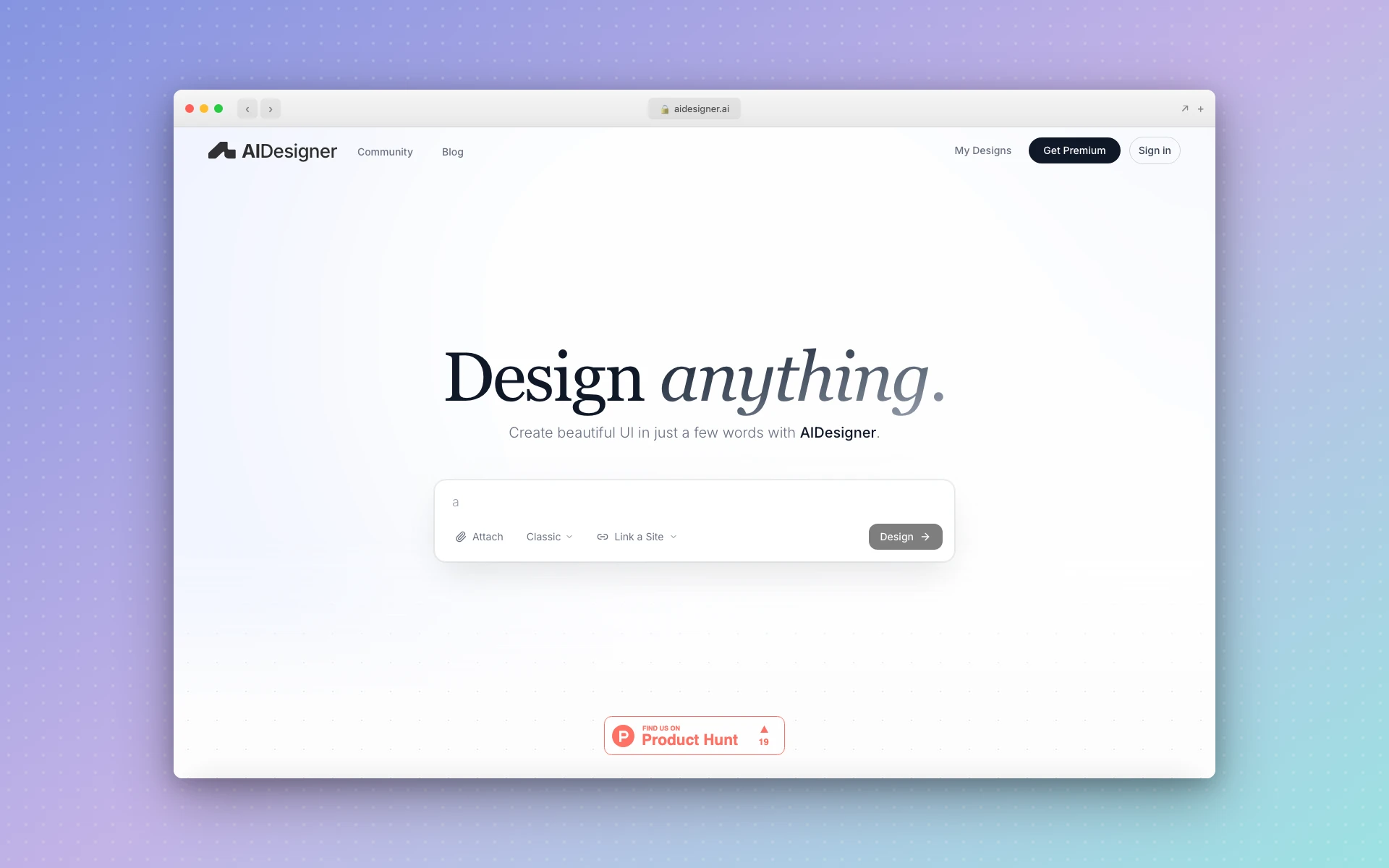 AIDesigner generates premium UI designs from simple text prompts on an infinite canvas
Why AIDesigner stands out:
- Infinite canvas workflow - Generate multiple variations and compare side-by-side
- Reference-based generation - Upload screenshots of designs you like
- Production-ready exports - Get code and high-quality images
- No design jargon needed - Describe your vision in plain English
What could be better:
- Focused on premium output, so less suitable for quick wireframes
- Developers who want full code control may prefer dev-first tools
Pricing:
- Free: Core features with limited generations
- Pro ($25/month): 100 credits, unlimited projects, high-quality exports
Best fit if: You need landing pages, dashboards, or product UI that looks premium without hiring a designer or spending hours in Figma.
2. Figma AI
Best for: Teams already using Figma
Rating: 4.7/5
Figma AI keeps everything inside the design tool you probably already use. That’s both its biggest strength and limitation.
The AI features are genuinely useful: First Draft generates editable designs from prompts, auto layer naming cleans up messy files in seconds, and the new image editing tools (expand, isolate, erase) remove the need for separate editing software.
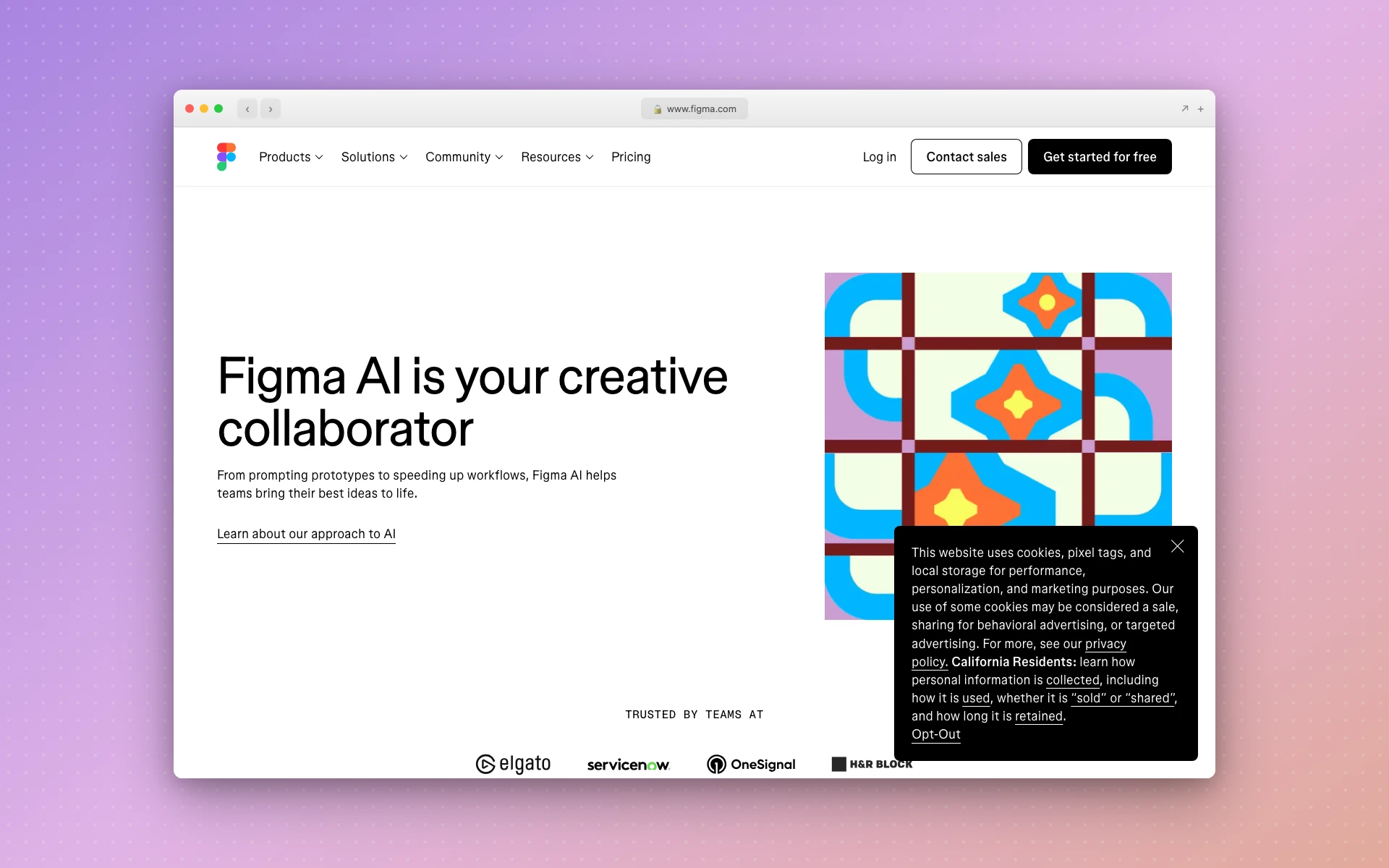 Figma AI brings prompt-to-design capabilities directly into the Figma workspace
Why Figma AI stands out:
- Native integration - No context switching between tools
- Figma Make - Full prompt-to-app generation now out of beta
- Code Layers - Create interactive elements and animations from prompts
- MCP Server - Connect Figma to coding tools like VS Code and Cursor
What could be better:
- Credit limits can feel restrictive for heavy iteration
- Output sometimes feels like a “solid draft” rather than production-ready
- Requires learning Figma if you don’t already know it
Pricing:
- Free: Limited AI credits included
- Professional ($15/seat/month): More credits, advanced features
- Organization ($45/seat/month): Full feature set with SSO
Best fit if: You’re already in Figma and want AI capabilities without leaving your workflow.
For more on Figma’s AI features, check out our Figma Make alternatives guide.
3. Galileo AI
Best for: High-fidelity designs from text prompts
Rating: 4.6/5
Galileo AI specializes in turning simple text descriptions into polished, high-fidelity UI designs. It’s particularly strong at understanding context - describe a “fintech dashboard” and you get appropriate charts, metrics cards, and navigation patterns.
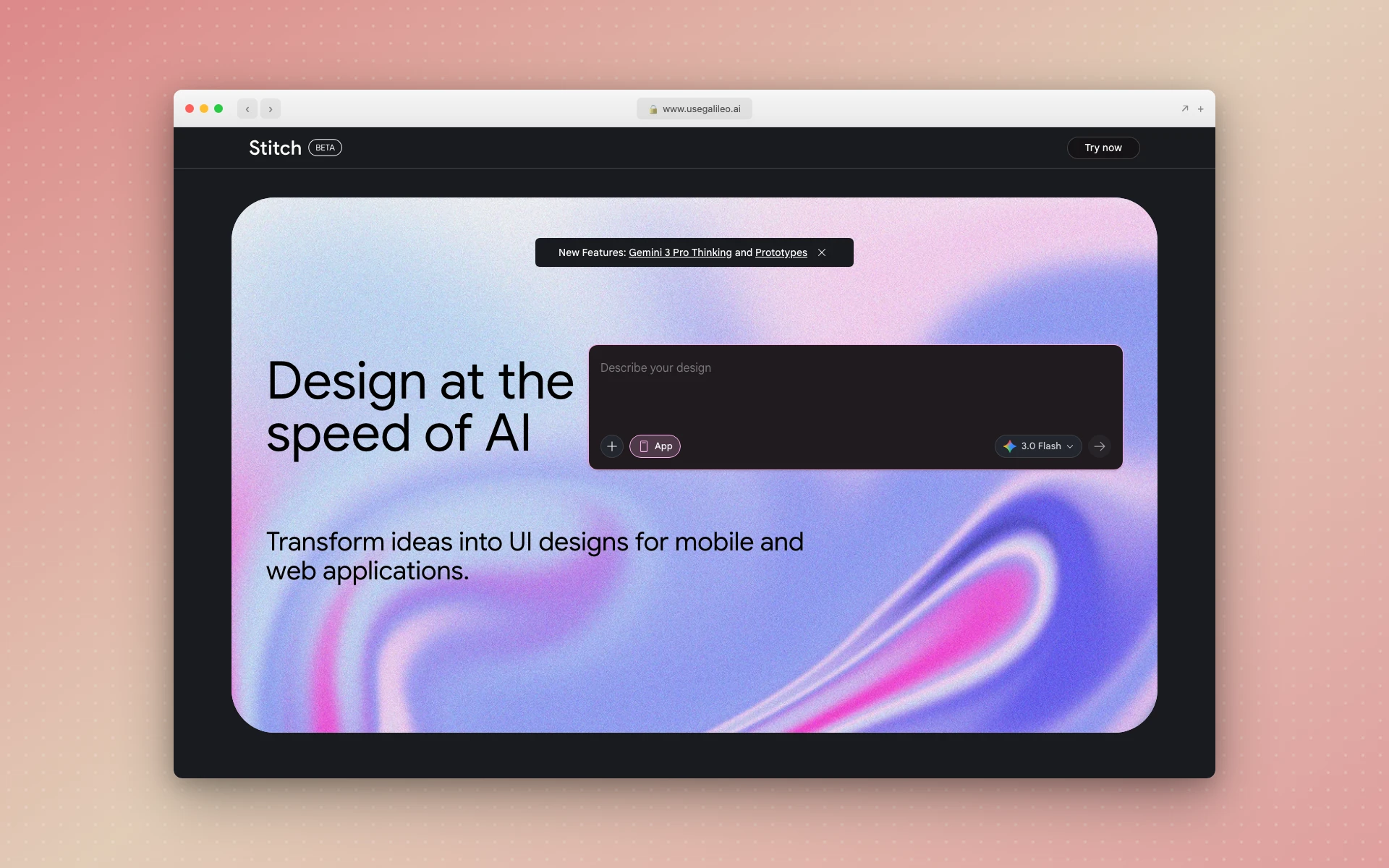 Galileo AI transforms text prompts into complete, high-fidelity interface designs
Why Galileo AI stands out:
- Context-aware generation - Understands industry-specific UI patterns
- Multiple variations - Generates several options to choose from
- Figma export - Move designs directly into your workflow
- Image-to-UI - Upload screenshots to recreate existing designs
What could be better:
- Free tier limits (20 generations/month) feel tight
- Less control over specific styling compared to manual design
- Occasional inconsistencies in component sizing
Pricing:
- Free: 20 design generations per month
- Standard ($19/month): 1,200 credits (~120 generations)
- Pro ($39/month): 3,000 credits, private mode
- Enterprise: Custom pricing
Best fit if: You want high-quality UI generation without learning complex tools.
4. Uizard
Best for: Rapid multi-screen prototyping
Rating: 4.4/5
Uizard has been in the AI design space longer than most. Their strength is speed - you can go from idea to multi-screen prototype in minutes.
The Autodesigner 2.0 feature generates complete app flows from a single description. Sketch-to-digital conversion lets you photograph whiteboard drawings and turn them into editable wireframes.
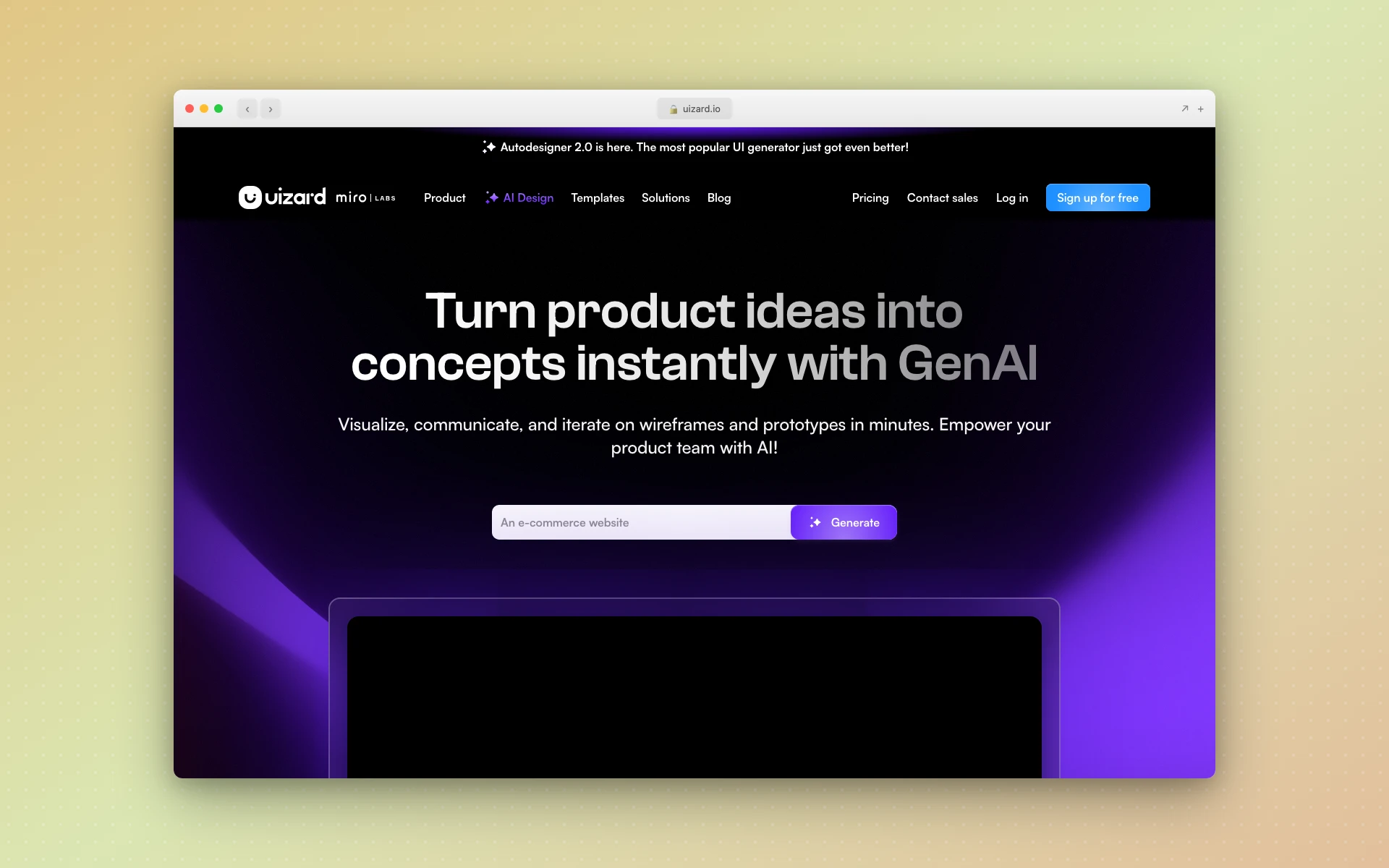 Uizard’s Autodesigner generates multi-screen app prototypes from text descriptions
Why Uizard stands out:
- Multi-screen generation - Create entire app flows at once
- Sketch conversion - Hand-drawn → digital in seconds
- Interactive prototypes - Add clickable flows without code
- Developer handoff - Export to React/CSS
What could be better:
- Output is prototype-quality, not pixel-perfect
- Free tier limited to 3 AI generations/month
- Design system integration is basic
Pricing:
- Free: 3 AI generations, up to 2 projects
- Pro ($12/month annual): 500 AI generations, unlimited projects
- Business ($39/month annual): 5,000 AI generations, priority support
Best fit if: You need to visualize app ideas quickly and share interactive prototypes.
5. Visily
Best for: Collaborative AI wireframing
Rating: 4.3/5
Visily focuses on the early stages of UI design - wireframes and low-fidelity mockups. Their AI features help you go from idea to visual quickly, with multiple generation modes: text-to-design, screenshot-to-design, sketch-to-design, and diagram-to-design.
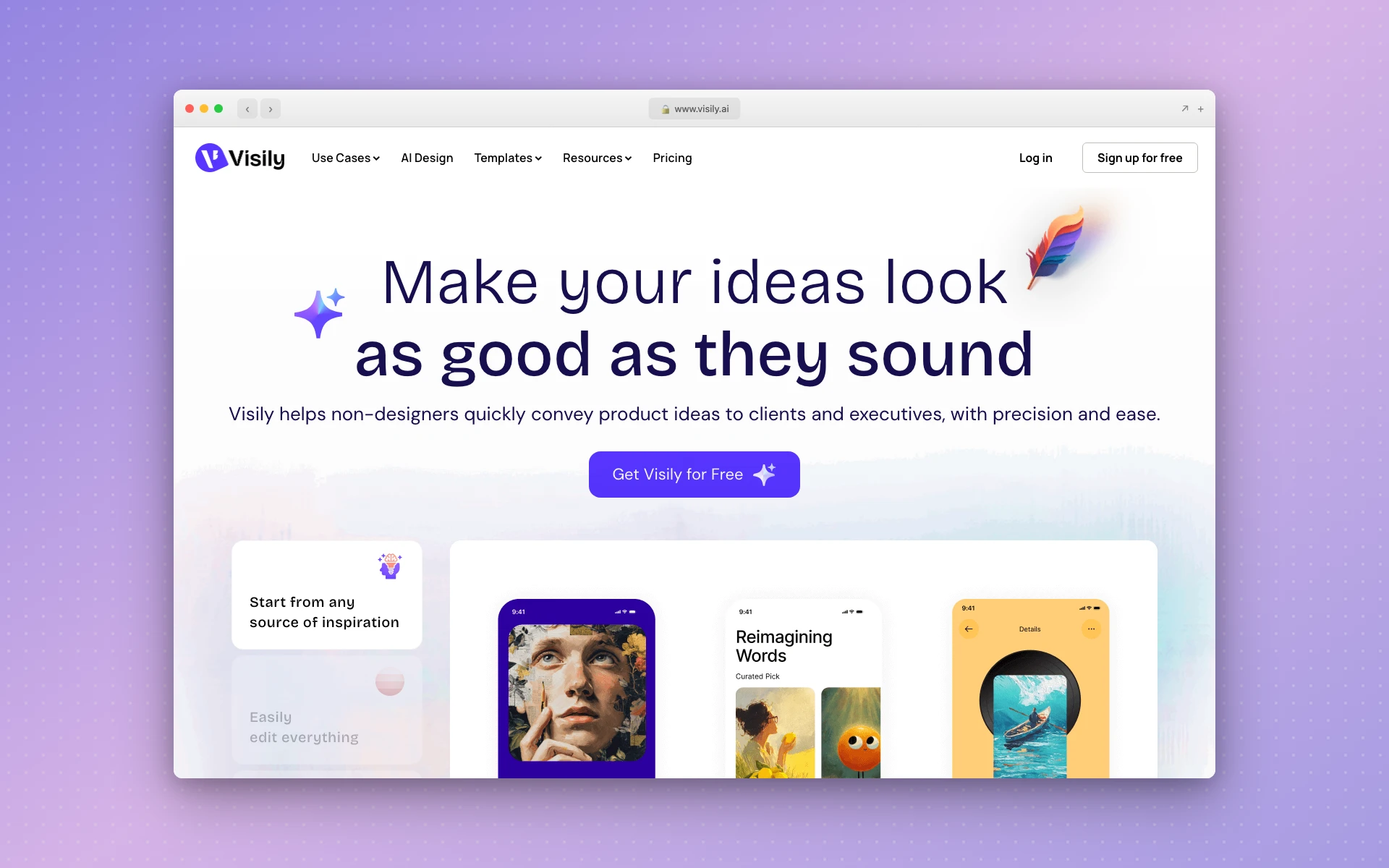 Visily offers multiple AI modes for turning ideas into wireframes and mockups
Why Visily stands out:
- Multiple input modes - Text, screenshots, sketches, diagrams all work
- Team collaboration - Real-time editing and commenting
- Design system support - Connect to your existing components
- Free tier is generous - Starter plan available at no cost
What could be better:
- Outputs are wireframe-level, not production-ready
- Credit system can be confusing
- Less suited for final visual design
Pricing:
- Free (Starter): Basic features, limited credits
- Pro ($11/editor/month): Full AI access, guest editors
- Business: Custom pricing for larger teams
Best fit if: You’re in the ideation phase and want to explore multiple directions quickly.
6. UX Pilot
Best for: Wireframe and screen flow generation
Rating: 4.2/5
UX Pilot started as a research assistant and evolved into a full wireframe generation tool. It’s particularly good at creating complete screen flows from prompts - describe an app concept and get 10+ connected screens.
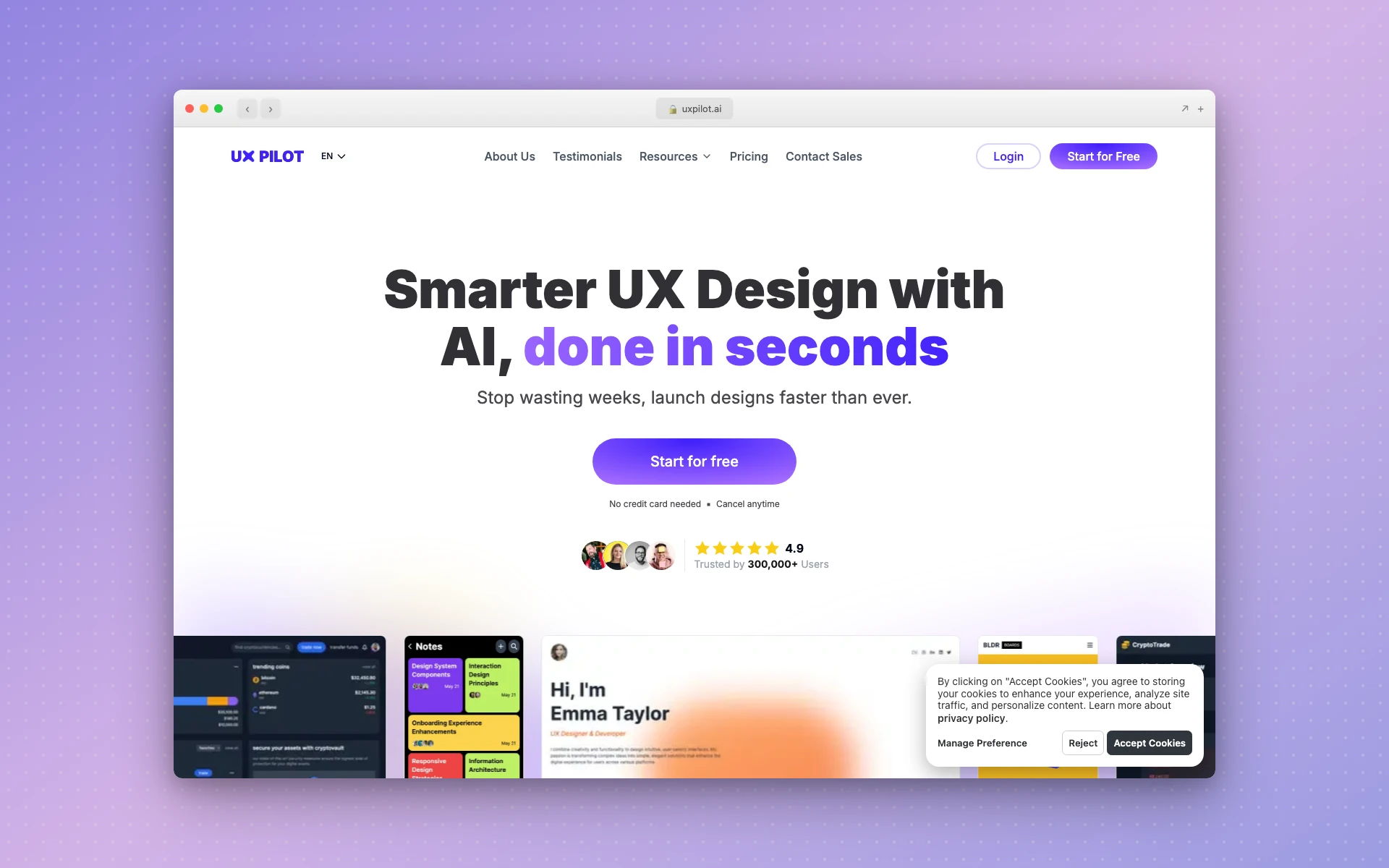 UX Pilot generates complete wireflows and high-fidelity screens from text prompts
Why UX Pilot stands out:
- Complete wireflows - Not just single screens but connected flows
- High-fidelity option - Go beyond wireframes when needed
- Figma integration - Transfer designs seamlessly
- Predictive heatmaps - AI-generated attention analysis
What could be better:
- Web-focused, mobile generation is less polished
- Credit costs vary significantly by feature
- Learning curve for advanced features
Pricing:
- Free: 90 credits to explore
- Standard ($12/month): 420 credits (~70 screens)
- Pro ($22/month): 1,200 credits, unlimited screen-flow generations
Best fit if: You need connected screen flows, not just individual mockups.
7. Framer AI
Best for: Marketing websites you can actually publish
Rating: 4.3/5
Framer is a website builder with strong AI capabilities. Unlike pure design tools, Framer outputs are live websites, not mockups. Describe what you want, and Framer generates a responsive site with desktop, tablet, and mobile layouts.
 Framer AI generates complete, responsive websites ready for publishing
Why Framer stands out:
- Publishable output - Generated sites are real, hosted websites
- Responsive by default - Mobile and tablet views included
- Beautiful defaults - Strong visual design out of the box
- SEO ready - Built-in optimization features
What could be better:
- Not for app UI - focused on marketing/content sites
- Custom interactions require learning Framer’s system
- Publishing requires paid plan
Pricing:
- Free: Design with limitations, no custom domain
- Basic ($15/month): Custom domain, AI features
- Pro ($30/month): Staging, rollback, roles
- Scale ($100/month): High-traffic features
Best fit if: You need a marketing website that’s live immediately, not just a mockup.
For more website builders, see our Best AI Website Builders guide.
8. Vercel v0
Best for: Developers who want React/Tailwind code
Rating: 4.4/5
Vercel v0 bridges design and development. Describe a UI component, and v0 generates clean React code with Tailwind CSS styling. It’s not a design tool in the traditional sense - the output is code, not a visual mockup.
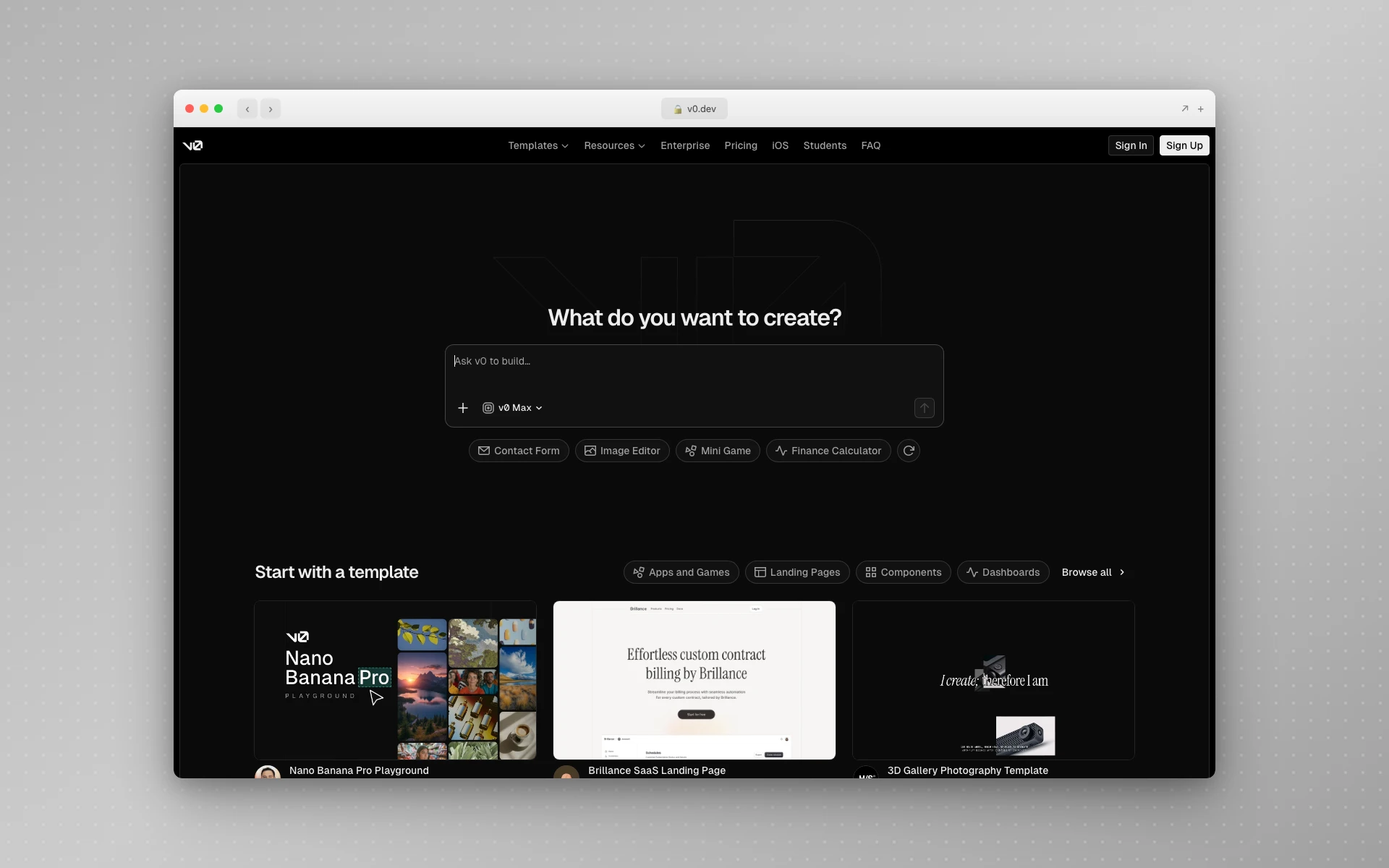 Vercel v0 generates production-ready React components from text descriptions
Why v0 stands out:
- Real code output - React + Tailwind, not mockups
- Iterative refinement - Chat with the AI to adjust results
- Shadcn/ui integration - Uses popular component library
- Deploy instantly - Push directly to Vercel hosting
What could be better:
- Requires React/Tailwind knowledge to customize
- Visual preview is limited compared to design tools
- Not suitable for non-developers
Pricing:
- Free: Limited generations per month
- Premium ($20/month): More generations, faster processing
Best fit if: You’re a developer who wants to skip design tools entirely and go straight to code.
9. Motiff
Best for: Figma alternative with AI-first approach
Rating: 4.2/5
Motiff positions itself as an AI-native design tool - Figma’s interface with deeper AI integration. It supports text-to-UI generation with built-in design systems (Material, Ant Design, Shadcn).
 Motiff offers AI-powered UI generation with familiar Figma-like controls
Why Motiff stands out:
- Built-in design systems - Generate using Material, Ant, or Shadcn patterns
- Familiar interface - Figma users will feel at home
- AI Lab features - Experimental tools for edge cases
- Competitive pricing - Lower cost than Figma for similar features
What could be better:
- Smaller community and plugin ecosystem
- Some features still maturing
- Less third-party integration
Pricing:
- Free (Starter): Basic features, limited AI
- Professional ($20/seat/month): Full AI features
- Organization ($40/seat/month): Team management, SSO
Best fit if: You want Figma-like design with more aggressive AI features.
10. Adobe Firefly
Best for: UI asset generation (icons, images, textures)
Rating: 4.3/5
Adobe Firefly isn’t a UI design tool per se - it’s an AI asset generator. But for UI work, it’s invaluable: generate custom icons, create background images, produce texture fills, and design visual elements that make interfaces unique.
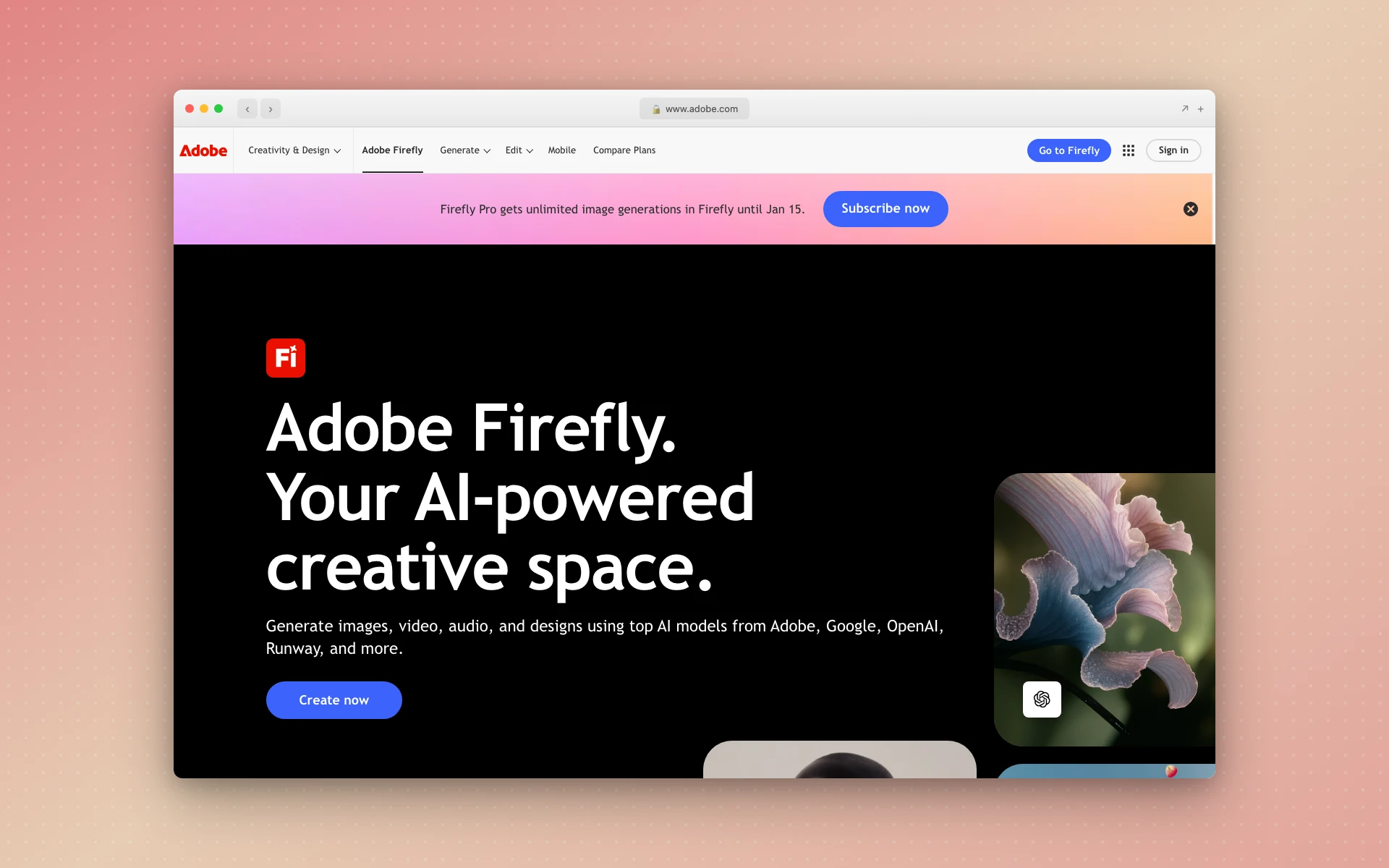 Adobe Firefly generates custom assets, icons, and visuals for UI design
Why Adobe Firefly stands out:
- Commercial safety - Trained on licensed content
- Vector output - Editable, scalable graphics
- Adobe integration - Works inside Photoshop, Illustrator
- Text effects - Stylized typography for headers/logos
What could be better:
- Not a layout/UI tool - only assets
- Requires Adobe subscription for full access
- Generation quality varies by prompt type
Pricing:
- Free: 25 credits/month (basic access)
- Premium ($4.99/month): 100 credits, full features
- Creative Cloud included: Bundled with paid Adobe plans
Best fit if: You need custom icons, images, or visual elements for existing UI designs.
11. Banani
Best for: Multi-screen mobile and web mockups
Rating: 4.1/5
Banani focuses on generating multiple UI options quickly. Describe a screen, and it creates three design variations to choose from. A key differentiator: you can upload your Figma UI kit, and Banani generates using your existing components and styles.
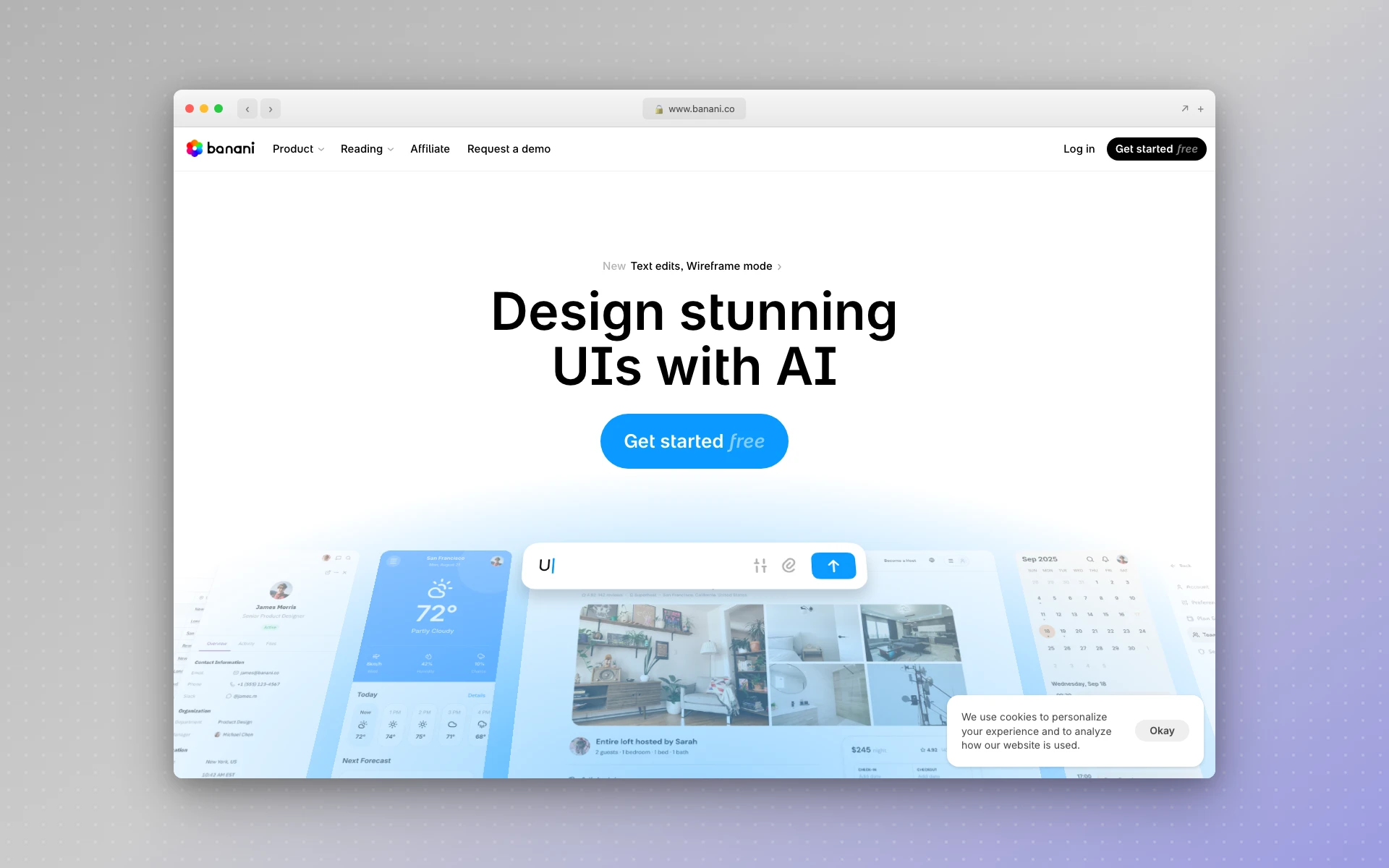 Banani generates multiple UI variations and can use your existing design system
Why Banani stands out:
- Multiple variations - Three options per generation
- Design system aware - Upload your UI kit
- Mobile focus - Strong at app interface generation
- Figma export - Move results directly to design files
What could be better:
- Less established than competitors
- Web UI generation less polished than mobile
- Limited template library
Pricing:
- Free: Limited generations to try
- Pro ($19/month): Full access, more generations
Best fit if: You want multiple options per screen and need design system consistency.
12. Relume
Best for: Website sitemaps and wireframe systems
Rating: 4.0/5
Relume takes a structured approach: you describe your website, it generates a sitemap, then wireframes for each page. The output is specifically designed for Figma/Webflow export, making it ideal for web design agencies.
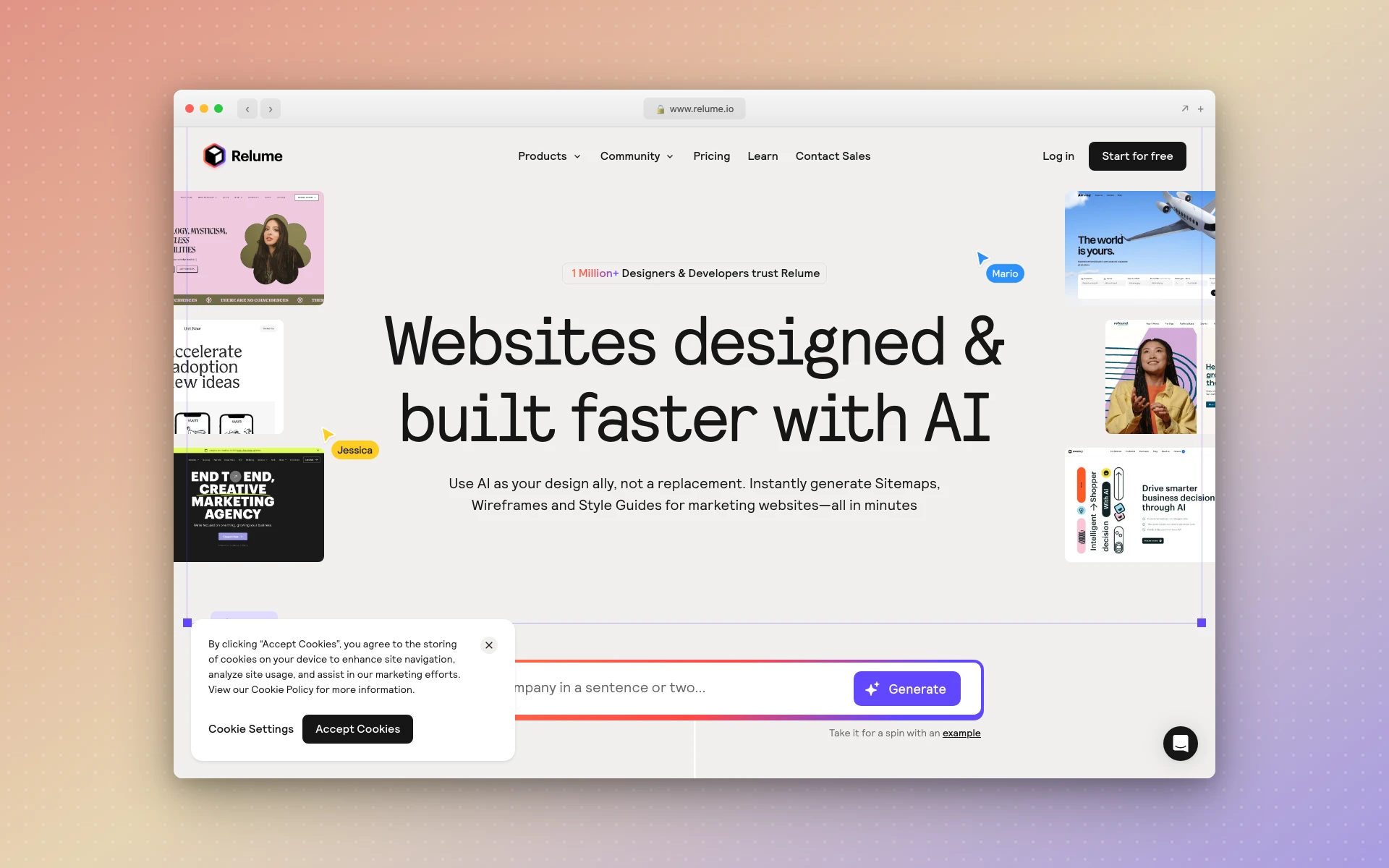 Relume generates website sitemaps and wireframes for Figma and Webflow
Why Relume stands out:
- Sitemap generation - Start with structure, not just screens
- Component library - Thousands of reusable sections
- Webflow native - Direct export to Webflow
- Figma integration - Bring wireframes into design files
What could be better:
- Focused on websites, not app UI
- Higher price point than alternatives
- Wireframe-level output (not high-fidelity)
Pricing:
- Free: Limited sitemap generation
- Basic ($38/month): AI sitemaps, component library
- Pro ($59/month): Figma plugin, more features
Best fit if: You design websites and want systematic sitemap-to-wireframe workflows.
How Much Do AI UI Design Tools Cost?
AI UI design tools range from free to $50/month for most users. Free tiers typically limit generations or add watermarks. Paid plans like AIDesigner Pro ($25/month for 100 credits) and v0 Pro ($20/month) unlock full-quality exports, custom branding, and priority generation.
Can AI Generate Professional UI Designs?
Yes, modern AI tools generate production-ready UI designs suitable for apps, websites, and landing pages. Tools like AIDesigner and v0 produce responsive, component-based designs with proper spacing, typography, and color systems that match hand-crafted design quality.
How to Choose the Right AI UI Design Tool
With 12 options, decision paralysis is real. Here’s a framework:
For premium, production-ready UI:
- AIDesigner - Best output quality, ideal for landing pages and dashboards
For teams already in Figma:
- Figma AI - Stay in your workflow, leverage existing files
For rapid prototyping and validation:
- Uizard - Fastest path from idea to interactive prototype
For developers who want code:
- Vercel v0 - Skip design tools, get React components directly
For marketing websites:
- Framer AI - Generate and publish in one workflow
For early-stage exploration:
- Visily or UX Pilot - Generate many options quickly
For custom visual assets:
- Adobe Firefly - Icons, images, and textures for existing designs
Common Concerns About AI UI Design
”Won’t all AI-generated UI look the same?”
This is a valid concern. Early AI tools did produce homogeneous output - what some call the “AI Purple Problem”, where everything trends toward similar indigo gradients and generic patterns.
The solution: use AI as a starting point, not a final product. The best results come from AI-generated foundations refined with human judgment. Tools like AIDesigner specifically focus on avoiding this generic feel.
”AI makes assumptions without asking questions”
Unlike a human designer who asks clarifying questions, AI tools generate immediately based on assumptions. This can lead to output that “loosely fits the bill” but misses nuances.
Mitigate this by being specific in prompts, generating multiple variations, and treating AI output as a draft for refinement.
”What about design system consistency?”
Most AI tools now support design system integration:
- Banani lets you upload Figma UI kits
- Motiff includes Material, Ant Design, Shadcn built-in
- Figma AI generates using your existing components
If design system consistency is critical, prioritize tools with explicit design system features.
The Future of AI UI Design
The trajectory is clear. According to Business Research Insights, the UI design market will grow from $2.79 billion in 2025 to $9.83 billion by 2035. AI is a primary driver.
Key trends to watch:
-
Conversational interfaces - Less clicking, more describing. Adobe’s Project Graph points toward workflows where complex UIs are replaced by natural language.
-
Design-to-code convergence - Tools like v0 and Figma’s MCP server blur the line between design and development.
-
Real-time adaptation - AI that learns from user behavior and adjusts interfaces dynamically.
-
Multimodal input - Beyond text prompts to voice, sketches, and gesture-based generation.
For designers, this means evolving from execution to curation. The question isn’t “can you make this layout?” but “can you identify the right layout from 50 AI-generated options?”
Getting Started with AI UI Design
If you’re new to AI UI design tools, here’s a practical path:
- Start with a free tier - Most tools offer enough to evaluate quality
- Use a real project - Generic prompts produce generic results
- Generate variations - Never accept the first output
- Refine with intent - Use AI for speed, human judgment for polish
- Export and iterate - Move results into your primary design tool
For non-designers, check out our guide to AI design tools for non-designers for more context on getting started without prior experience.
Final Thoughts
AI UI design tools in 2026 are production-ready. Not “interesting experiments” or “good starting points” - genuinely useful for shipping real products.
The best tool depends on your context:
- AIDesigner for premium UI without the premium process
- Figma AI for teams invested in the Figma ecosystem
- Uizard for rapid prototyping and validation
- Vercel v0 for developers who want code, not mockups
The tools will keep improving. The question is whether you’ll let competitors adopt them first.
Ready to try AI-powered UI design? Start with AIDesigner - generate your first professional interface in under 5 minutes.
FAQ
What is the best AI tool for UI design?
The best AI UI design tool depends on your specific needs. AIDesigner produces the highest-quality visual output for landing pages and dashboards. Figma AI is ideal if you’re already using Figma. Uizard excels at rapid prototyping. For developers who want code output, Vercel v0 generates React components directly.
Can AI generate UI designs from text?
Yes. Modern AI UI design tools convert text descriptions into complete interfaces. Tools like AIDesigner, Galileo AI, and Visily transform natural language prompts into high-fidelity UI designs in seconds, including layouts, components, typography, and color schemes. The quality has improved dramatically since 2024.
Is AI UI design free?
Many AI UI design tools offer free tiers. Figma AI includes credits with free Figma accounts. Uizard offers 3 free AI generations monthly. Visily has a free starter plan. However, professional use typically requires paid plans ranging from $12-40/month for adequate generation limits.
Will AI replace UI designers?
No. AI UI design tools accelerate execution but cannot replace human designers for strategic thinking, user research, brand development, and complex problem-solving. Over 31% of UI designers now use AI tools to enhance their workflow, not replace their skills. The role is evolving from execution to curation and strategy.
What is a text-to-UI generator?
A text-to-UI generator is an AI tool that converts natural language descriptions into visual interface designs. You describe the screen you want (e.g., “a dashboard with sales metrics and a sidebar navigation”), and the AI generates a complete UI mockup with proper layouts, components, and styling.
How accurate are AI-generated UI designs?
Accuracy varies by tool and prompt quality. The best tools (AIDesigner, Galileo AI) produce layouts with proper visual hierarchy, consistent spacing, and appropriate component usage. However, all AI output benefits from human refinement - treat generations as high-quality drafts rather than final designs.
About the Author
Tyler Yin is the founder of AIDesigner, an AI-powered design platform built for teams who want premium UI without the traditional design process. He writes about AI tools, design workflows, and building products that don’t look like templates.