TL;DR: The best free AI website builders in 2026 can generate professional websites in under 5 minutes. Wix AI leads with comprehensive features, Framer excels at design quality, and AIDesigner produces premium UI that looks designer-made. Here are the 10 tools worth trying.
What Are the Best Free AI Website Builders?
The best free AI website builders in 2026 are AIDesigner, Wix AI, Framer, Hostinger, and Durable. These platforms let you generate professional websites from text prompts without paying, with free tiers that include AI generation, basic hosting, and a platform subdomain.
What Is a Free AI Website Builder?
A free AI website builder is a platform that uses artificial intelligence to generate complete websites from text descriptions or simple questionnaires, without requiring coding skills or design experience. These tools analyze your input and create layouts, write copy, select images, and apply styling automatically.
The “free” aspect means you can create and often publish a basic website without paying. Most free plans include AI generation capabilities, basic hosting, and a platform subdomain (like yoursite.wix.com). Custom domains and advanced features typically require paid upgrades.
The AI-powered website builder market reached $3.1 billion in 2024 and is projected to grow at 25% annually, reaching over $31 billion by 2033. This growth reflects how dramatically these tools have improved - what once produced generic templates now creates genuinely professional results.
Quick Comparison: Best Free AI Website Builders 2026
| Tool | Free Tier Limits | AI Quality | Best For | Paid From |
|---|---|---|---|---|
| AIDesigner | Limited generations | Excellent | Premium landing pages | $25/mo |
| Wix AI | Subdomain + ads | Very Good | All-purpose websites | $17/mo |
| Framer AI | 1,000 pages | Excellent | Portfolios, marketing | $10/mo |
| Hostinger AI | 14-day trial | Very Good | Budget-conscious users | $1.99/mo |
| Squarespace | 14-day trial | Very Good | Professional services | $16/mo |
| Durable | 3 pages | Good | Small business basics | $15/mo |
| Webflow AI | 2 pages | Excellent | Designers, agencies | $14/mo |
| 10Web | 7-day trial | Good | WordPress sites | $10/mo |
| Jimdo Dolphin | 5 pages | Good | Simple sites | $11/mo |
| B12 | Basic features | Good | Service providers | $299/mo |
Why Free AI Website Builders Matter in 2026
Before diving into specific tools, here’s why this category has exploded:
Speed Changes Everything
Traditional website building involves choosing templates, arranging elements, writing copy, and sourcing images. A simple landing page might take 4-8 hours. With AI builders, that same page takes 2-5 minutes.
This isn’t just about saving time. It means you can test ideas quickly, create multiple variations, and launch faster than competitors still doing things manually.
The Barrier to Entry Has Collapsed
Over 70% of small and medium businesses now use website builders due to e-commerce growth. AI takes this further - you don’t need to understand design principles, UX patterns, or even how to write compelling copy. Describe what you want, and AI handles the rest.
Quality Has Caught Up
Early AI website builders produced sites that screamed “template.” The 2026 generation is different. Tools like Framer and AIDesigner create output that passes the “would you show this to a client?” test.
The market reflects this improvement. Wix dominates with 45% market share and 282 million users. Lovable, a newer “vibe coding” platform, hit $200 million ARR in just 12 months.
The 10 Best Free AI Website Builders (In-Depth Reviews)
1. AIDesigner
Best for: Premium UI and landing pages that don’t look AI-generated
Rating: 4.9/5
If you care about design quality above all else, AIDesigner stands out from the crowd.
Most AI builders generate functional but generic layouts. AIDesigner produces interfaces with the polish you’d expect from a senior designer - proper visual hierarchy, thoughtful spacing, and components that work together cohesively.
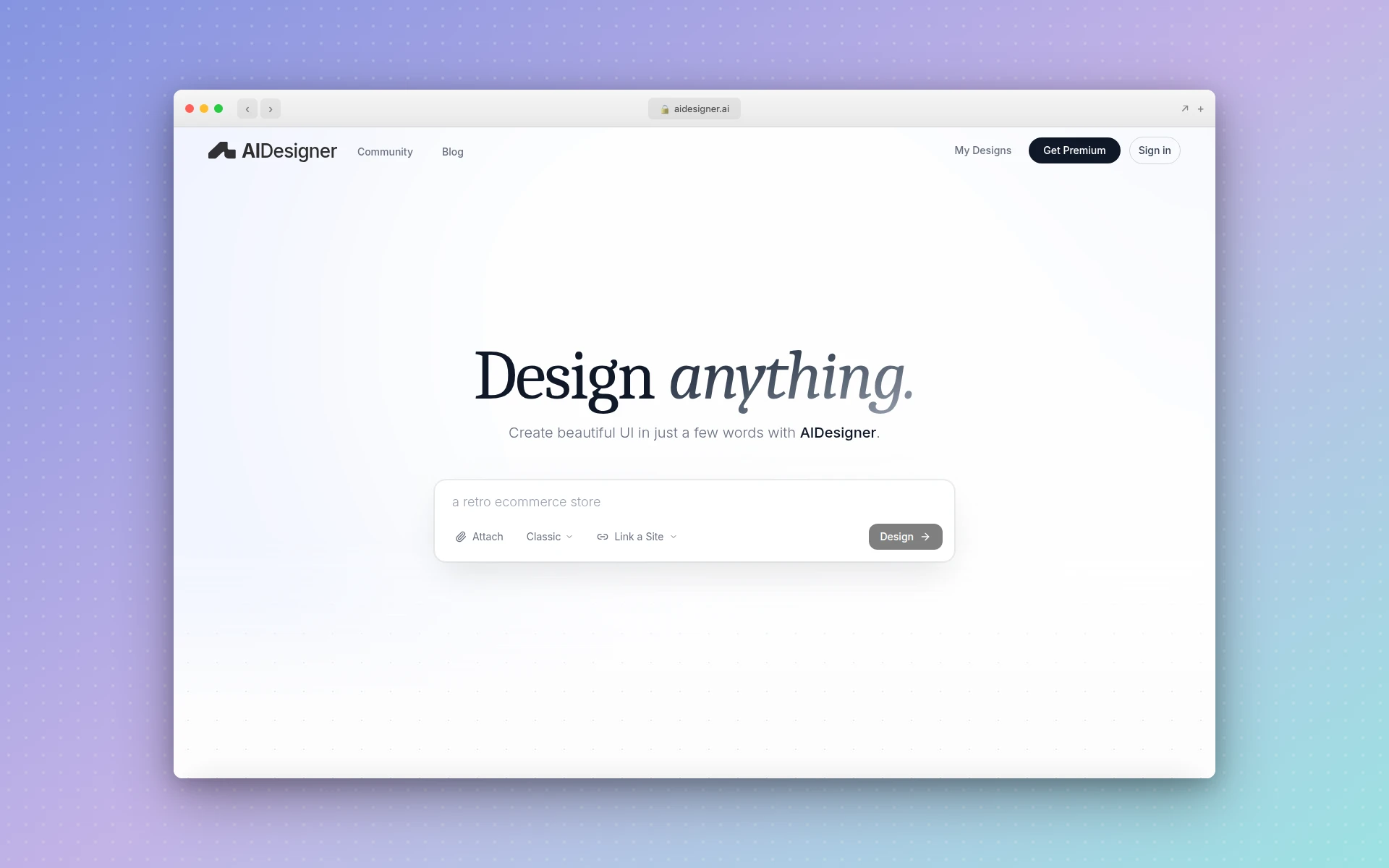 AIDesigner generates premium UI designs from simple text prompts on an infinite canvas
What sets AIDesigner apart:
- Infinite canvas workflow - Generate multiple variations and compare side-by-side
- One-click publishing - Go from design to live site with a single click
- Premium output quality - Results look designer-made, not AI-generated
- Reference-based generation - Upload screenshots of designs you like
What could be better:
- Focused on premium output, less suitable for quick wireframes
- Free tier has generation limits
Pricing:
- Free: Core features with limited generations
- Pro ($25/month): 100 credits, unlimited projects, high-quality exports, custom domains
Best fit if: You need landing pages, dashboards, or product UI that looks premium without hiring a designer.
2. Wix AI
Best for: All-purpose websites with the most comprehensive AI features
Rating: 4.7/5
Wix is the dominant player for good reason. With 282 million users and 45% market share, it offers the most complete AI website building experience.
The platform pioneered AI website building in 2016 with ADI (Artificial Design Intelligence) and has expanded to 15+ AI tools including content generation, image creation, tone of voice adjustment, and SEO optimization.
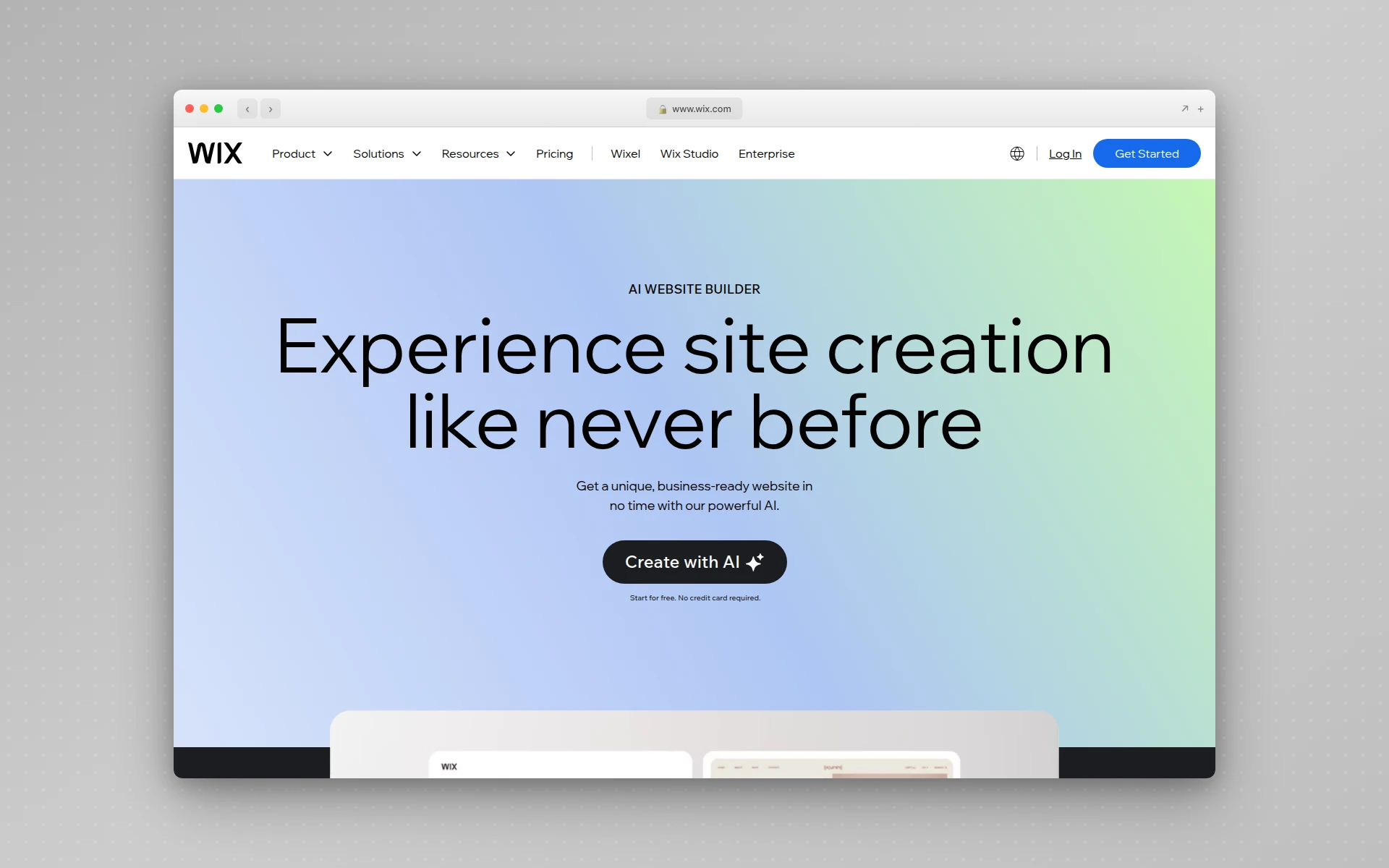 Wix AI offers comprehensive website building with 15+ AI-powered tools
What sets Wix AI apart:
- Most AI tools - Content writer, image generator, SEO assistant, and more
- AI Marketing Agent - Keyword research and optimization recommendations
- Generous free plan - Full AI access without payment
- Massive template library - 800+ professionally designed templates
What could be better:
- Free plan includes Wix branding and ads
- Can feel overwhelming with so many features
- Sites can be slow if you add too many apps
Pricing:
- Free: Full AI access, Wix subdomain, Wix ads
- Light ($17/month): Custom domain, no ads, 2GB storage
- Core ($29/month): Analytics, ecommerce basics
- Business ($36/month): Advanced selling features
Best fit if: You want the most complete AI website building experience with room to grow.
3. Framer AI
Best for: Beautiful portfolios and marketing sites you can publish immediately
Rating: 4.6/5
Framer combines exceptional design quality with AI generation. Unlike tools that produce generic layouts, Framer creates sites with the visual polish typically associated with professional agencies.
The free tier is genuinely usable - you get unlimited projects, up to 1,000 pages, and access to AI features including the Wireframer tool. The main limitation is the Framer subdomain and branding.
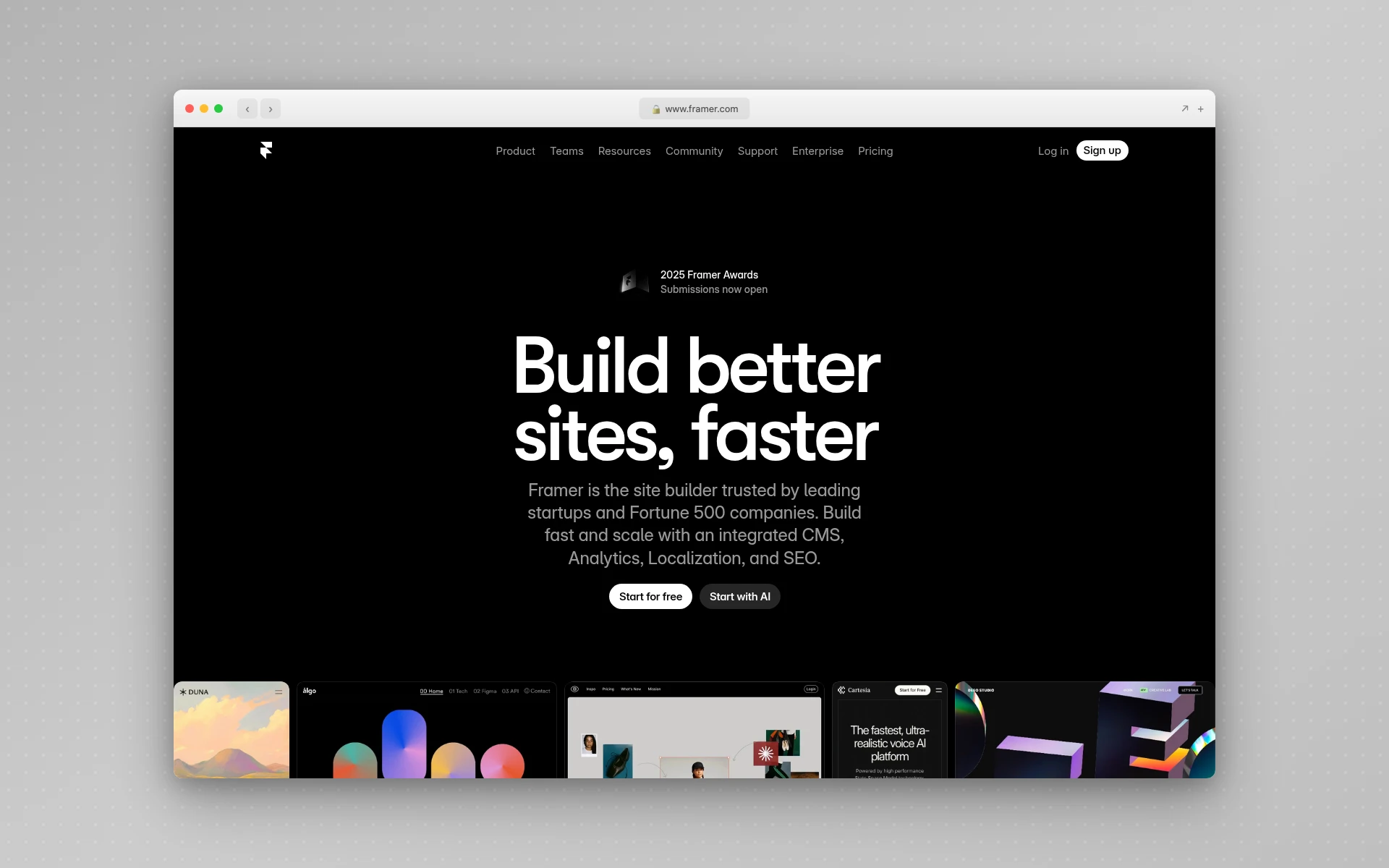 Framer AI generates complete, responsive websites ready for publishing
What sets Framer AI apart:
- Exceptional design quality - Output looks professionally designed
- Responsive by default - Mobile and tablet layouts included automatically
- AI Translation - Localize content for global audiences
- Generous free tier - 1,000 pages, 10 CMS collections
What could be better:
- Steeper learning curve than simpler builders
- No ecommerce features on free plan
- Advanced animations require learning Framer’s system
Pricing:
- Free: Framer subdomain, 1,000 pages, 10 CMS collections, AI features
- Basic ($10/month): Custom domain, 1 CMS collection
- Pro ($30/month): Advanced features for professionals
- Scale ($100/month): Usage-based pricing for growing sites
Best fit if: Design quality matters and you want a portfolio or marketing site that looks premium.
For more on Framer’s AI capabilities, see our Figma Make alternatives guide.
4. Hostinger AI Website Builder
Best for: Budget-conscious users who need speed and reliability
Rating: 4.5/5
Hostinger offers the best value proposition in this list. Starting at just $1.99/month, it’s the most affordable option while still delivering strong AI features and the fastest loading speeds of any builder tested.
The AI generates complete websites from a single detailed prompt, including product pages, forms, and booking features. The 14-day free trial lets you test everything before committing.
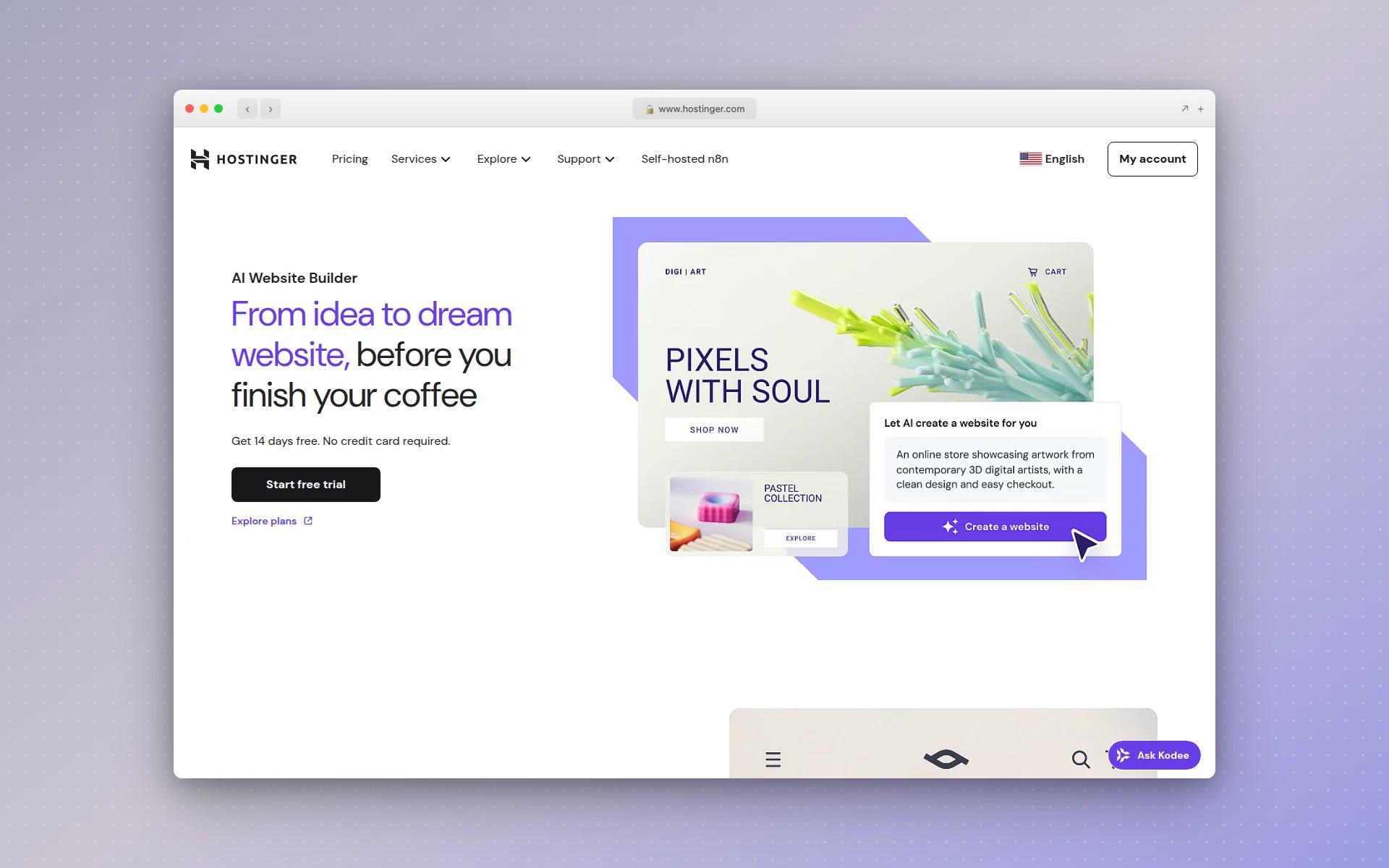 Hostinger AI creates full websites from prompts at industry-leading speeds
What sets Hostinger apart:
- Fastest loading speeds - Better performance than competitors
- Incredibly affordable - Plans from $1.99/month
- Complete AI suite - Writer, chatbot, heatmap, translation
- SEO built-in - Auto-generated sitemaps, meta descriptions
What could be better:
- 14-day trial instead of permanent free plan
- Limited third-party integrations
- Fewer templates than Wix (150 vs 800+)
Pricing:
- Free trial: 14 days, no credit card required
- Premium ($1.99/month): Personal sites, basic features
- Business ($2.99/month): Ecommerce, advanced tools
Note: Starting prices require multi-year billing. Monthly renewal rates are significantly higher ($10.99-16.99/month).
Best fit if: Budget is a primary concern and you want fast, reliable hosting included.
5. Squarespace Blueprint
Best for: Professional service providers who want polished, sophisticated sites
Rating: 4.4/5
Squarespace’s Blueprint AI takes a different approach than most builders. Instead of generating from a text prompt, it uses a collaborative questionnaire to understand your preferences for design, fonts, and colors, then combines them intelligently.
The result: 1.4 billion design combinations that still feel cohesive and professional. It’s included with all Squarespace plans at no extra cost.
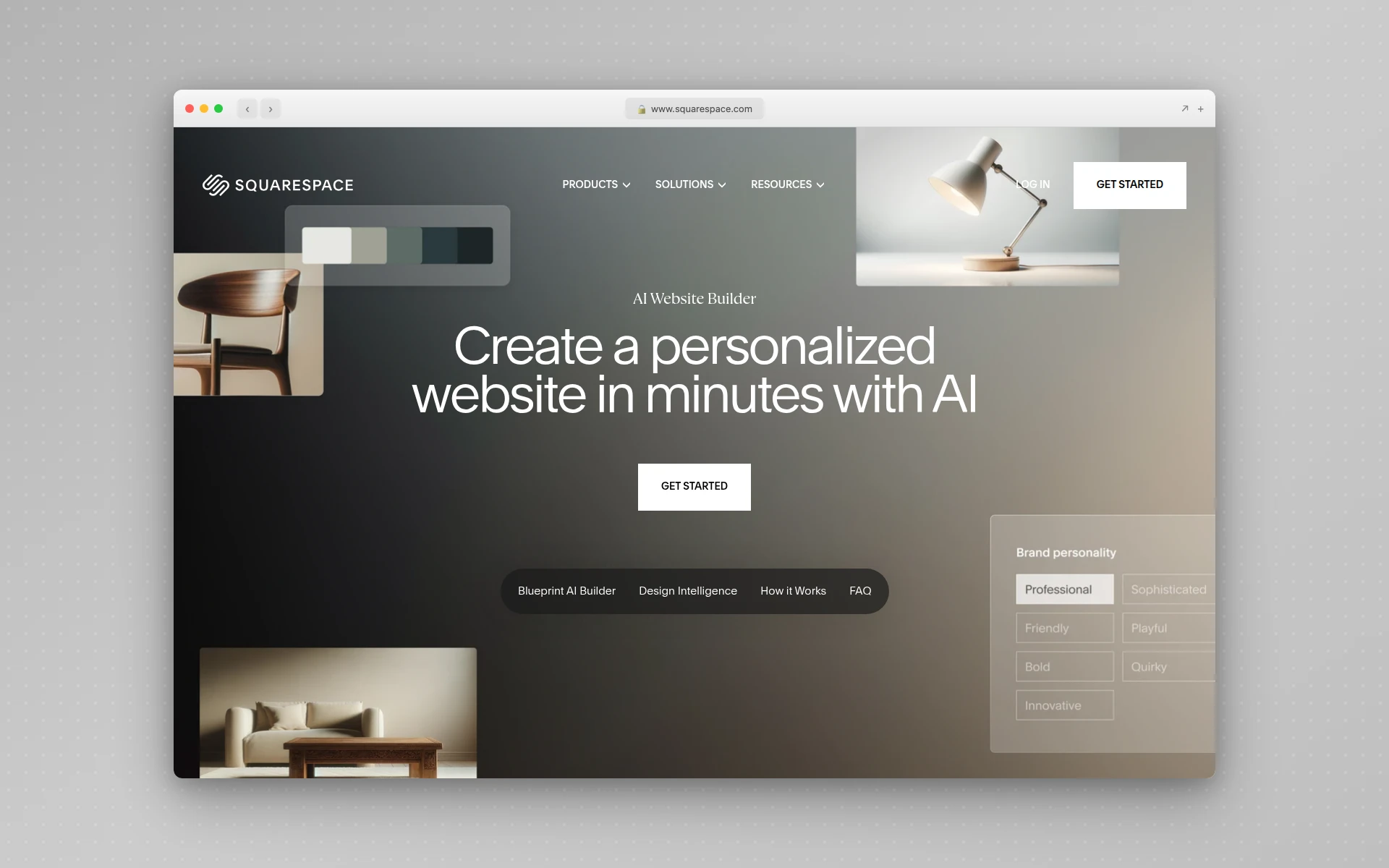 Squarespace Blueprint offers 1.4 billion design combinations while maintaining professional aesthetics
What sets Squarespace Blueprint apart:
- Sophisticated aesthetics - Known for elegant, editorial designs
- Brand Identity feature - AI maintains consistent voice across content
- No extra cost - Blueprint included in all plans
- Strong for services - Scheduling, invoicing, payments built-in
What could be better:
- 14-day trial only, no permanent free plan
- Less AI generation control than prompt-based tools
- Higher starting price than some competitors
Pricing:
- Free trial: 14 days
- Personal ($16/month): Basic website features
- Business ($23/month): Complete feature set
- Commerce Basic ($28/month): Full ecommerce
Best fit if: You’re a consultant, attorney, or service provider who needs sophisticated design without complexity.
6. Durable
Best for: Small businesses who need a complete site in under a minute
Rating: 4.3/5
Durable’s claim to fame is speed. The AI generates a fully functional website in approximately 30 seconds by asking simple questions about your business type, name, and location.
Beyond website building, Durable bundles CRM, invoicing, and marketing tools - making it a mini business suite rather than just a website builder.
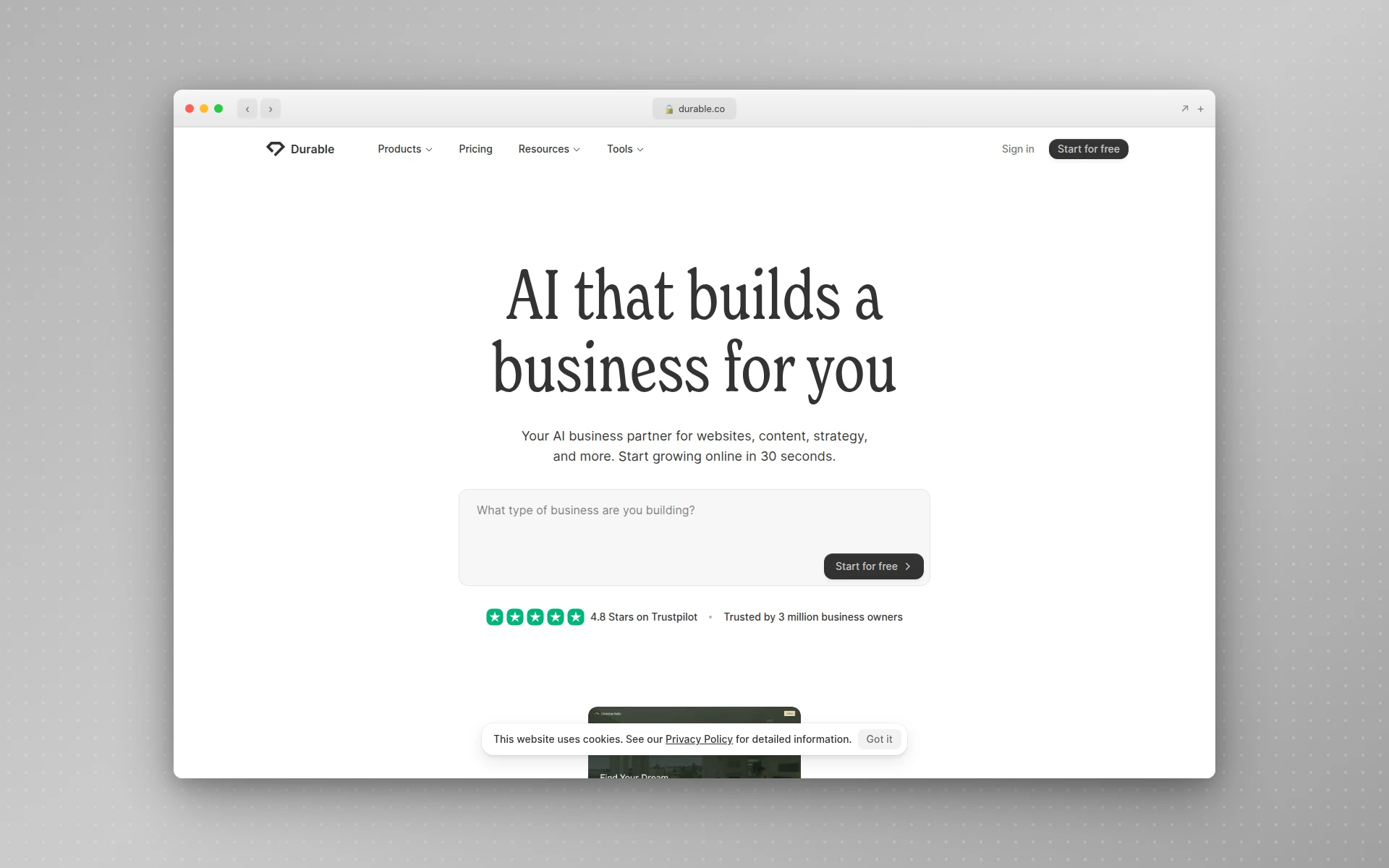 Durable generates complete business websites in 30 seconds with built-in CRM and invoicing
What sets Durable apart:
- Fastest generation - Complete site in 30 seconds
- Business suite included - CRM, invoicing, analytics
- Marketing automation - AI-generated ads, social posts, emails
- Free plan available - 3 pages, subdomain, email support
What could be better:
- Limited customization options
- Templates can look similar across industries
- No proper ecommerce (only Stripe button integration)
Pricing:
- Free: 3 pages, subdomain, basic features
- Starter ($15/month): Custom domain, 5 invoices, 50 contacts
- Business ($25/month): Unlimited invoicing, live chat, review automation
- Mogul ($95/month): Up to 5 businesses, unlimited everything
Best fit if: You’re a freelancer or small business owner who wants website + business tools in one platform.
7. Webflow AI
Best for: Designers and agencies who want professional-grade control
Rating: 4.4/5
Webflow has always been the choice for designers who need more control than typical builders offer. Its AI site builder maintains that professional focus while dramatically speeding up the creation process.
The AI generates complete sites with scalable design systems, and you can then customize with Webflow’s powerful visual builder. It’s the best option for those who want AI speed without sacrificing design control.
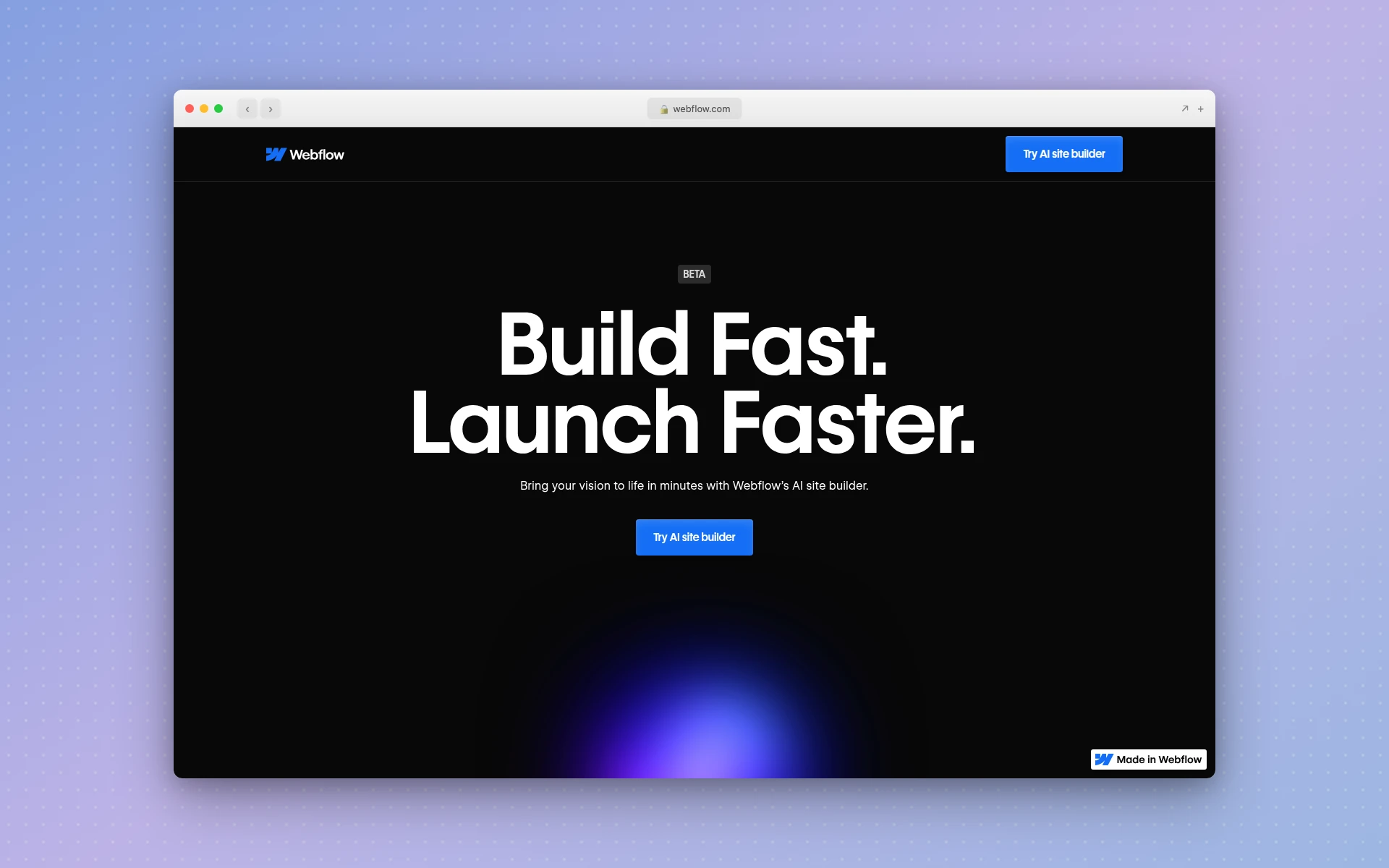 Webflow AI generates sites with scalable design systems for professional customization
What sets Webflow AI apart:
- Design system approach - AI creates consistent, scalable foundations
- Professional-grade editor - Full visual control after generation
- SEO and AEO features - AI-driven optimization suggestions
- CMS content generation - Create collection items with AI
What could be better:
- Steeper learning curve than simpler tools
- Free plan limited to 2 pages
- AI credits may be required for some features (details coming 2026)
Pricing:
- Free (Starter): 2 pages, Webflow subdomain
- Basic ($14/month): Custom domain, 150 pages
- CMS ($23/month): Content management features
- Business ($39/month): Advanced features for teams
Best fit if: You’re a designer or agency who wants AI efficiency with professional control.
8. 10Web
Best for: WordPress users who want AI generation with familiar platform benefits
Rating: 4.2/5
10Web bridges AI generation with WordPress, the platform that powers 43% of all websites. You get AI-generated designs on WordPress’s flexible foundation, with WooCommerce for ecommerce ready out of the box.
The AI Co-Pilot feature lets you describe changes conversationally, and the AI updates your site without coding.
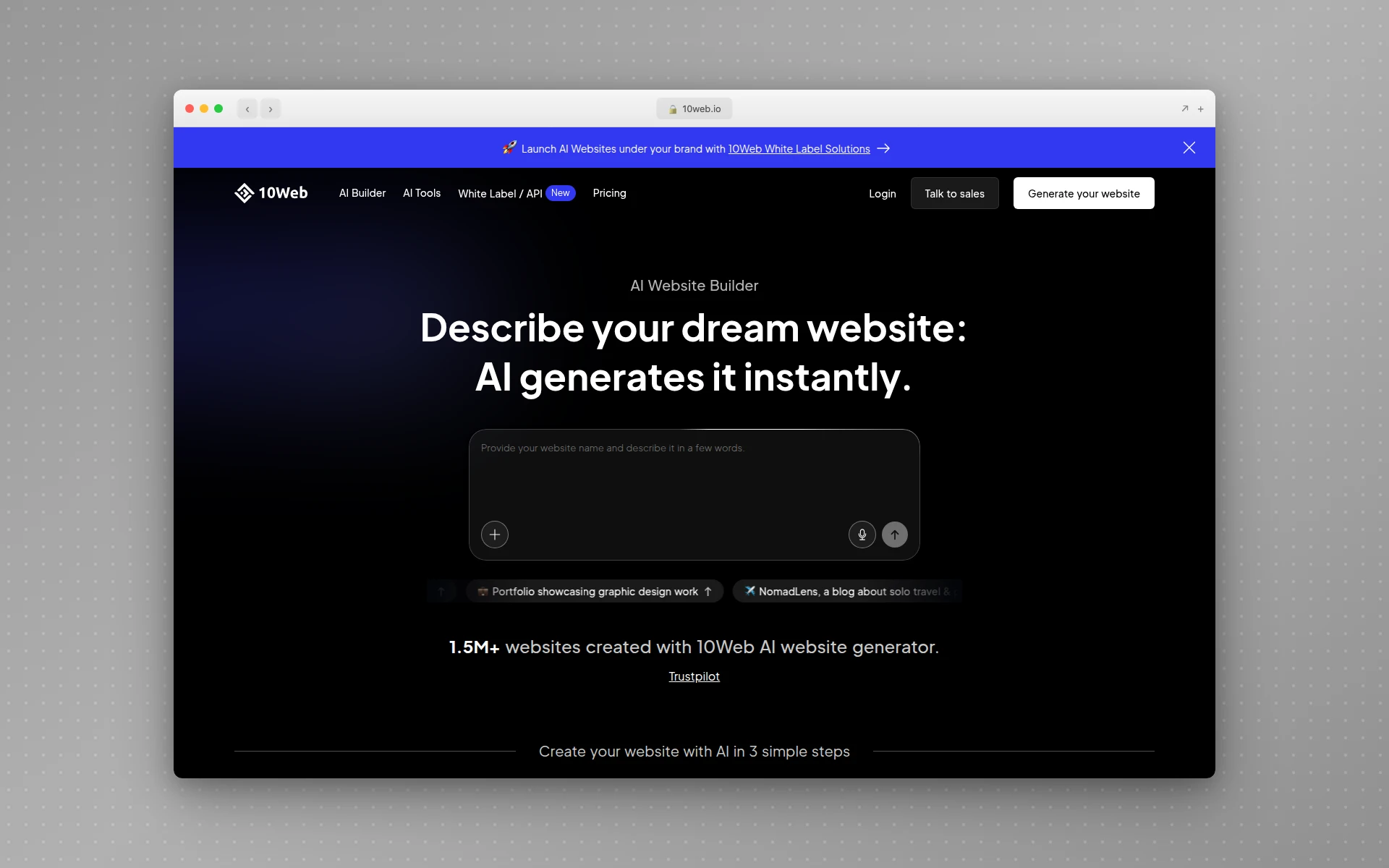 10Web combines AI generation with WordPress flexibility and WooCommerce ecommerce
What sets 10Web apart:
- WordPress foundation - Full flexibility, thousands of plugins
- AI Co-Pilot - Describe changes, AI implements them
- WooCommerce ready - Ecommerce pre-configured
- Premium hosting included - Google Cloud infrastructure
What could be better:
- 7-day trial instead of permanent free plan
- AI output requires refinement for professional results
- No money-back guarantee beyond trial
- Email services not included
Pricing:
- Free trial: 7 days, all features
- Basic ($10/month): AI builder, basic SEO, email support
- Professional ($25/month): Advanced features, priority support
Best fit if: You want AI speed but need WordPress’s flexibility for long-term growth.
9. Jimdo Dolphin
Best for: Simple websites with minimal commitment
Rating: 4.0/5
Jimdo Dolphin focuses on simplicity. Answer questions about your goals, style preferences, and content needs, and the AI generates a personalized website in under three minutes.
The free plan is more generous than most, offering 5 pages and 2GB bandwidth - enough for a basic presence.
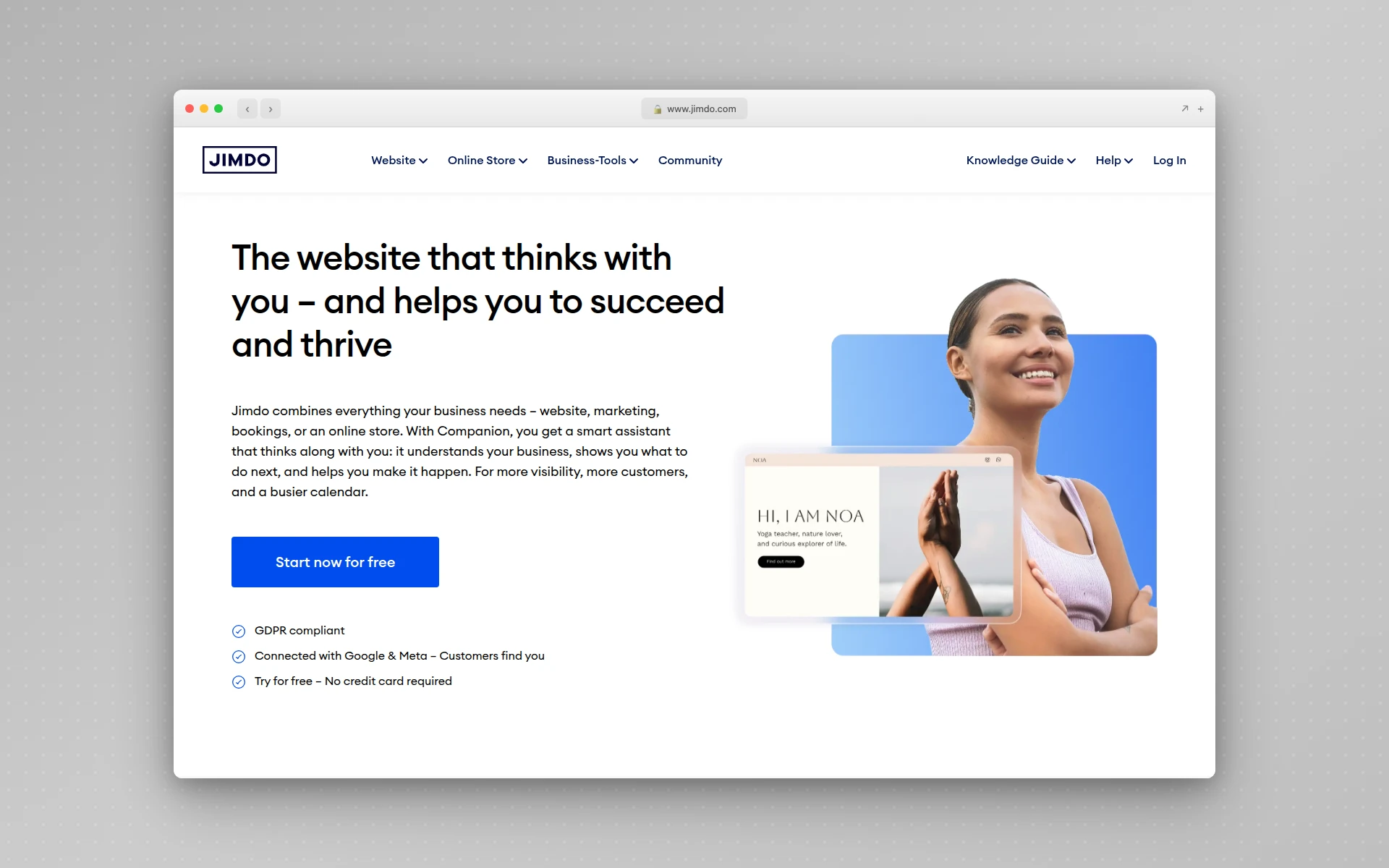 Jimdo Dolphin creates personalized websites from simple questionnaires in under 3 minutes
What sets Jimdo Dolphin apart:
- True simplicity - No design decisions required
- Generous free plan - 5 pages, 2GB bandwidth
- Smart Apps - Embed Calendly, Pinterest, Airbnb content
- Fast customer support - Responsive help team
What could be better:
- No blog feature in Dolphin (redirects to Creator)
- Limited customization options
- Jimdo ads on free plan
- Ecommerce only on premium plans
Pricing:
- Free (Play): 5 pages, 2GB bandwidth, Jimdo subdomain, ads
- Start ($11/month): Custom domain, more storage
- Grow ($15/month): SEO features, priority support
Best fit if: You want the simplest possible path to a basic website.
10. B12
Best for: Professional service providers who need client management tools
Rating: 4.0/5
B12 takes a different approach - it combines AI generation with human oversight. The AI creates your initial site in 60 seconds, then human designers can refine it if needed.
The platform is specifically built for service providers like attorneys, accountants, consultants, and real estate agents. Scheduling, invoicing, payments, and contracts are built in.
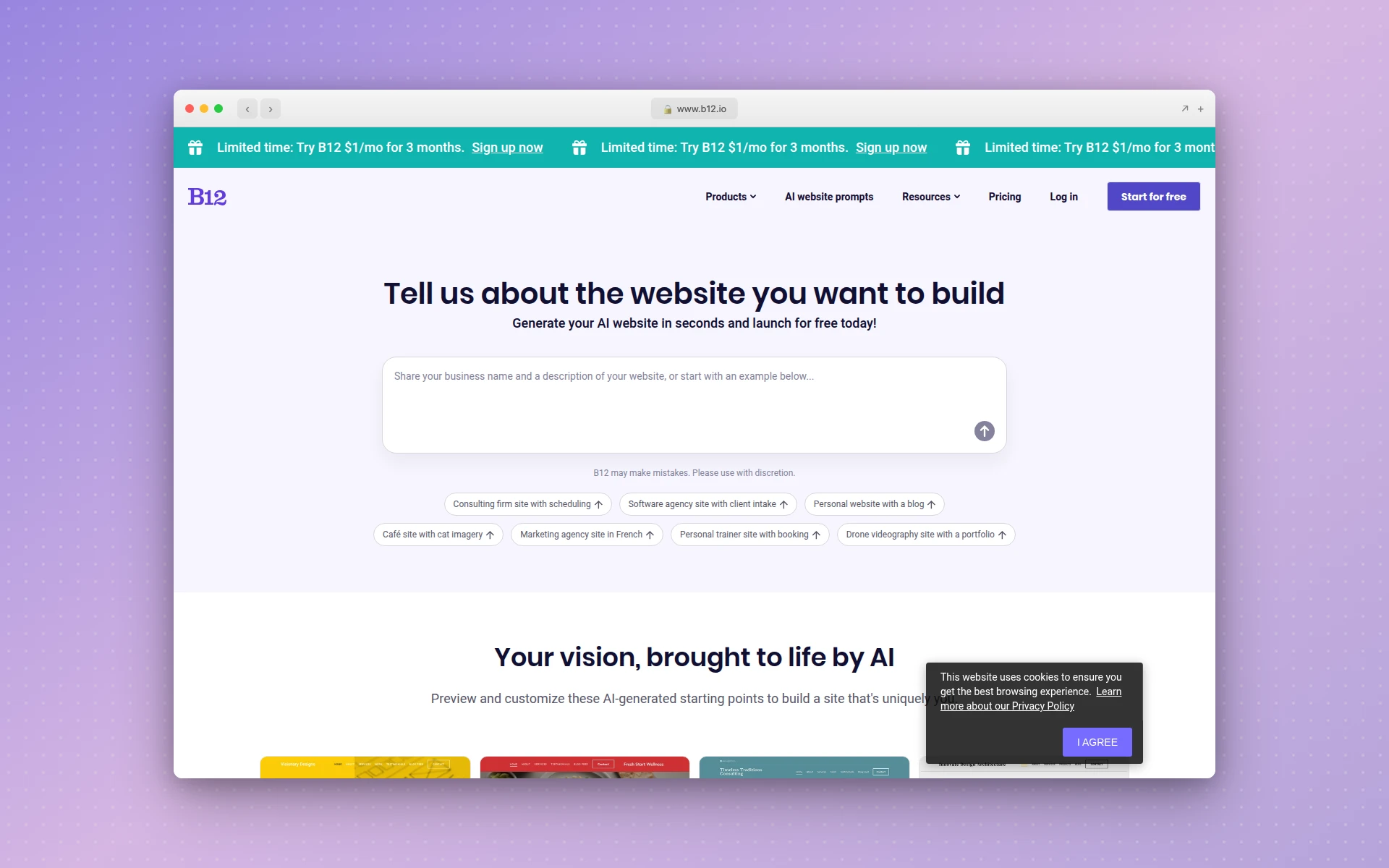 B12 combines AI generation with human design expertise for professional service providers
What sets B12 apart:
- AI + Human hybrid - Optional expert refinement
- Service provider focus - Built for consultants, attorneys, accountants
- Complete client tools - Scheduling, invoicing, eSignatures, payments
- Dedicated support - Design, copy, and marketing experts available
What could be better:
- Expensive compared to alternatives ($299+/month for paid plans)
- Less suitable for ecommerce or simple sites
- Can have inconsistent support experiences
- Limited template customization
Pricing:
- Starter: Basic features with B12 branding
- Basic ($299/month): Custom domain, no branding, client tools
- Professional: Advanced features, email marketing
- Advanced ($399/month): Team access, premium support
Note: B12 charges a $999 one-time setup fee for paid plans.
Best fit if: You’re a professional service provider who needs an all-in-one platform for website + client management.
Can You Build a Professional Website for Free With AI?
Yes, several AI website builders offer free plans that produce professional results. Wix AI includes 15+ AI tools on its free tier. Framer allows up to 1,000 pages. AIDesigner provides free credits for premium UI generation. Most free plans include a platform subdomain, with custom domains available on paid upgrades starting at $10-17/month.
How Long Does It Take to Build a Website With AI?
Most AI website builders generate a complete website in 30 seconds to 5 minutes. Durable claims 30-second generation. Wix and Hostinger typically take 2-5 minutes. After generation, customization time varies based on how much you want to modify the AI-created design.
How to Choose the Right Free AI Website Builder
With 10 options, here’s a decision framework:
For premium design quality:
- AIDesigner - Best overall UI output, perfect for landing pages and dashboards
- Framer AI - Exceptional for portfolios and marketing sites
For comprehensive features:
- Wix AI - Most complete AI toolset, best free plan
- Squarespace Blueprint - Sophisticated design with built-in business tools
For budget-conscious users:
- Hostinger - Best value at $1.99/month, fastest speeds
- Jimdo Dolphin - Generous free tier for simple sites
For specific use cases:
- Durable - Fastest generation + business suite for freelancers
- B12 - Professional services with client management
- 10Web - WordPress flexibility with AI speed
- Webflow AI - Designer-grade control for agencies
What to Expect from Free AI Website Builders
What Free Plans Typically Include:
- AI website generation from prompts/questionnaires
- Basic hosting on platform subdomain
- Limited storage and bandwidth
- Access to AI content generation tools
- Basic templates and customization
What Usually Requires Paid Plans:
- Custom domain (yoursite.com)
- Removal of platform branding/ads
- Ecommerce functionality
- Advanced SEO tools
- Priority customer support
- Increased storage and bandwidth
Hidden Costs to Watch:
- Domain renewal after first free year ($10-15/year)
- Transaction fees on ecommerce (typically 2-3%)
- Premium templates or add-ons
- Email marketing features
- Additional team members
Common Concerns About AI Website Builders
”Will my site look like everyone else’s?”
This was valid concern two years ago. Early AI tools produced homogeneous output. The 2026 generation is different - tools like AIDesigner and Framer specifically focus on unique, premium results.
Best practice: Generate multiple variations and customize your favorite. Use AI as a starting point, not a final product.
”Can AI really write good content for my site?”
AI content has improved dramatically, but it still benefits from human editing. Use AI-generated copy as a draft, then add your personality, specific details, and unique value propositions.
The tools with best content generation: Wix AI (tone of voice control), Hostinger (SEO-optimized by default), Squarespace (brand identity feature).
”What about SEO?”
Modern AI builders include SEO features:
- Wix - AI-guided SEO support, keyword recommendations
- Hostinger - Automatic XML sitemaps, meta descriptions
- 10Web - SEO-optimized content generation
- Squarespace - Built-in SEO tools
However, AI can’t replace strategic SEO thinking. Use built-in tools but also research your target keywords and optimize manually.
”How do these compare to traditional website builders?”
| Aspect | AI Builders | Traditional Builders |
|---|---|---|
| Speed | Minutes | Hours to days |
| Design skill needed | None | Some |
| Customization control | Moderate | High |
| Content creation | Automated | Manual |
| Learning curve | Very low | Low to moderate |
| Uniqueness | Improving | High with effort |
Getting Started: A Practical Path
If you’re new to AI website builders:
- Start with free plans - Test 2-3 tools with your actual project idea
- Be specific in prompts - “Marketing agency website with portfolio and contact form” beats “business website”
- Generate multiple versions - Never accept the first output
- Customize meaningfully - Add your brand colors, real photos, specific copy
- Compare before committing - Free trials exist for a reason
For more context on AI design tools in general, see our comprehensive guide to best AI UI design tools.
Final Verdict
Free AI website builders in 2026 are genuinely capable of producing professional results. The question isn’t whether they work - it’s which one fits your needs.
My recommendations:
- Best overall quality: AIDesigner - premium output without premium process
- Best free plan: Wix AI - most comprehensive features at no cost
- Best value paid: Hostinger - unbeatable at $1.99/month
- Best for portfolios: Framer - exceptional design quality
- Best for services: Squarespace or B12 - built for professional providers
The tools will keep improving. The market is projected to grow 25% annually through 2035. Starting now means you learn the tools before competitors do.
Ready to try AI-powered website building? Start with AIDesigner - generate your first professional site in under 5 minutes.
FAQ
What is the best free AI website builder?
The best free AI website builder depends on your specific needs. Wix AI offers the most comprehensive free tier with 15+ AI tools and no generation limits. Framer provides excellent design quality for portfolios and marketing sites. For budget-conscious users who can pay a small amount, Hostinger offers the best value at $1.99/month with the fastest loading speeds.
Can I build a website for free with AI?
Yes. Many AI website builders offer free plans that let you create and publish websites. Wix, Framer, Squarespace (14-day trial), and Jimdo all have free options. Most free plans include AI generation, basic hosting, and a platform subdomain. Custom domains and removal of platform branding typically require paid plans starting at $10-17/month.
Is Wix AI website builder free?
Yes, Wix offers a free plan that includes full access to its AI website builder and 15+ AI tools including content generation, image creation, and SEO assistance. The free plan comes with Wix branding and a Wix subdomain (yoursite.wix.com). Paid plans starting at $17/month remove ads and add custom domain support.
How long does it take to build a website with AI?
Most AI website builders can generate a complete website in 30 seconds to 5 minutes. Durable is the fastest, claiming 30-second generation. Wix and Hostinger typically take 2-5 minutes to create a full site. After generation, customization time varies based on how much you want to modify the AI-created design - from minutes to hours.
Are AI-generated websites good for SEO?
Yes, AI website builders now include built-in SEO features. Wix offers AI-guided SEO support and keyword research. Hostinger automatically generates XML sitemaps and meta descriptions. 10Web creates SEO-optimized content by default. However, you should still review and customize AI-generated content, research target keywords, and implement strategic SEO practices for best results.
What is the difference between AI website builder and traditional website builder?
Traditional website builders require manual selection of templates and placement of elements - you drag and drop components, write your own copy, and select images. AI website builders generate complete designs from text prompts or questionnaires, including layouts, content, images, and styling. AI builders are significantly faster but may offer less granular control than traditional drag-and-drop editors. Many modern platforms combine both approaches.
About the Author
Tyler Yin is the founder of AIDesigner, an AI-powered design platform that creates premium UI without the traditional design process. He writes about AI tools, design workflows, and building products that stand out from the template crowd.