TL;DR: Canva’s 2025 price hikes and buggy updates have users searching for alternatives. The best options in 2026 are AIDesigner for premium UI design, Adobe Express for Adobe ecosystem users, and Figma for professional designers. Here are 12 alternatives worth your time.
What Are the Best Canva Alternatives?
The best Canva alternatives in 2026 are AIDesigner, Adobe Express, Figma, Microsoft Designer, and Visme. These tools offer comparable design capabilities with different strengths in AI generation, professional editing, template libraries, and pricing structures.
What Are Canva Alternatives?
Canva alternatives are graphic design platforms that offer similar drag-and-drop functionality, templates, and design tools for creating visual content without professional design skills. These tools range from specialized photo editors like Fotor to comprehensive design suites like Adobe Express, each addressing specific limitations users experience with Canva.
With over 260 million monthly users and a 12.47% share of the graphics market, Canva dominates casual design. But that dominance has led to complacency. The October 2025 Video Editor 2.0 update broke workflows for countless creators, and the Teams plan price increase from $120/year to $500/year for five users sent shockwaves through the small business community.
If you’re one of the users affected, you’re not alone in looking for better options.
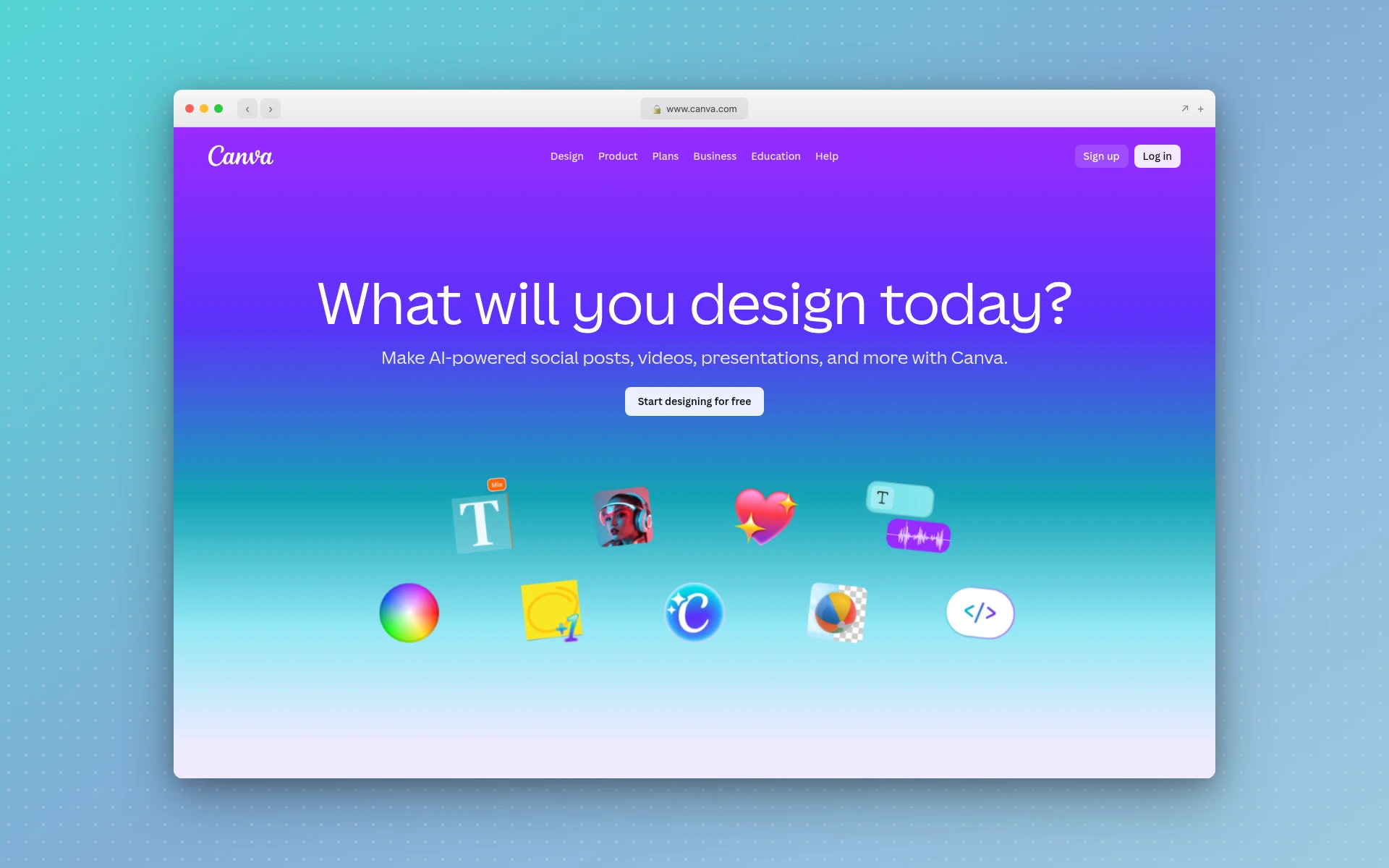 Canva dominates casual design with 260 million monthly users, but recent changes have users searching for alternatives.
Quick Comparison: Best Canva Alternatives 2026
| Tool | Best For | Starting Price | Free Plan | Output Quality |
|---|---|---|---|---|
| AIDesigner | Premium UI/landing pages | $25/mo | Yes | Excellent |
| Adobe Express | Adobe ecosystem users | $9.99/mo | Yes | Very Good |
| Figma | Professional UI/UX design | $15/mo | Yes | Excellent |
| Visme | Data visualization | $12.25/mo | Limited | Very Good |
| Microsoft Designer | Microsoft 365 users | Free | Yes | Good |
| VistaCreate | Budget-conscious teams | $10/mo | Yes | Good |
| Snappa | Quick social graphics | $10/mo | Yes | Good |
| Fotor | Photo editing focus | $8.99/mo | Yes | Very Good |
| Piktochart | Infographics & reports | $14/mo | Yes | Good |
| Pixlr | Free photo editing | $2.49/mo | Yes | Good |
| Gravit Designer | Vector graphics | $49/yr | Yes | Very Good |
| Affinity Suite | One-time purchase | $60 once | No | Excellent |
Why Users Are Looking for Canva Alternatives in 2026
Before diving into specific tools, let’s understand what’s driving the exodus from Canva.
The Price Hike That Changed Everything
For years, Canva’s Teams plan was one of the best deals in SaaS. You could pay about $120 per year and have up to five people on your team. That plan is gone. Now, Canva has switched everyone to a mandatory per-person payment model. A team of five that used to pay $120/year is now looking at $500 annually.
For small businesses and startups, that’s a dealbreaker.
The Video Editor 2.0 Disaster
In October 2025, Canva released an update that broke “the longest love streak” many users had experienced. The complaints are consistent across Reddit, Trustpilot, and creator forums:
- Audio that breaks itself - Adjusting one video clip causes entire audio tracks to unsync
- Ghost footage in exports - Trimmed clips reappear in final exports
- Layers that won’t stay put - Elements randomly jump to wrong layers
- One user reported it took 3 days to edit an 8-minute video that would have taken 3 hours before
Free Plan Limitations
The free version of Canva has become increasingly restrictive. You can’t adjust compression settings, download SVGs, export PNGs with transparent backgrounds, or access print-ready CMYK files. For anyone doing professional work, these limitations push you toward paid alternatives.
The 12 Best Canva Alternatives (In-Depth Reviews)
1. AIDesigner
Best for: Premium UI and landing pages that don’t look template-based
Rating: 4.9/5
If design quality is your priority, AIDesigner stands apart from the crowd.
Most design tools—including Canva—generate functional but generic layouts. AIDesigner produces interfaces with the polish you’d expect from a senior designer: proper visual hierarchy, thoughtful spacing, and components that work together cohesively.
What sets AIDesigner apart:
- Premium UI in seconds - Generate production-ready designs instantly, not drafts that need hours of refinement
- Infinite canvas - Work on complex projects without the constraints of fixed artboards
- One-click publishing - Publish directly to custom subdomains with automatic SEO optimization
- Context-aware editing - Use @ referencing to target specific designs for AI modifications
Pricing:
- Free tier available with limited generations
- Pro plan: $25/month for unlimited access
Who should use it: Founders, marketers, and product teams who need UI that looks professionally designed without hiring a designer or spending hours tweaking templates.
Limitations: Focused on UI/web design rather than print materials or social media content.
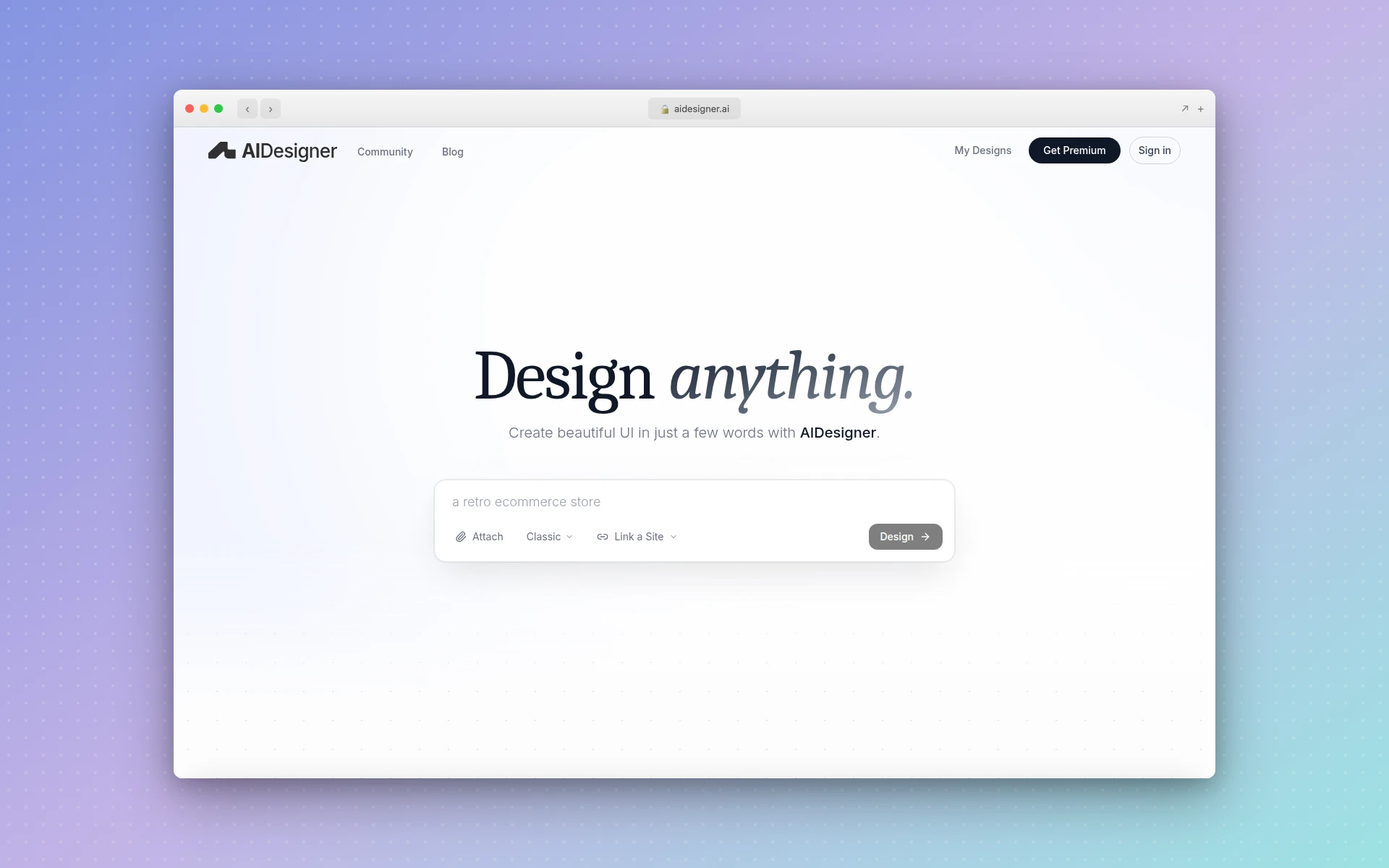 AIDesigner generates premium, production-ready UI with AI-powered design generation.
2. Adobe Express
Best for: Users already in the Adobe ecosystem
Rating: 4.6/5
Adobe Express is Canva’s most direct competitor from the enterprise world. It provides a similar design experience but with the entire Adobe Creative Cloud behind it.
Key advantages over Canva:
- Adobe ecosystem integration - Seamlessly transfer designs to Photoshop, Illustrator, or InDesign
- Adobe Stock access - Over 195 million royalty-free images and videos
- Adobe Firefly AI - Generate copyright-safe images from text prompts
- Lower price point - $9.99/month vs Canva’s $14.99/month
Where Canva wins:
Canva offers significantly more templates (610,000+ vs 100,000+) and better collaboration features. According to Style Factory’s comparison, “Canva is probably the better all-in-one option for most users.”
Pricing:
- Free plan with basic features
- Premium: $9.99/month or $99.99/year
Who should use it: Professionals who already use Adobe products and want a quick design tool that integrates with their existing workflow.
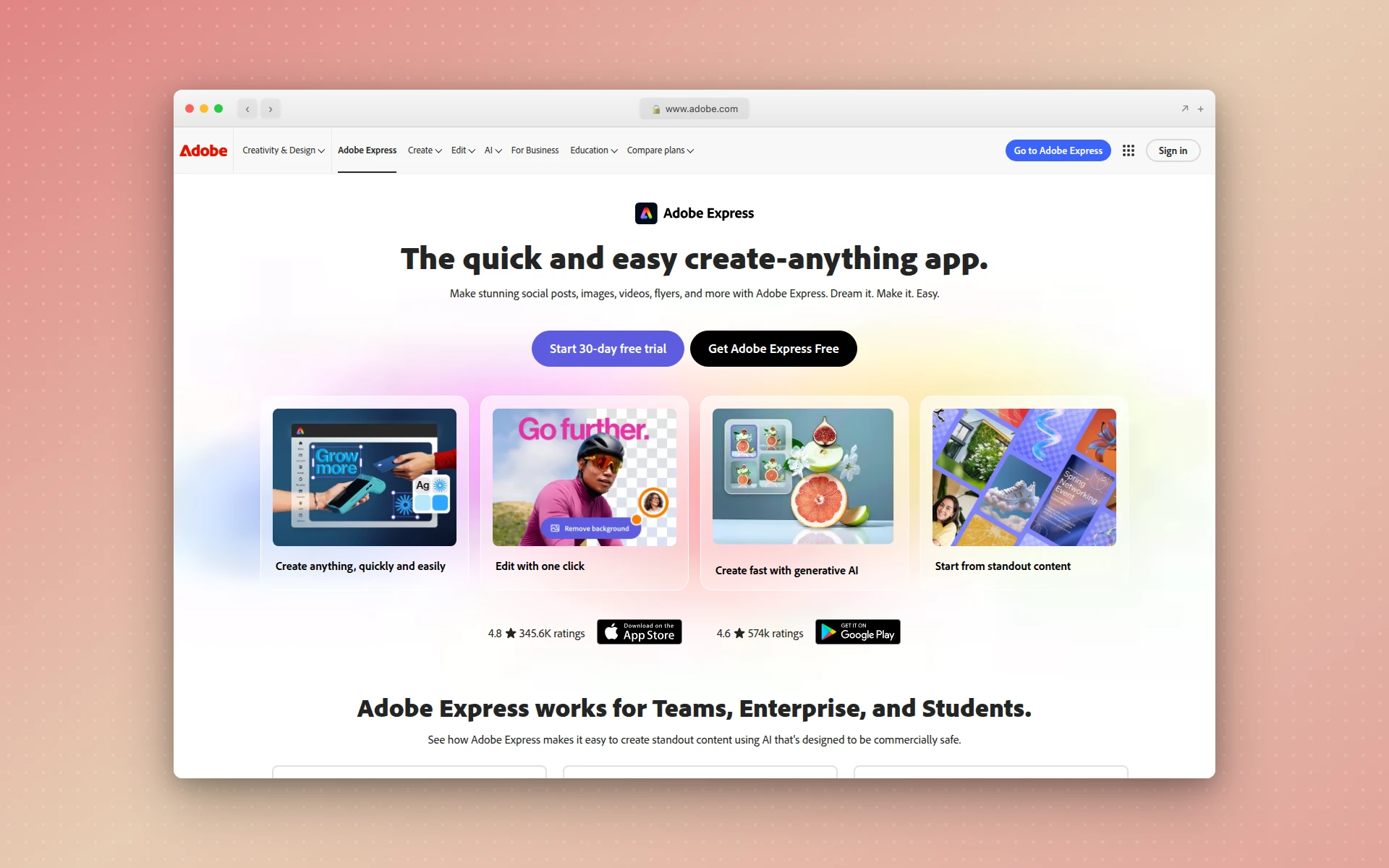 Adobe Express integrates with the Creative Cloud ecosystem and offers Adobe Firefly AI for image generation.
3. Figma
Best for: Professional designers and UI/UX teams
Rating: 4.8/5
Figma isn’t trying to be Canva—it’s a professional design tool that happens to be accessible enough for non-designers to learn. If you’re serious about design or work with product teams, Figma is the industry standard.
Why professionals choose Figma:
- Real-time collaboration - Multiple designers can work on the same file simultaneously
- Advanced prototyping - Create interactive, clickable prototypes
- Plugin ecosystem - Thousands of plugins extend functionality
- Developer handoff - Engineers can inspect designs and export code
The learning curve reality:
Figma scores 4.5/5 for ease of use compared to Canva’s 4.7/5. It’s more powerful but requires investment to master. Canva offers 5 million+ templates; Figma offers around 300 professional-grade templates.
Pricing:
- Free tier for up to 3 projects
- Professional: $15/editor/month
- Organization: $45/editor/month
Who should use it: UI/UX designers, product teams, and anyone creating app or website interfaces who needs precision tools.
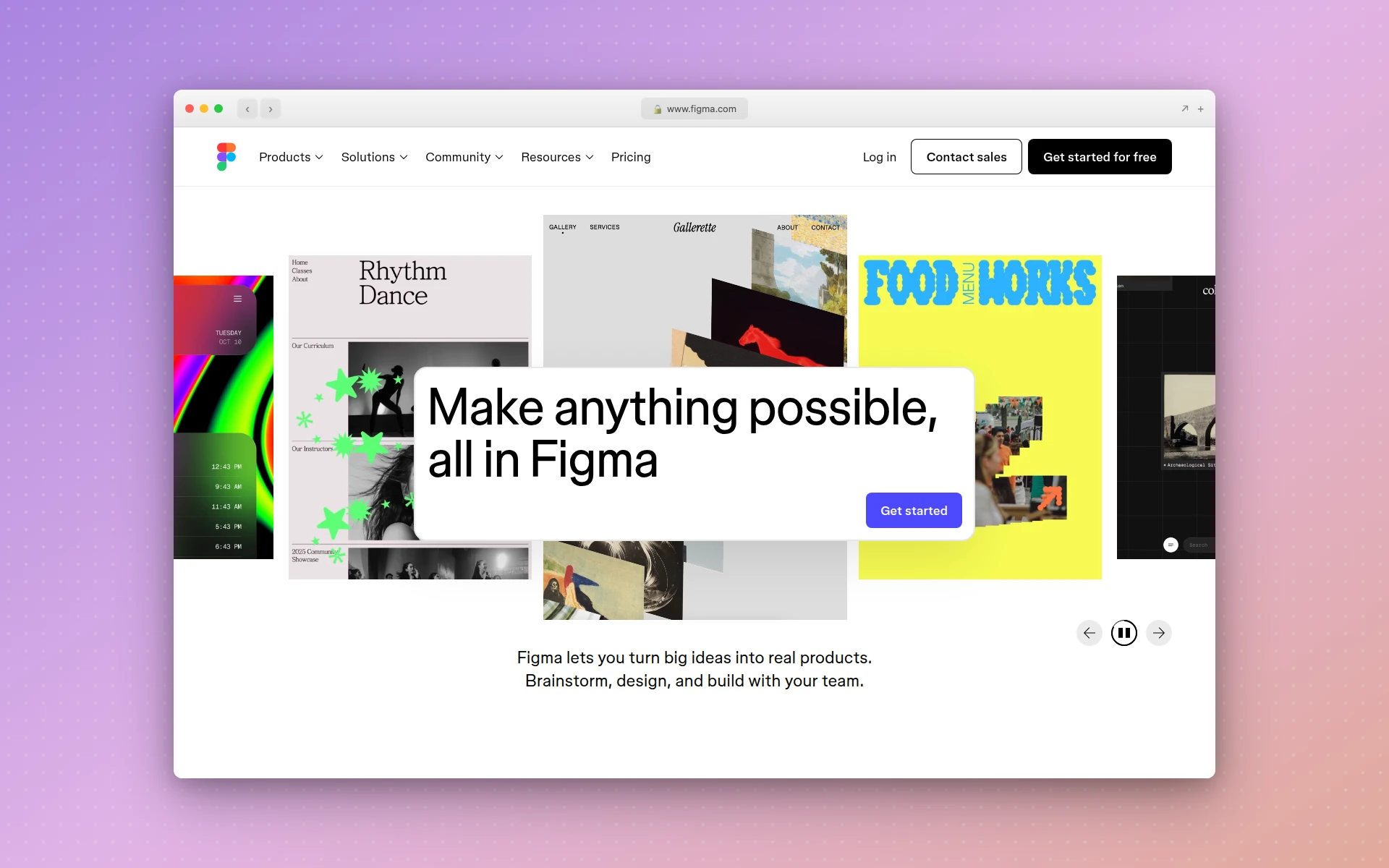 Figma is the industry standard for UI/UX design with real-time collaboration and advanced prototyping.
4. Visme
Best for: Data visualization and business presentations
Rating: 4.5/5
Visme is where Canva users graduate when they need serious data visualization capabilities. It’s packed with 40+ chart types, customizable flowcharts, and data widgets that Canva simply doesn’t match.
Visme’s standout features:
- Interactive presentations - Add clickable elements, videos, and animations
- Data integration - Import datasets directly from spreadsheets
- Advanced charts - Progress bars, radial gauges, population arrays, and more
- Brand consistency - Robust brand kit features for enterprise use
Visme vs Canva by the numbers:
According to SelectHub’s analysis, Canva Pro has an analyst rating of 72 while Visme has 70. Canva wins on price and features breadth; Visme wins on data visualization depth.
Pricing:
- Limited free plan (no downloads)
- Starter: $12.25/month
- Pro: $24.75/month
Who should use it: Business professionals creating reports, presentations, or infographics with complex data.
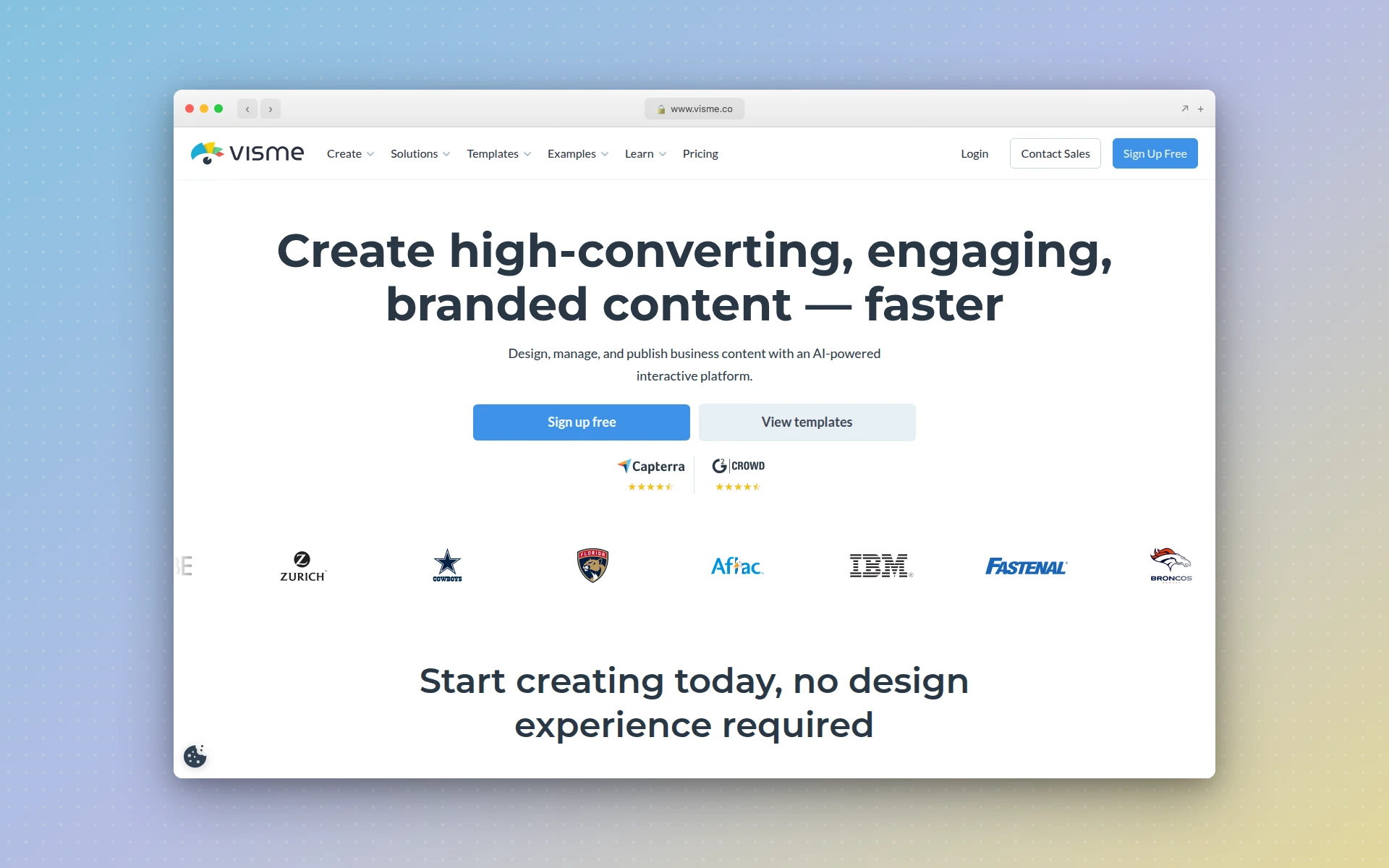 Visme excels at data visualization with 40+ chart types and interactive presentation features.
5. Microsoft Designer
Best for: Microsoft 365 users who want a free alternative
Rating: 4.3/5
Microsoft Designer is Microsoft’s answer to Canva, and its biggest advantage is simple: it’s free for Microsoft 365 subscribers.
What Microsoft Designer does well:
- AI-powered suggestions - Generates multiple design options based on your content
- Microsoft integration - Direct export to PowerPoint, Word, and other Office apps
- Familiar interface - If you know Office, you’ll navigate Designer easily
- No additional cost - Included with Microsoft 365 subscriptions
Limitations compared to Canva:
Microsoft Designer has a smaller template library and fewer collaboration features. Canva’s Magic Studio suite offers more AI tools. But for quick designs within the Microsoft ecosystem, Designer delivers.
Pricing:
- Free with Microsoft account (15 AI credits/month)
- Microsoft 365 subscribers get 60 AI credits/month
- Copilot subscribers get extensive credits
Who should use it: Anyone already paying for Microsoft 365 who wants design capabilities without additional subscription costs.
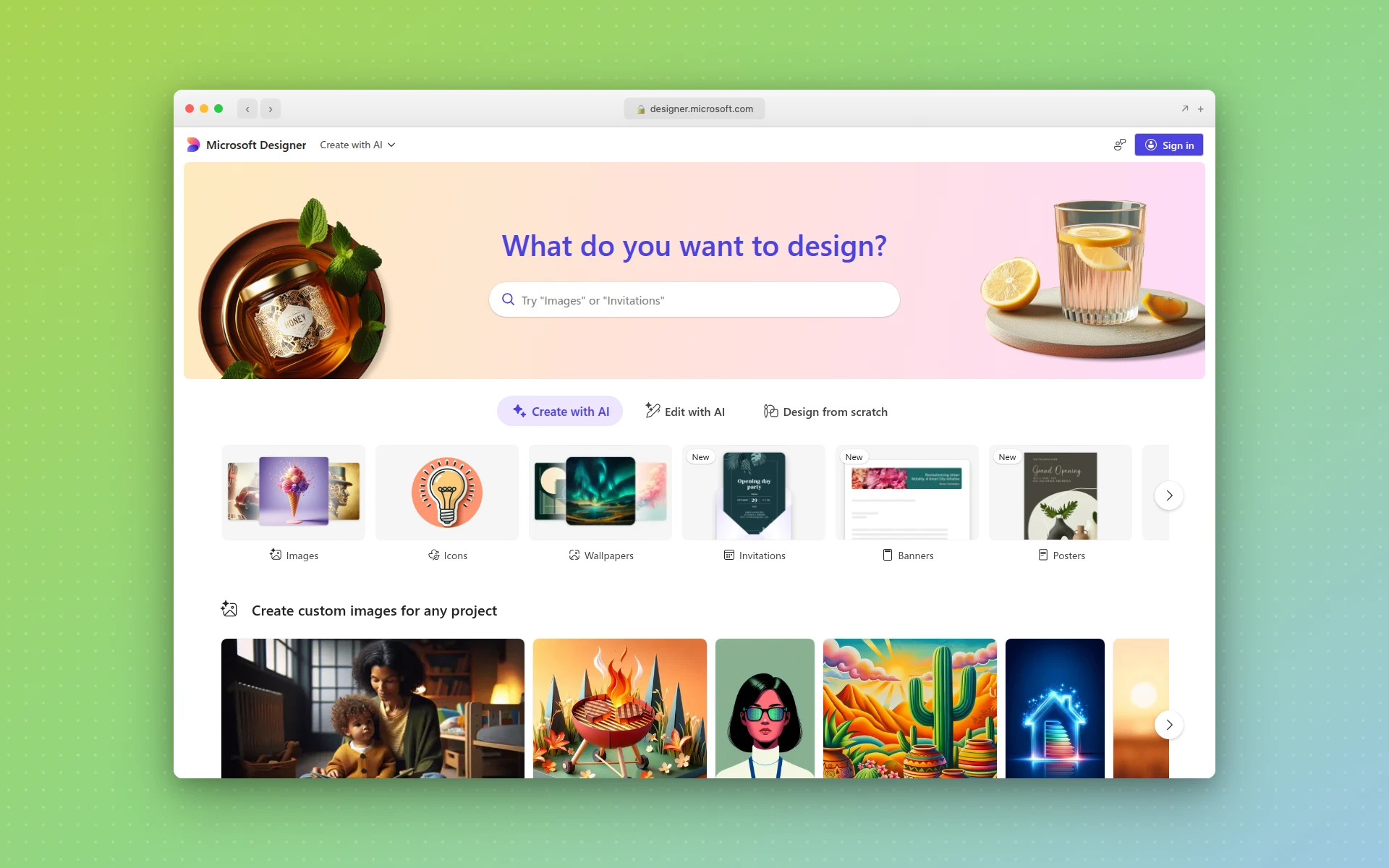 Microsoft Designer offers AI-powered design free for Microsoft 365 subscribers.
6. VistaCreate (formerly Crello)
Best for: Budget-conscious small teams
Rating: 4.4/5
VistaCreate offers what Canva used to be: an affordable design tool with a generous free plan and reasonable team pricing.
VistaCreate’s value proposition:
- Lower price point - $10/month vs Canva’s $14.99/month
- Better free plan - Includes brand kit features that Canva locks behind Pro
- Team-friendly - Up to 10 users on Pro plan at no extra cost
- Live chat support - Something Canva doesn’t offer
With 20 million users and 100 million designs created, VistaCreate has proven itself as a legitimate alternative.
Where Canva wins:
Canva offers more features overall, including website building, whiteboards, and documents. Canva’s mobile app and team collaboration tools are also stronger.
Pricing:
- Free plan with generous features
- Pro: $10/month (includes team access for up to 10)
Who should use it: Small businesses and teams who need Canva-like functionality at a lower price point.
 VistaCreate offers Canva-like functionality at a lower price with better team collaboration value.
7. Snappa
Best for: Quick social media graphics
Rating: 4.3/5
Snappa does one thing exceptionally well: fast, simple graphics for social media and marketing. If you don’t need video editing, presentations, or complex collaboration, Snappa’s focused approach might be exactly what you want.
Snappa’s strengths:
- Simplicity - Minimal learning curve, optimized for speed
- Social integrations - Direct sharing to Facebook, Twitter, and Buffer
- Focused template library - 6,000+ templates designed for marketing use cases
- 5 million+ HD photos - Extensive stock library included
What’s missing:
No animation features, no GIF creation, and no AI capabilities. Snappa also lacks business templates like documents, presentations, and brochures.
Pricing:
- Free: 3 downloads/month
- Pro: $10/month (unlimited downloads)
- Team: $20/month (up to 5 users)
Who should use it: Solo creators and small marketing teams who need quick social graphics without the bloat.
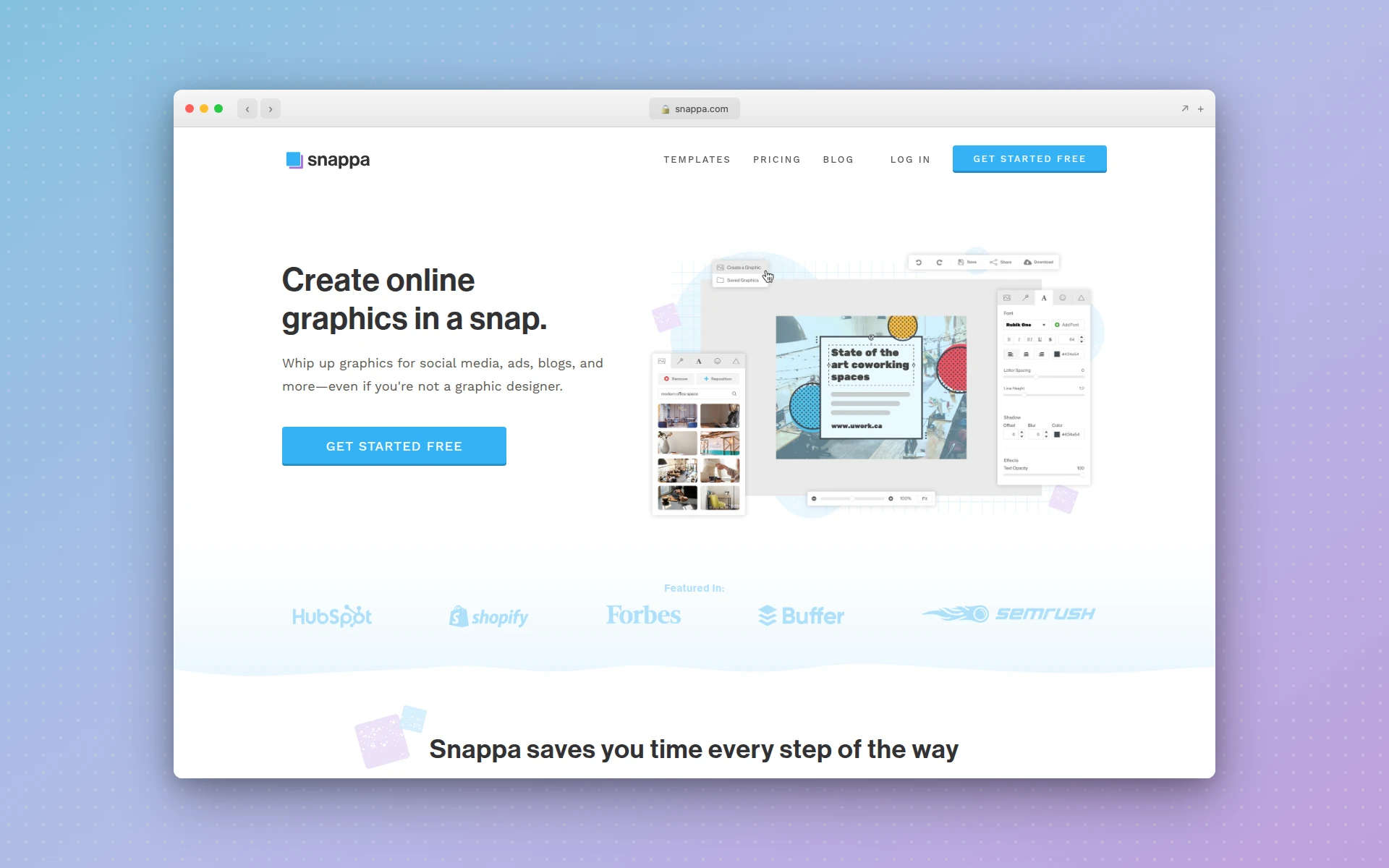 Snappa focuses on fast, simple graphics for social media and marketing.
8. Fotor
Best for: Photo editing with design capabilities
Rating: 4.6/5
Fotor started as a photo editor and evolved into a design tool. If your workflow involves heavy photo editing alongside design work, Fotor bridges both worlds better than Canva.
Fotor’s photo editing advantages:
- Advanced retouching - Skin smoothing, blemish removal, red-eye correction
- HDR effects - Blend multiple exposures (Canva doesn’t offer this)
- One-click filters - Extensive preset library for quick enhancements
- AI enhancement - Auto-improve images with AI
Ratings comparison:
According to Software Advice, Canva scores 9.5 on content creation tools while Fotor scores 8.4. But Fotor excels in pure photo editing where Canva falls short.
Pricing:
- Free: Up to 15 designs/month
- Pro: $8.99/month or $39.99/year
- Pro+: $19.99/month or $89.99/year
Who should use it: Photographers, e-commerce sellers, and content creators who edit photos frequently alongside creating graphics.
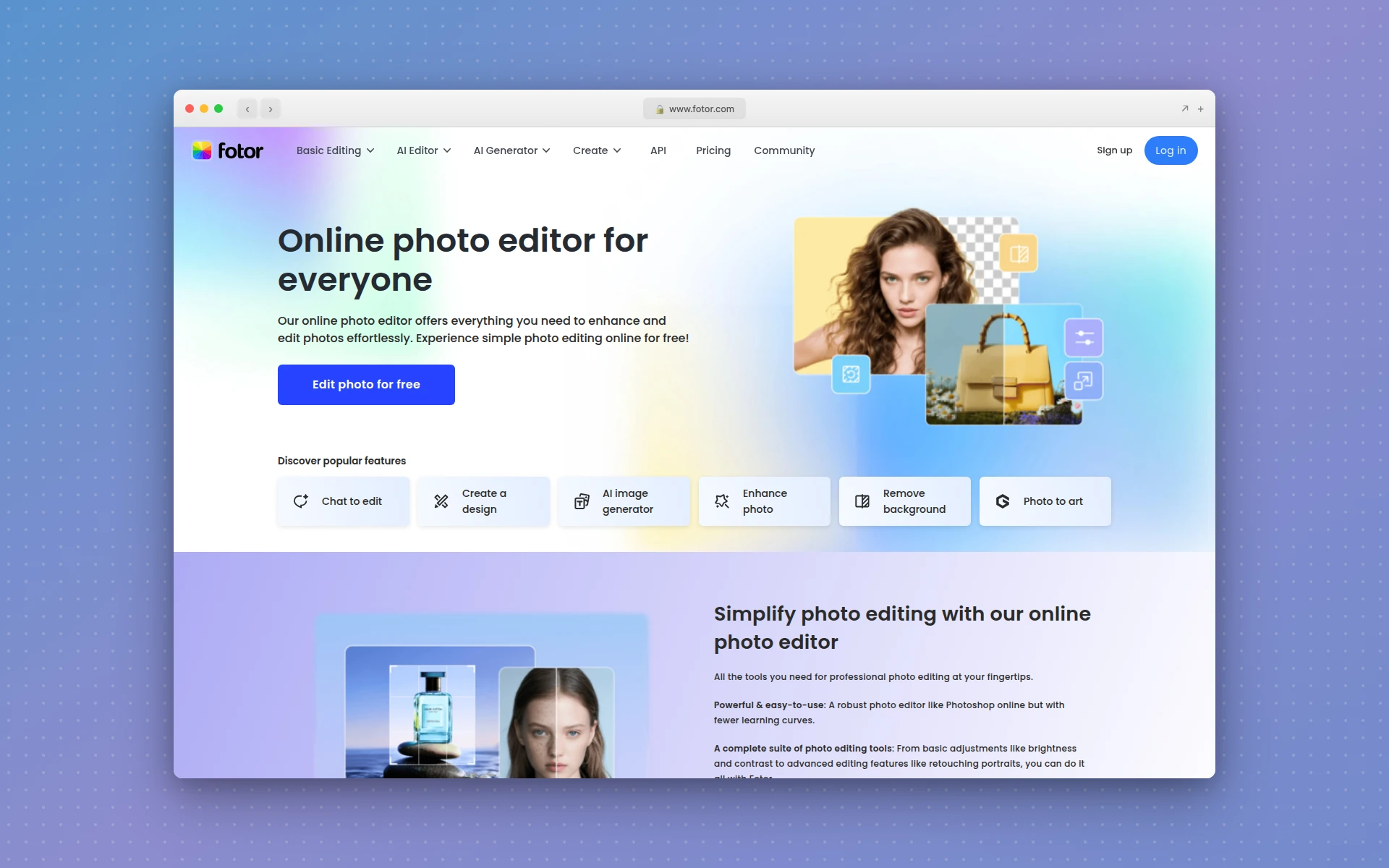 Fotor combines photo editing with design capabilities, offering HDR effects and advanced retouching.
9. Piktochart
Best for: Infographics and data-driven reports
Rating: 4.4/5
When you need to turn data into compelling visual narratives, Piktochart’s specialized tools outperform Canva’s generic approach.
Piktochart’s data visualization strengths:
- Direct data import - Pull from spreadsheets and databases
- Map visualizations - Create geographic data representations (Canva lacks this)
- AI infographic maker - Turn ideas into infographics in seconds
- Structured layouts - Templates optimized for report readability
Template comparison:
Canva has 800,000+ templates across all categories. Piktochart has around 6,000 templates, but they’re specifically designed for infographics, reports, and presentations.
Pricing:
- Free plan with basic features
- Pro: $14/month
- Business: $29/month
Who should use it: Analysts, marketers, and educators who create data-heavy reports and infographics.
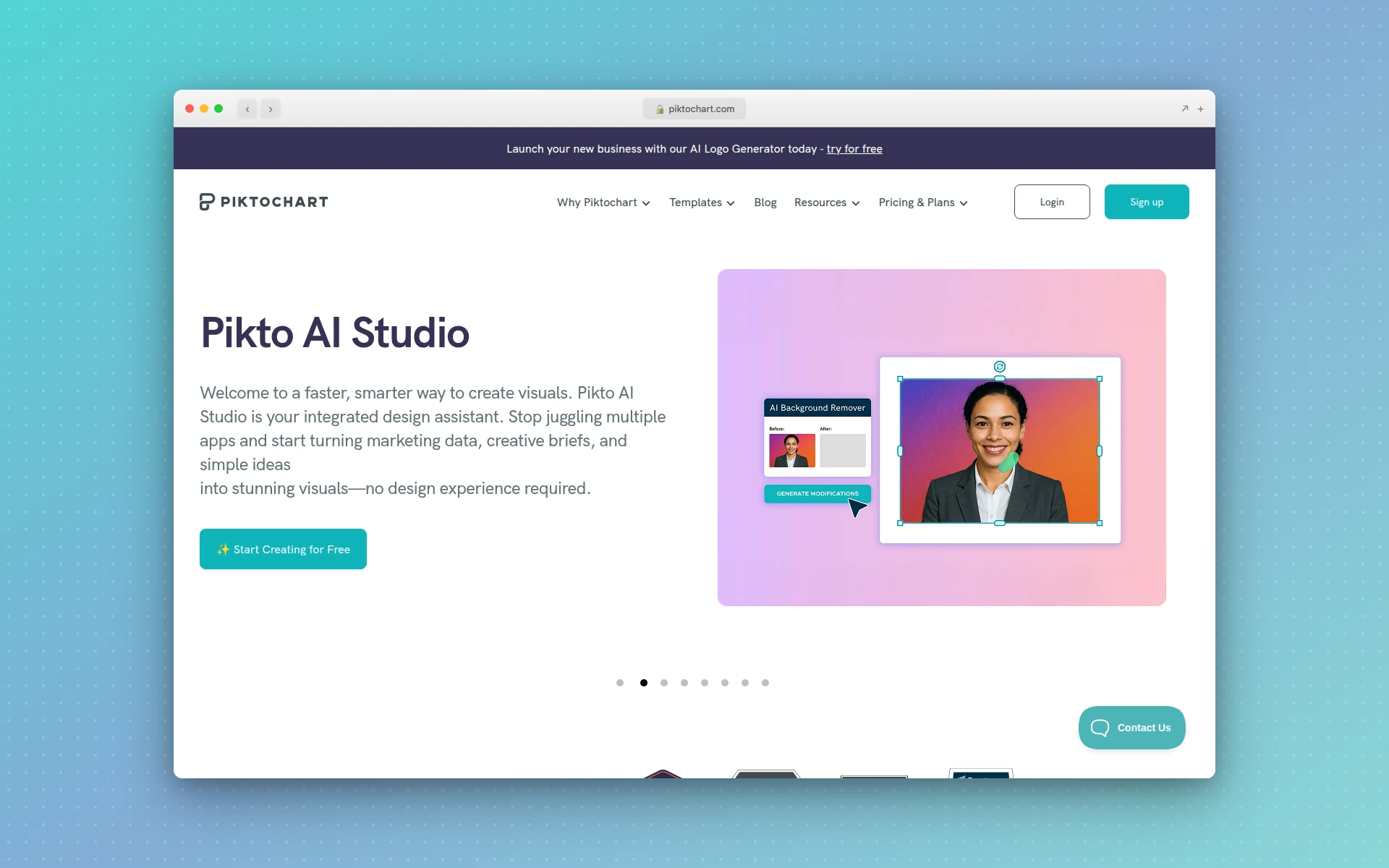 Piktochart specializes in infographics and data-driven reports with direct data import features.
10. Pixlr
Best for: Free photo editing with AI features
Rating: 4.4/5
If cost is your primary concern, Pixlr offers surprising capability for its price point. It’s actually five apps in one: Editor, Express, Designer, Background Remover, and Batch Editor.
Pixlr’s free offering:
- 40+ free editing tools - Comprehensive without paying
- AI background removal - Works well for product photos
- AI image generation - Create graphics from text prompts
- Batch processing - Edit multiple images simultaneously
Where Pixlr falls short:
No website builder, no real-time collaboration, and fewer templates than Canva. But at $1.49/year for basic AI editing, it’s the best value for budget-conscious users.
Pricing:
- Free tier with 10 AI credits
- Plus: $2.49/month (80 AI credits)
- Premium: $14.99/month (unlimited)
Who should use it: Anyone who needs decent photo editing and design on a tight budget.
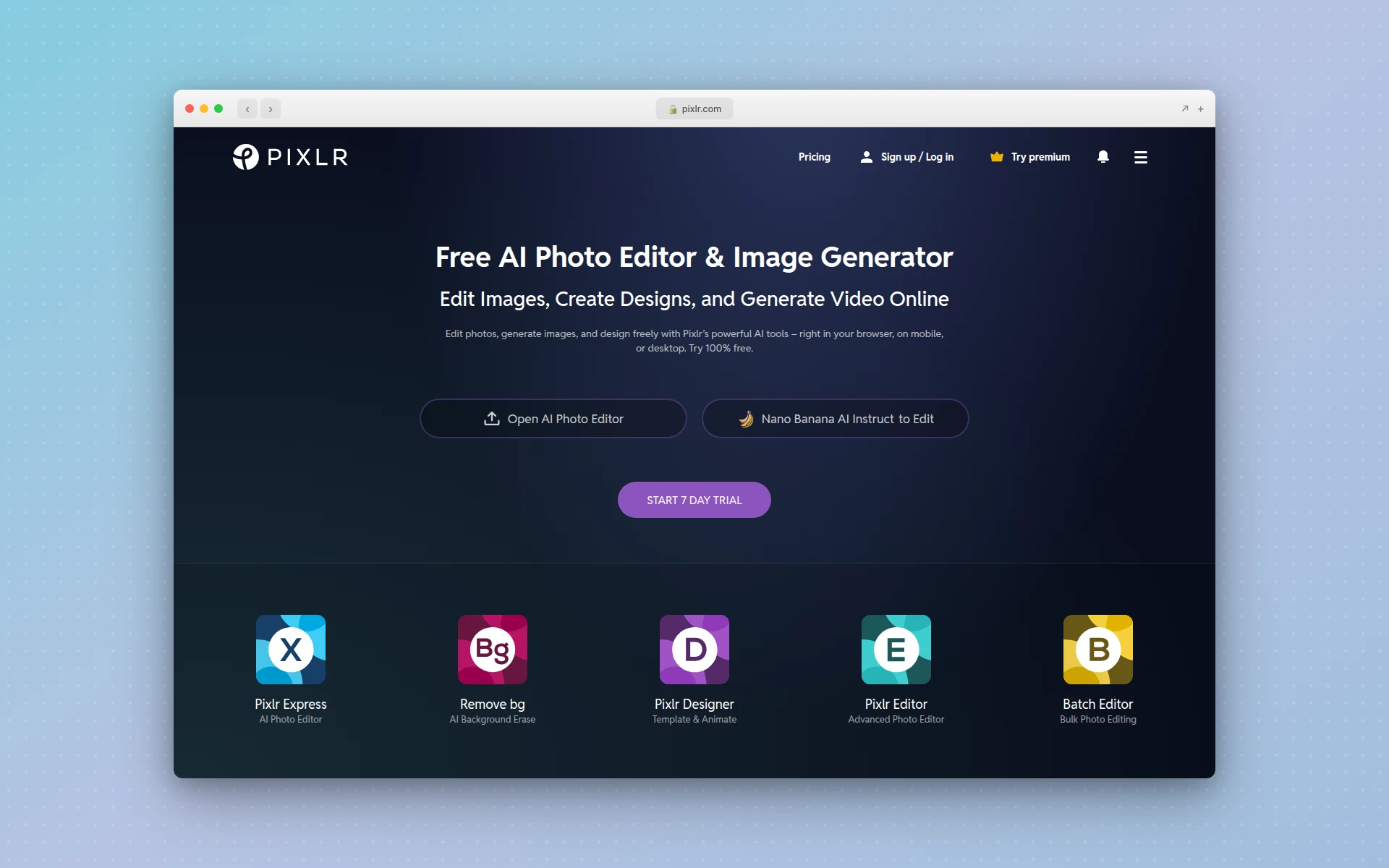 Pixlr offers 40+ free editing tools with AI background removal and batch processing.
11. Gravit Designer
Best for: Professional vector graphics
Rating: 4.3/5
Gravit Designer is a professional vector editor that runs in your browser. For users who need Illustrator-level vector capabilities without the Adobe subscription, it’s a compelling option.
Gravit’s professional features:
- True vector editing - Create scalable graphics for any output size
- Print and digital - CMYK support for professional printing
- Cross-platform - Works on web, Mac, Windows, Linux, and ChromeOS
- Precision tools - Bezier curves, boolean operations, and advanced path editing
The trade-off:
Gravit has a steeper learning curve than Canva. It’s not designed for quick social graphics—it’s designed for serious graphic design work.
Pricing:
- Free plan with basic features
- Pro: $49/year
Who should use it: Designers who need vector capabilities similar to Illustrator but want an affordable, cross-platform solution.
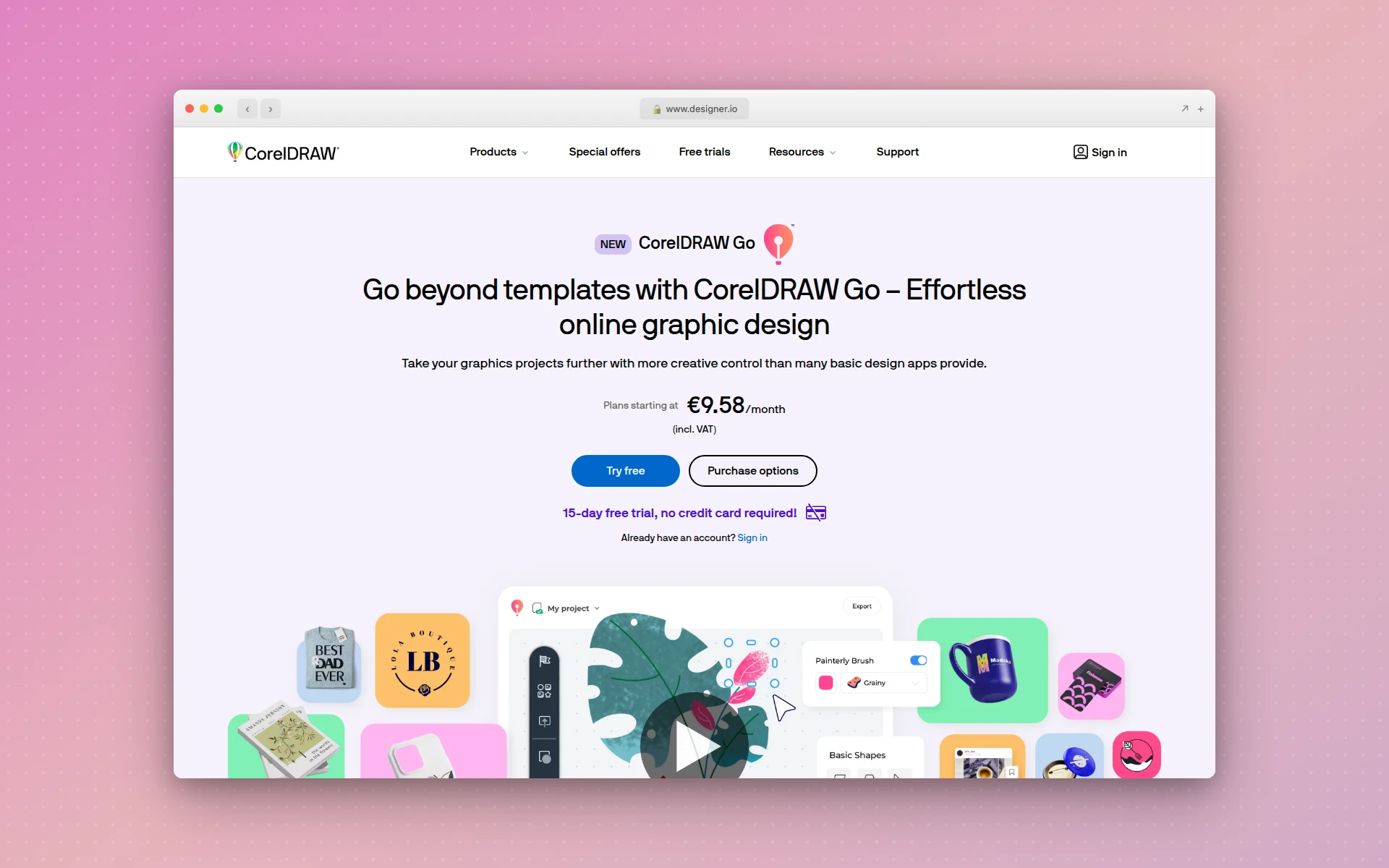 Gravit Designer offers professional vector editing in your browser with CMYK support.
12. Affinity Suite
Best for: One-time purchase alternative to Adobe
Rating: 4.7/5
If Adobe’s subscription model bothers you and you want professional-grade tools, Affinity offers a one-time purchase that rivals Adobe’s capabilities.
The Affinity advantage:
- Designer - Vector graphics (Illustrator alternative)
- Photo - Image editing (Photoshop alternative)
- Publisher - Page layout (InDesign alternative)
- No subscriptions - Pay once, own forever
Affinity vs Canva:
This isn’t really a fair comparison. Affinity is professional software with a learning curve. Canva is designed for non-designers. But if you’re frustrated with both Canva’s limitations and Adobe’s pricing, Affinity at $60 per app is worth considering.
Pricing:
- $60 per app (one-time purchase)
- Universal License: $170 for all three apps
Who should use it: Professionals who want desktop-class design tools without ongoing subscription costs.
 Affinity Suite offers professional-grade design tools with a one-time purchase model.
Is There a Completely Free Alternative to Canva?
Yes. Microsoft Designer offers substantial free features with a Microsoft account. Pixlr provides free photo editing with AI features. VistaCreate’s free plan includes brand kit access and generous template options. However, most free plans have limitations on downloads, storage, or premium assets.
Why Are People Leaving Canva in 2026?
Users are leaving Canva due to significant price increases (Teams plan went from $120/year for 5 users to $500/year), bugs in the Video Editor 2.0 update causing audio sync issues, and restrictions on the free plan that limit access to premium features and templates.
How to Choose the Right Canva Alternative
For Quick Social Media Content
Choose: Snappa or VistaCreate
Both offer fast, template-based design with social media optimization. Snappa is simpler; VistaCreate offers more features at a similar price.
For Professional UI/UX Design
Choose: Figma or AIDesigner
Figma is the industry standard for product teams. AIDesigner excels at generating premium UI quickly without extensive design skills. If you’re considering Figma alternatives specifically, check out our Figma Make alternatives guide.
For Data Visualization
Choose: Visme or Piktochart
Visme offers broader presentation capabilities. Piktochart specializes specifically in infographics and reports.
For Photo-Heavy Workflows
Choose: Fotor or Pixlr
Fotor combines photo editing with design tools. Pixlr offers the best free photo editing with AI features.
For Microsoft Users
Choose: Microsoft Designer
It’s free with Microsoft 365 and integrates seamlessly with Word, PowerPoint, and other Office apps.
For Adobe Users
Choose: Adobe Express
Seamless integration with Creative Cloud apps and access to Adobe Stock makes it the natural choice for existing Adobe users.
For Budget-Conscious Teams
Choose: VistaCreate or Pixlr
VistaCreate offers the best team value. Pixlr offers the best individual free tier. For more budget-friendly options, see our best free AI website builders guide.
FAQ
What is the best free Canva alternative?
Microsoft Designer is the best free Canva alternative for most users. It offers AI-powered design suggestions, integrates with Microsoft 365, and provides generous free credits. VistaCreate and Pixlr also offer strong free tiers with more templates and photo editing capabilities respectively.
Is Adobe Express better than Canva?
Adobe Express is better for users already in the Adobe ecosystem who need seamless integration with Photoshop and Illustrator. However, Canva offers more templates (610,000+ vs 100,000+), better collaboration features, and a more intuitive interface for beginners. Adobe Express costs less at $9.99/month vs Canva’s $14.99/month.
What design tool do professionals use instead of Canva?
Professional designers typically use Figma for UI/UX design, Adobe Creative Cloud for advanced editing, or AIDesigner for premium AI-generated interfaces. Visme is popular among business professionals for data visualization and presentations requiring a polished, corporate aesthetic.
Why are people leaving Canva in 2026?
Users are leaving Canva due to significant price increases (Teams plan went from $120/year for 5 users to $500/year), bugs in the October 2025 Video Editor 2.0 update causing audio sync issues and ghost footage, and limitations in the free plan that restrict access to premium features.
Is there a completely free alternative to Canva?
Yes. Microsoft Designer offers substantial free features with a Microsoft account. Pixlr provides free photo editing with AI features. VistaCreate’s free plan includes brand kit access and generous template options. However, most free plans have limitations on downloads, storage, or premium assets.
Can I use Figma instead of Canva?
Yes, but they serve different purposes. Figma excels at UI/UX design and prototyping with professional-grade tools. Canva is better for quick marketing graphics and social media content. Figma has a steeper learning curve but offers more precision and collaboration features for design teams.
The Bottom Line
Canva’s dominance made it complacent. The price increases and buggy updates of 2025-2026 created an opening for alternatives that offer better value, specialized capabilities, or simply more reliable software.
My recommendations:
- For premium UI design: AIDesigner generates production-ready interfaces that look professionally designed (see our full comparison of AI UI design tools)
- For Adobe users: Adobe Express integrates with your existing tools at a lower price than Canva
- For tight budgets: VistaCreate offers similar functionality at better prices with a more generous free tier
- For data-driven content: Visme or Piktochart specialize in what Canva treats as an afterthought
The right choice depends on your specific workflow. But one thing is clear: you’re no longer stuck with Canva’s limitations and pricing. The alternatives have caught up—and in many cases, surpassed it.
Looking for an AI-powered design tool that produces premium UI without the learning curve? Try AIDesigner free and see the difference professional-grade AI generation makes.