TL;DR: Vibe coding is the practice of building software by describing what you want in plain English and letting AI write the code. Coined by Andrej Karpathy in early 2025 and named Collins Dictionary’s Word of the Year, it has fundamentally changed how software gets built. This guide covers what vibe coding is, how it works, the best tools to use in 2026, and how to get started — whether you are building apps, websites, or UI designs.
What Is Vibe Coding in Simple Terms?
Vibe coding is an AI-powered software development approach where you describe what you want in plain English and an AI tool generates the code. Instead of writing every line by hand, you guide AI through natural conversation, reviewing and refining output until the software works as intended.
What Is Vibe Coding?
Vibe coding is an AI-assisted software development approach where you describe what you want to build in natural language and a large language model (LLM) generates the source code for you. Instead of writing code line by line, you communicate your intent through conversational prompts, review the AI’s output, and iterate until the result matches your vision. The developer’s role shifts from writing syntax to directing and refining AI-generated work.
The term was coined by Andrej Karpathy — co-founder of OpenAI, former head of AI at Tesla, and one of the most respected figures in machine learning — on February 2, 2025. His original post on X described it as:
“There’s a new kind of coding I call ‘vibe coding’, where you fully give in to the vibes, embrace exponentials, and forget that the code even exists.”
The phrase went viral almost immediately, and search interest climbed through the spring of 2025. By November, Collins Dictionary named it their Word of the Year. And by 2026, vibe coding has moved from a catchy phrase to a genuine shift in how software, websites, and interfaces get built.
How Does Vibe Coding Work?
At its core, vibe coding follows a simple loop: describe, generate, review, refine. Here is how the typical workflow looks in practice.
The Vibe Coding Workflow
-
Describe your intent. You write a natural language prompt explaining what you want — an app, a feature, a UI component, an entire website. For example: “Build a task management app with drag-and-drop boards, user authentication, and a dark mode toggle.”
-
AI generates code. The LLM interprets your prompt and produces complete, functional code. This is not just snippets — modern vibe coding tools generate entire components, database schemas, API endpoints, and UI layouts.
-
Review the output. You run the generated code, see the result in a preview or browser, and evaluate whether it matches what you had in mind. The key distinction of vibe coding: you focus on whether the output works, not on reading every line of code.
-
Refine through conversation. You provide follow-up prompts to fix issues, add features, or adjust behavior. “Make the sidebar collapsible.” “Add a loading spinner to the submit button.” “Change the color scheme to match this brand.”
-
Ship or continue iterating. Once the result meets your needs, you deploy it. Many vibe coding tools include one-click publishing or deployment built in.
This loop can happen in minutes. What used to take a developer days of planning, coding, and debugging can now be prototyped in a single sitting.
What Makes It Different from Traditional Coding
Traditional development requires deep knowledge of programming languages, frameworks, build tools, and deployment pipelines. You write every line, debug every error, and maintain every dependency.
Vibe coding abstracts most of that away. You still need taste, judgment, and the ability to clearly articulate what you want. But you do not need to know the difference between a for loop and a while loop to build something that works.
As Simon Willison, Django co-creator, put it: not all AI-assisted programming is vibe coding. The defining characteristic is the willingness to accept AI-generated code without fully understanding every line — trading deep code comprehension for speed and accessibility.
Vibe Coding by the Numbers
The growth of vibe coding has been remarkable, even by tech hype standards.
| Metric | Stat | Source |
|---|---|---|
| YC W25 startups with 95%+ AI-generated codebases | 25% | TechCrunch |
| Projected AI-generated share of new code by end of 2026 | 60% | Gartner forecast |
| Vibe coding market size (2026) | ~$4.7 billion | Taskade roundup |
| Collins Dictionary Word of the Year | 2025 | CNN |
A note on the numbers floating around this topic: a lot of the widely-shared vibe coding statistics trace back to content marketing pages rather than original research, and they tend to get more confident each time they’re republished. The four above are the ones worth repeating. Treat any unsourced “87% of enterprises” claim you see elsewhere with suspicion.
When Y Combinator reported that 25% of their Winter 2025 batch had codebases that were 95% AI-generated, it made headlines. But YC managing partner Jared Friedman emphasized an important nuance: these were not non-technical founders. Every one of them was “highly technical, completely capable of building their own products from scratch. A year ago, they would have built their product from scratch — but now 95% of it is built by an AI.”
That distinction matters. Vibe coding is not about replacing skill. It is about amplifying it.
Best Vibe Coding Tools in 2026
The vibe coding ecosystem has matured significantly. Here is an overview of the best platforms across different use cases, from code editors to app builders to design tools. For a wider survey that includes tools aimed at working developers rather than prompt-first builders, see our roundup of the best AI coding tools.
Quick Comparison Table
| Tool | Best For | Input | Output | Pricing |
|---|---|---|---|---|
| AIDesigner | UI design and websites | Natural language prompts | Production-ready UI, live websites | Free / $25/mo |
| Cursor | Professional code editing | Code context + prompts | Code changes, refactors | Free / $20/mo |
| Bolt.new | Full-stack app generation | Natural language prompts | Complete web apps | Free / $25/mo |
| Lovable | App prototyping | Natural language + design | Full-stack apps with UI | Free / $25/mo |
| Replit | Browser-based development | Natural language prompts | Deployed apps | Free / $20/mo |
| v0 | UI components | Natural language prompts | React/Tailwind components | Free / $20/mo |
| Claude Code | Terminal-based coding | CLI prompts | Code, refactors, features | Included with Claude Pro ($20/mo) |
| GitHub Copilot | Inline code completion | Code context | Line/block suggestions | Free / $10/mo |
| Devin Desktop | Agentic AI code editing | Code context + prompts | Code changes, multi-file edits | Free / $20/mo |
Prices checked July 2026. Several moved in the first half of the year — Bolt and Lovable both went to $25, Replit’s Core plan settled at about $20, and Copilot switched to usage-based AI credits on June 1, 2026. Check the vendor’s page before committing to a plan.
Let’s look at each one in detail.
AIDesigner — Vibe Coding for Design
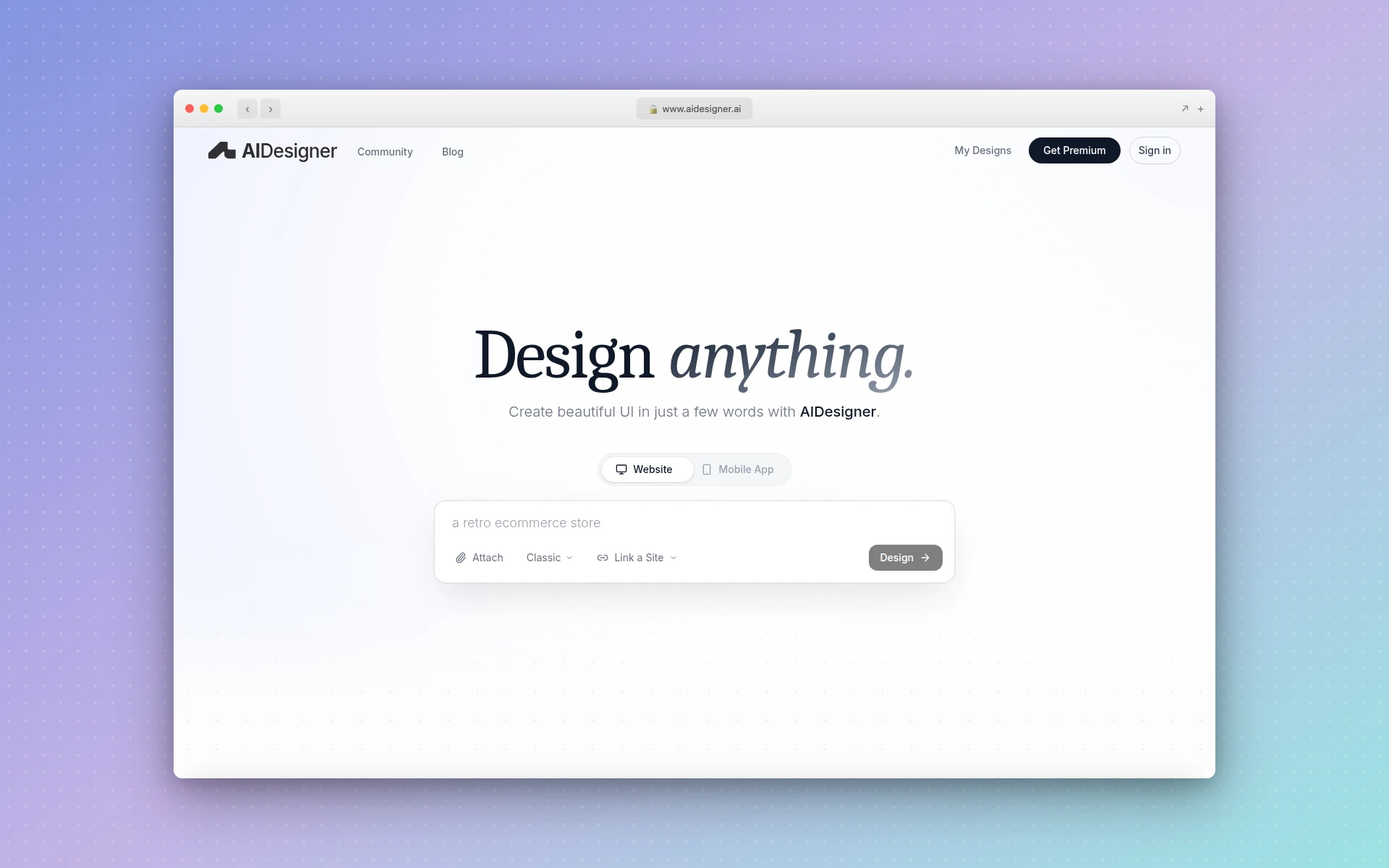 AIDesigner generates production-ready UI designs from natural language prompts.
Most vibe coding tools focus on generating application code. AIDesigner takes the concept in a different direction: vibe coding for design. Instead of describing an app and getting code, you describe a user interface and get a fully designed, production-ready layout.
This is not a wireframing tool that gives you gray boxes. AIDesigner generates polished designs with real typography, color palettes, spacing, imagery, and layout decisions — the kind of output that would take a professional designer hours to produce.
What makes it stand out:
- Text-to-UI generation. Describe a landing page, mobile app screen, dashboard, or any interface in plain English. AIDesigner produces a complete, styled design in seconds.
- Multiple design modes. Website design, mobile app UI, website cloning, enhancement of existing designs, and an inspiration mode for exploring curated examples.
- Responsive HTML output. Designs ship as responsive HTML/CSS that adapts across screen sizes, and you can publish to a live subdomain with one click.
- Saved brand kits. This is the piece most vibe coding tools miss. Generate a 3x3 board of nine brand directions and save the one you like, or point AIDesigner at an existing website URL and it extracts the palette, typography, imagery, and art direction into a reusable kit. Every later generation can reuse it, so page five looks like page one.
- Image generation and asset extraction. Generate imagery with GPT Image 2 at three quality tiers and five aspect ratios, then pull up to 12 embedded photos, logos, textures, or product shots out of a generated design into separate canvases you can reuse.
- An MCP server for coding agents. AIDesigner connects to Claude Code, Codex, Cursor, VS Code, and Windsurf over OAuth, so the agent writing your code can generate and refine designs without you leaving the terminal.
- Infinite canvas with in-canvas editing. Work on multiple designs in an expansive workspace and edit elements directly without switching between panels and modals.
If you are a founder prototyping a landing page, a marketer who needs a campaign page fast, or a developer who can build backends but struggles with UI — AIDesigner is vibe coding applied to the design layer. It fills a gap that code-focused tools do not address.
Pricing is free to start (5 lifetime credits, no card), then $25/month for 100 credits. One credit covers a design generation; clone, enhance, and inspire runs cost 2 because they analyze the reference site first.
For more on AI-powered design tools, see our guide to the best AI UI design tools. If you work in a terminal, designing UIs with Claude Code covers the MCP setup end to end.
Cursor — The AI-First Code Editor
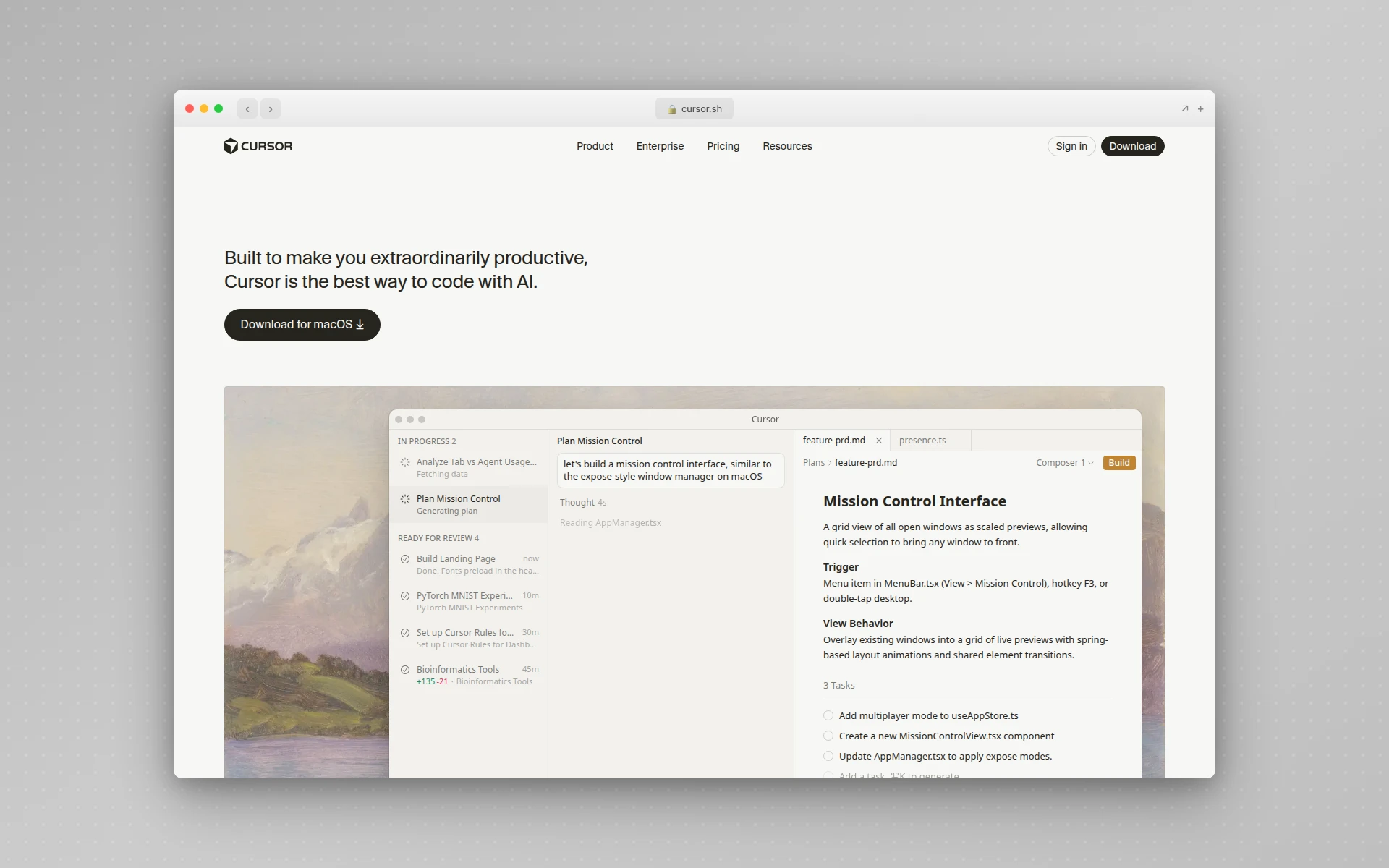 Cursor brings AI-powered editing directly into a VS Code-based environment.
Cursor has become the default vibe coding tool for professional developers. Built on VS Code, it adds AI capabilities that make natural language a first-class way to interact with your codebase.
Key strengths:
- Multi-model support. Switch between Claude, GPT, Gemini, and Cursor’s own Composer models depending on the task. Few editors give you that range in one place.
- Codebase-aware context. Cursor understands your entire project, not just the file you have open. Ask it to “refactor the authentication flow” and it knows which files to touch.
- Composer mode. Describe a feature in plain English and Cursor generates multi-file changes with real-time diffs you can accept or reject.
- Tab completion on steroids. Context-aware autocomplete that predicts what you are about to write with remarkable accuracy.
Cursor is best for developers who want the speed of vibe coding without giving up control. You still see and manage every line of code — the AI just writes the first draft. For a deep dive on setup, shortcuts, and Agent mode, see our complete guide to using Cursor AI.
Bolt.new — Full-Stack Apps from a Single Prompt
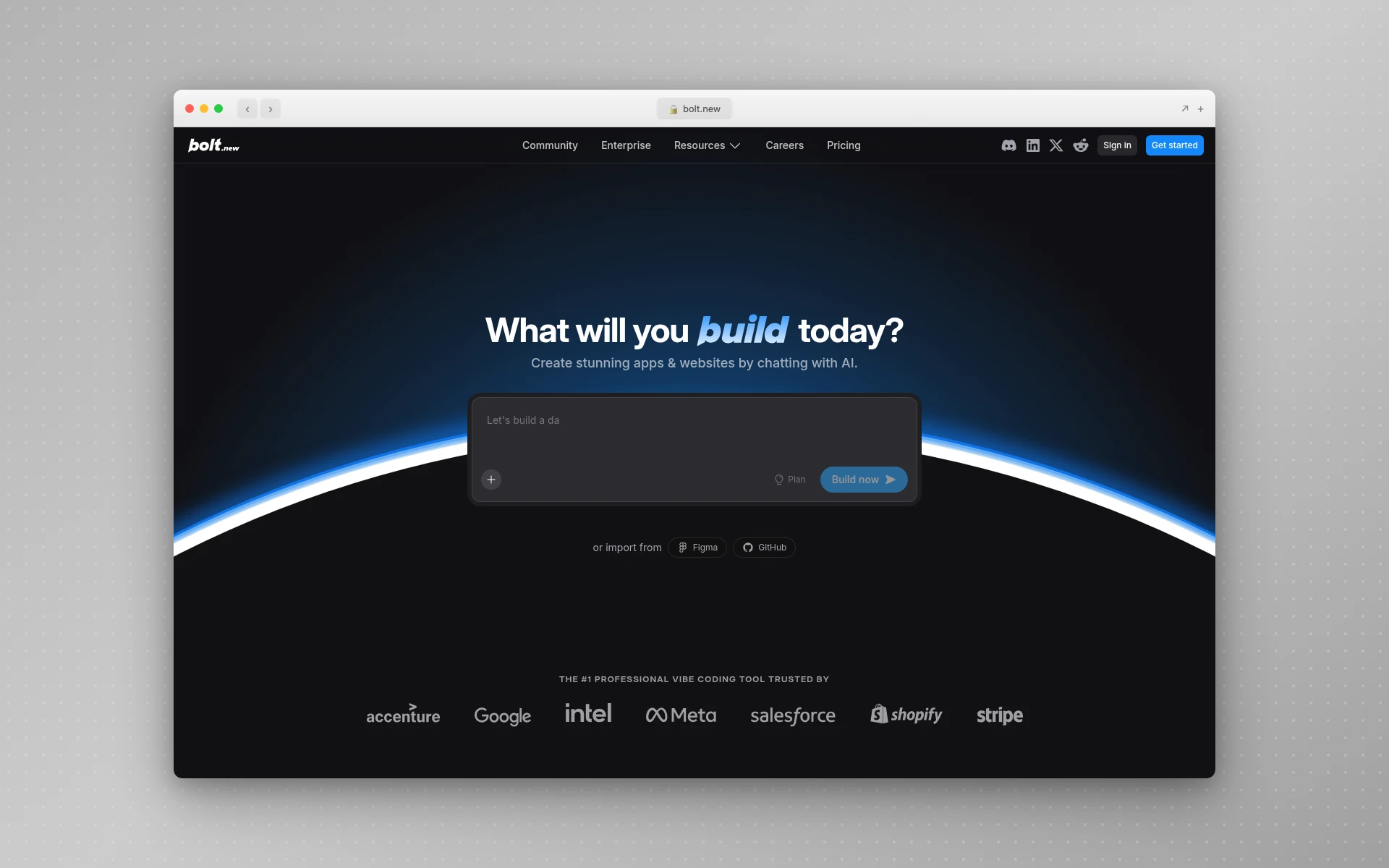 Bolt.new generates complete web applications from natural language descriptions.
Bolt.new is the purest expression of vibe coding for web applications. Describe what you want, and Bolt generates a complete full-stack app — frontend, backend, database, and deployment — in a single step.
Key strengths:
- True one-prompt generation. “Build a recipe sharing app with user accounts and a rating system” produces a working application, not a skeleton.
- Open source engine. Bolt’s core is open source, supporting both cloud and local AI models. You can self-host if you want.
- Integrated deployment. Generated apps can be deployed instantly without configuring hosting or CI/CD pipelines.
- Transparent architecture. You can inspect, understand, and modify every piece of generated code.
Bolt works best for rapid prototyping and MVPs. It is particularly strong when you need something functional fast and plan to refine the architecture later.
Lovable — AI App Builder with Design Sense
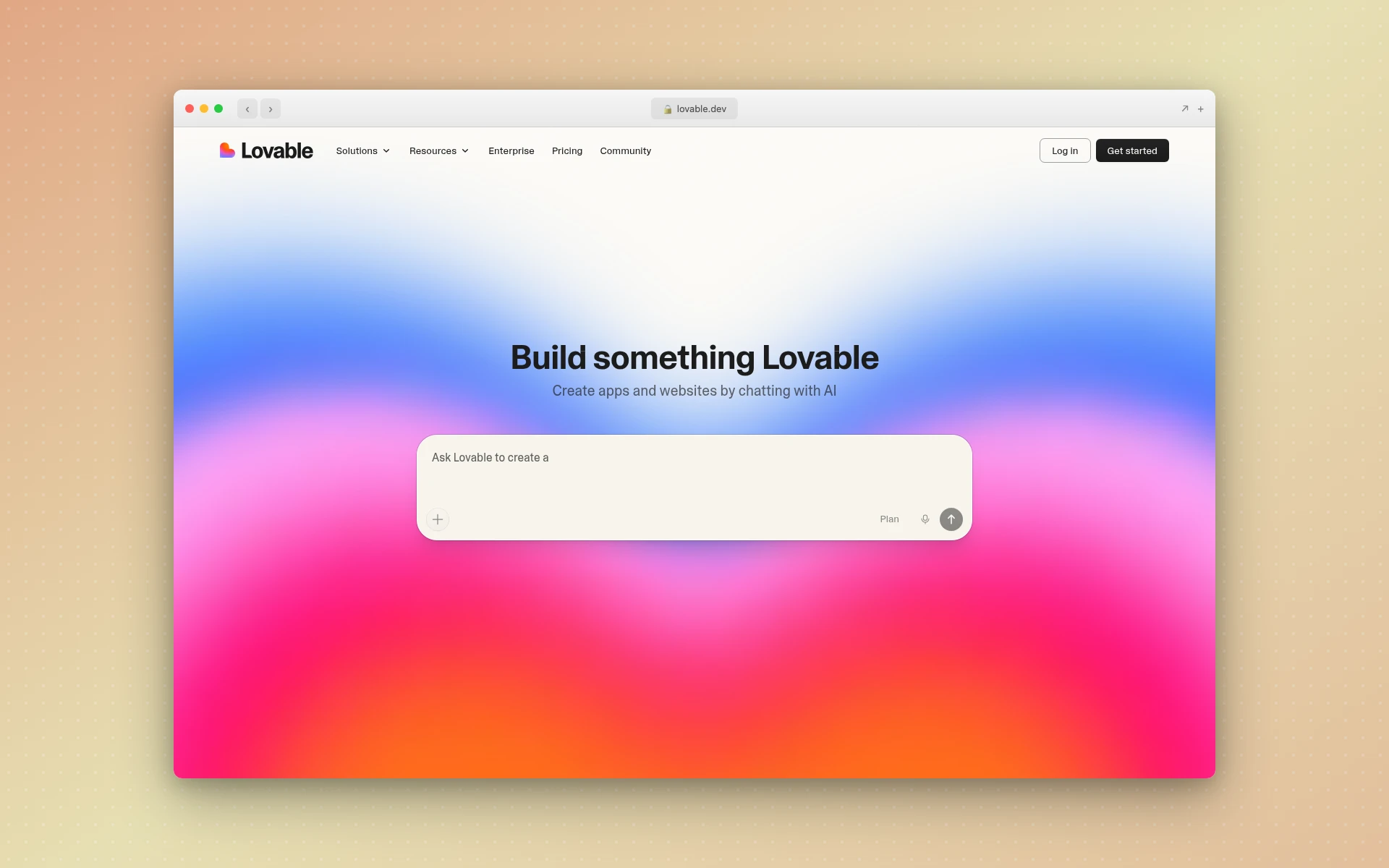 Lovable combines natural language app building with a focus on visual design quality.
Lovable (formerly GPT Engineer) blends natural language prompts with a strong emphasis on visual design quality. Where some vibe coding tools produce functional but ugly output, Lovable aims for apps that look good out of the box.
Key strengths:
- Design-conscious generation. Lovable pays more attention to UI/UX quality than most code-first tools.
- Supabase integration. Built-in database and authentication through Supabase means generated apps are not just demos — they have real backends.
- Visual editing. After generation, you can tweak the design visually rather than only through code.
- GitHub sync. Generated code syncs to a GitHub repository for version control and collaboration.
A common workflow that has emerged: prototype fast in Lovable, then graduate to Cursor for production hardening. The tools complement each other more than they compete.
Replit — The Browser-Based Vibe Coding Platform
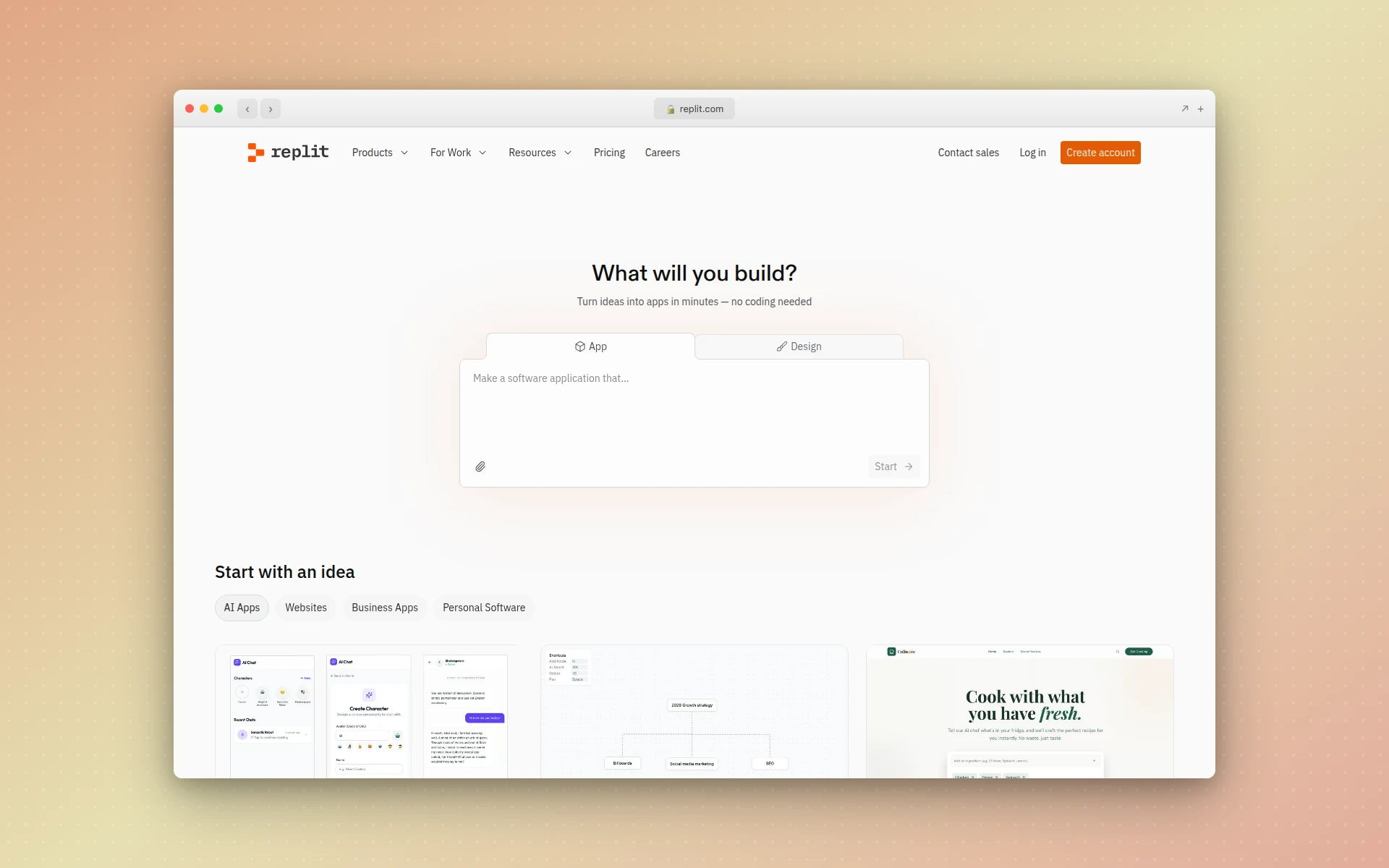 Replit’s AI agent builds and deploys apps entirely in the browser.
Replit has evolved from an online IDE into one of the most accessible vibe coding platforms available. A striking statistic: 75% of Replit users never write code. They describe what they want, and the AI builds it.
Key strengths:
- Zero setup required. Everything happens in the browser. No local environment, no installations, no configuration.
- AI Agent mode. Replit’s AI agent can plan, build, and deploy entire applications autonomously from a single description.
- Instant deployment. Every project gets a live URL immediately. No hosting configuration needed.
- Multi-language support. Unlike tools that focus only on web apps, Replit supports Python, Node.js, Go, and dozens of other languages.
Replit is the best starting point for complete beginners. If you have never written a line of code and want to experience vibe coding, start here.
v0 — UI Components from Prompts
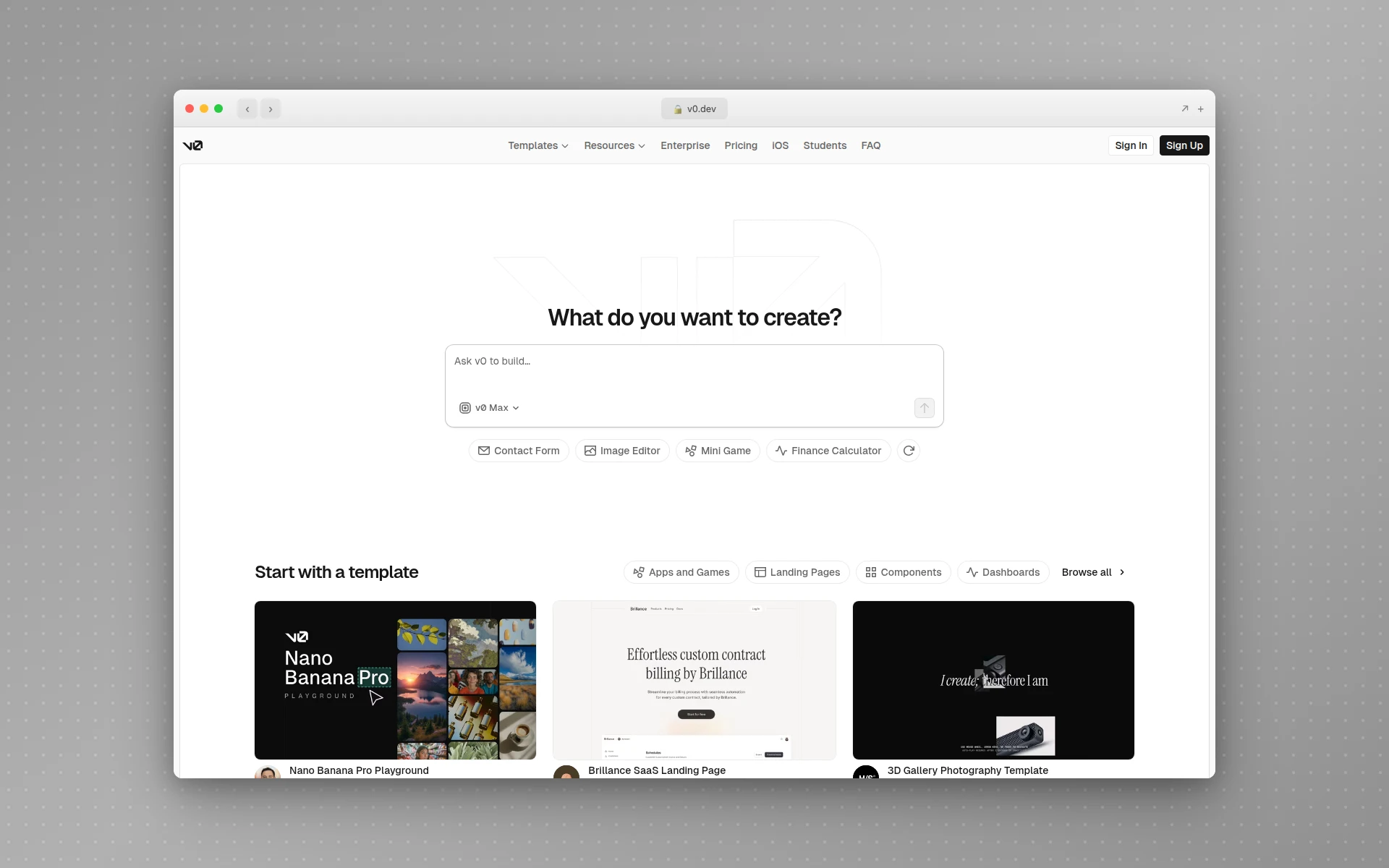 v0 generates React and Tailwind UI components from natural language descriptions.
v0 by Vercel focuses specifically on generating UI components. Rather than building entire applications, v0 excels at creating individual interface elements — forms, dashboards, navigation bars, landing page sections — that you can drop into existing projects.
Key strengths:
- Component-level precision. Ask for a “pricing comparison table with toggle for monthly/annual billing” and get a production-ready React component.
- Tailwind and shadcn/ui native. Output is clean, modern, and follows popular design system conventions.
- Iterative refinement. Refine generated components through conversation until they match your exact requirements.
- Copy and paste integration. Generated code is designed to be dropped directly into Next.js or React projects.
v0 works well alongside other vibe coding tools. Use Bolt to generate an app structure, then use v0 to replace individual components with more polished versions. For a deeper look at v0 and similar tools, check out our v0 alternatives comparison.
Claude Code — Terminal-Powered Vibe Coding
Claude Code is Anthropic’s command-line coding assistant. If you prefer working in a terminal rather than a graphical IDE, Claude Code brings vibe coding to your existing workflow. For the full terminal loop — plan mode, subagents, and the design step most guides skip — see our step-by-step guide to vibe coding with Claude.
Key strengths:
- Codebase understanding. Claude Code reads your entire project and understands the architecture, dependencies, and patterns before making changes.
- Multi-file editing. Describe a feature and Claude Code creates and modifies files across your project, handling imports, type definitions, and tests.
- Git-integrated workflow. Commits, branches, and pull requests are part of the natural workflow.
- Benchmark leadership. Anthropic’s models have held the top of the SWE-bench Verified leaderboard through 2026, which is the closest thing the field has to a standard measure of agentic coding ability.
Claude Code is ideal for experienced developers who want the power of vibe coding without leaving their terminal or adopting a new editor. It’s included with Claude Pro at $20/month rather than sold separately. The emergence of Claude Code skills takes vibe coding further, letting developers encode reusable workflows that AI agents can execute autonomously. If you’re weighing it against the obvious alternative, we broke that down in Claude Code vs Cursor.
GitHub Copilot — The Original AI Pair Programmer
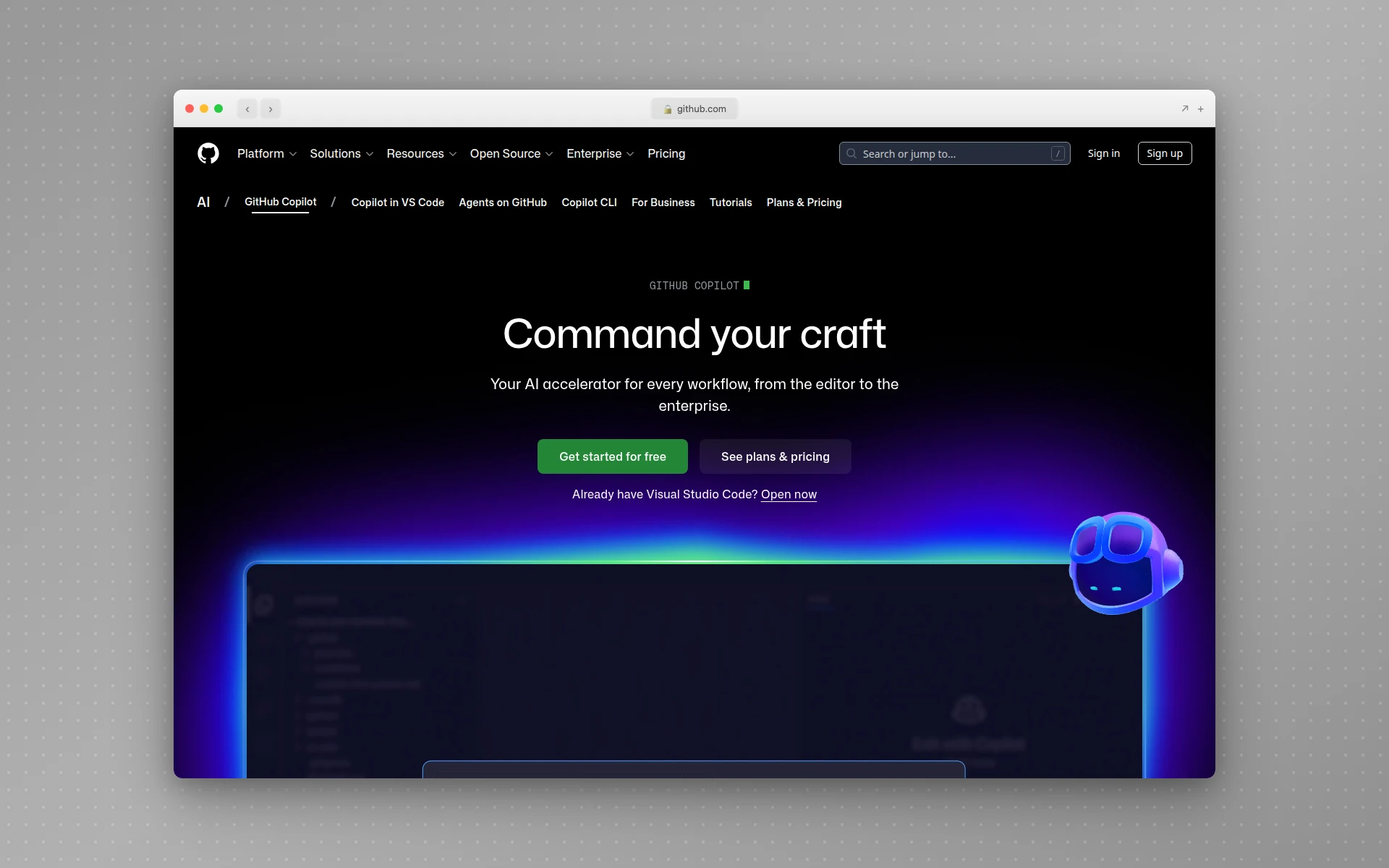 GitHub Copilot provides AI-powered code suggestions directly in your editor.
GitHub Copilot was the tool that brought AI-assisted coding to the mainstream. While newer tools have pushed the boundaries of what vibe coding means, Copilot remains the most widely adopted AI coding tool in the world.
Key strengths:
- Inline suggestions. Copilot predicts and completes functions, methods, and entire blocks as you type, usually before you’ve finished the signature line.
- Editor integration. Works natively in VS Code, JetBrains IDEs, Neovim, and Visual Studio.
- Copilot Chat. Ask questions about your codebase, request refactors, or describe features in natural language.
- Enterprise adoption. Deep integration with GitHub’s ecosystem makes it the default choice for teams already on GitHub.
Copilot is less “vibe coding” in Karpathy’s original sense — you are still working closely with code. But its conversational features and code generation capabilities make it a gateway tool that has introduced millions of developers to AI-assisted workflows.
Devin Desktop (Formerly Windsurf) — Agentic Editing
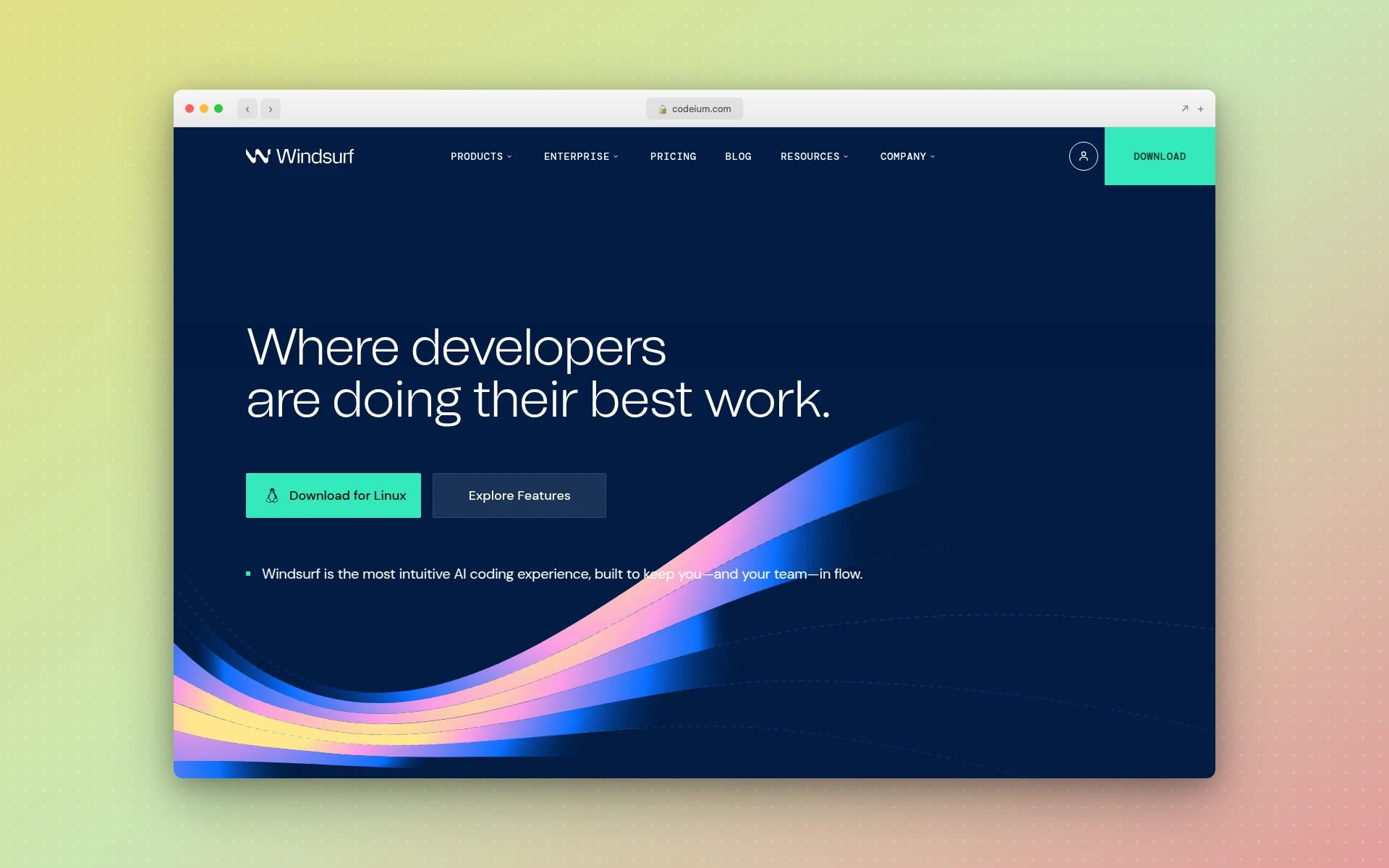 Windsurf became Devin Desktop in June 2026 after Cognition’s acquisition.
If you went looking for Windsurf recently and could not find it, that’s because it has a new name. Cognition, which acquired Windsurf in 2025, rebranded the editor to Devin Desktop on June 2, 2026. It arrived as an over-the-air update — plans, keybindings, extensions, and MCP connections all carried over, and existing subscribers kept their pricing.
The rename came with real changes, not just a logo swap:
- Devin Local replaces Cascade. Cascade, the original agent, reached end of life on July 1, 2026. Its replacement was rewritten in Rust, runs roughly 30% more token-efficiently, and can spawn subagents to work in parallel.
- An agent command center, not an editor canvas. The default surface is now a Kanban board for managing local and cloud agents, which tells you where Cognition thinks this category is heading.
- Open agent protocol. Devin Desktop ships with the Agent Client Protocol, letting outside agents like Codex, Claude Agent, and Gemini CLI run inside the editor as first-class citizens.
- Pricing moved. Pro is now $20/month, up from the $15 that Windsurf charged before the March 2026 overhaul that replaced credits with daily and weekly quotas.
It remains a strong alternative to Cursor for developers who want the agent to build and test code rather than just suggest it. We compared the two directly in Cursor vs Windsurf.
Vibe Coding for Design: How AIDesigner Changes the Game
Most conversations about vibe coding focus exclusively on generating application code. But the same principle — describe what you want in natural language and let AI create it — applies powerfully to design.
This is where AIDesigner fits into the vibe coding landscape. While Cursor helps you vibe code a backend API, and Bolt helps you vibe code a full-stack app, AIDesigner lets you vibe code the user interface itself.
Why Design Needs Vibe Coding
Think about the traditional design workflow:
- Research and gather inspiration
- Create wireframes
- Design high-fidelity mockups in Figma or Sketch
- Iterate through stakeholder feedback
- Hand off to developers for implementation
This process takes days or weeks. Vibe coding for design compresses it dramatically.
With AIDesigner, the workflow becomes:
- Describe what you need: “A SaaS pricing page with three tiers, a comparison table, and a dark theme”
- Get a production-ready design in seconds
- Refine with follow-up prompts: “Make the Enterprise tier more visually prominent”
- Publish directly or export the code
The output is not a wireframe or a rough draft. It is a polished, professional design with proper typography, spacing, colors, and responsive layout — ready to ship.
Real Use Cases for Design Vibe Coding
- Founders who need a landing page before their next pitch but do not have a designer on the team
- Marketers who want to test campaign page variations without waiting for the design queue
- Developers who can build anything on the backend but struggle with making frontends look professional
- Agencies who need to produce client mockups faster without sacrificing quality
- Product teams exploring UI concepts before committing to a full design sprint
If you have been exploring AI website generators or free AI website builders, AIDesigner represents the next evolution: generation quality that matches what a skilled designer would produce, delivered through the same natural language workflow that defines vibe coding.
For mobile app interfaces, AIDesigner also supports mobile app UI design, letting you generate complete app screens from prompts.
Vibe Coding vs. Traditional Coding
Understanding when to use vibe coding versus traditional development is critical. They are not interchangeable for every situation.
| Dimension | Vibe Coding | Traditional Coding |
|---|---|---|
| Speed | Prototype in minutes to hours | Days to weeks for similar scope |
| Skill floor | Can describe what you want in English | Requires programming language knowledge |
| Code understanding | May not fully understand generated code | Deep understanding of every line |
| Best for | Prototypes, MVPs, internal tools, learning | Production systems, complex architectures |
| Debugging | Regenerate and iterate via prompts | Step-through debugging, systematic analysis |
| Security | Requires careful review of generated code | Developer controls security patterns |
| Scalability | Generated code may need refactoring | Architectured for scale from the start |
| Maintenance | Can be challenging as codebases grow | Structured for long-term maintenance |
| Cost | Low upfront, potential refactoring costs later | Higher upfront, lower maintenance costs |
When Vibe Coding Excels
- Prototyping and validation. Testing an idea before investing heavily in development. If the prototype gains traction, you can rebuild with more structure.
- Hackathons and time-constrained projects. When shipping something “good enough” in hours is more valuable than shipping something perfect in weeks.
- Internal tools. Dashboards, admin panels, and utilities that do not need to be production-hardened but need to work.
- Learning and exploration. Understanding what is possible before deciding on an implementation approach.
- Design exploration. Generating multiple UI concepts quickly to find the right direction (this is where tools like AIDesigner shine).
When Traditional Coding Is Better
- Security-critical systems. Financial software, healthcare applications, or anything handling sensitive data demands code review at every level.
- Complex architectures. Systems with intricate concurrency, distributed computing, or performance requirements need deliberate architectural decisions.
- Long-lived codebases. If a codebase will be maintained for years by a growing team, the structure and clarity of manually architected code pays dividends.
- Regulated industries. Compliance requirements often demand full traceability and understanding of every code path.
The honest truth: the most effective approach in 2026 is usually a combination. Use vibe coding to prototype and iterate rapidly, then apply traditional engineering discipline to harden what works.
The Pros and Cons of Vibe Coding
Advantages
Dramatically faster development. What took days or weeks can be prototyped in hours. The speed advantage is not incremental — it is a category change.
Accessibility. Entrepreneurs, designers, product managers, and domain experts can now build functional software without years of programming training. This democratizes creation in a meaningful way.
Lower cost to validate ideas. Before vibe coding, testing a software idea meant hiring a developer or learning to code yourself. Now you can validate in an afternoon.
Reduced boilerplate. Nobody enjoys writing the same authentication flow, CRUD operations, or form validation for the hundredth time. AI handles repetitive patterns exceptionally well.
Faster iteration cycles. Stakeholder feedback can be incorporated in minutes rather than days, keeping momentum high during development.
Limitations
Debugging complexity. When AI-generated code breaks, fixing it is harder because you may not fully understand what the AI produced. The typical vibe coding approach — regenerating until it works — breaks down with complex, interconnected bugs.
Security vulnerabilities. AI models learn from public code repositories that include insecure and outdated patterns, and they reproduce those patterns. Generated code routinely ships with the kind of gaps an experienced developer would catch on review — missing input validation, permissive defaults, secrets in the wrong place. If your app touches user data, this is the limitation that matters most.
Maintenance challenges. Vibe-coded projects often have inconsistent structure, minimal comments, and ad-hoc logic. As the codebase grows, this technical debt compounds.
The understanding gap. By definition, vibe coding means accepting code you may not fully understand. This is fine for a weekend project but risky for anything users depend on.
Scalability ceilings. AI-generated architectures often work for small to medium scope but hit walls when scaling to larger, more complex systems.
As YC general partner Diana Hu noted: even if you rely heavily on AI to generate code, “you still need to have taste and knowledge to judge good versus bad.”
What Are the Best Vibe Coding Tools?
The best vibe coding tools in 2026 are Cursor for AI-powered code editing, Bolt.new and Lovable for full-stack app generation, Replit for browser-based development, v0 for UI components, Claude Code for terminal workflows, and AIDesigner for AI-generated UI designs and websites. Many of these tools now support MCP servers that let you connect databases, design tools, and browsers directly into your AI coding workflow.
Is Vibe Coding Good for Production Software?
Vibe coding works well for prototypes, MVPs, and internal tools. For production software, it requires careful review. AI-generated code can contain security vulnerabilities, inconsistent architecture, and minimal documentation. Most experts recommend using vibe coding for rapid prototyping and then refining the code manually.
How to Get Started with Vibe Coding
The loop is short enough to state in one line: write a brief spec, generate a first version, review whether the core flow works, refine one change at a time, then review properly before you ship.
Two things decide whether that goes well. First, pick the tool that matches what you’re building — Bolt.new or Lovable for full-stack apps, Cursor or Claude Code for changes to existing code, Replit for zero setup, AIDesigner for the interface layer, v0 for individual components. Second, write a real spec before your first prompt. “Build me a CRM” makes the model guess your data model and auth flow, and it guesses wrong.
For the full walkthrough — the spec template, the prompts that work, when to abandon a conversation that’s gone bad, and the mistakes that quietly waste the most credits — see how to vibe code your first app.
Vibe Coding Examples in Practice
To make this concrete, here are real scenarios where vibe coding delivers value.
Example 1: Startup MVP
A founder with a SaaS idea uses Bolt.new to describe their concept: “A project management tool for freelancers that tracks time, generates invoices, and integrates with Stripe for payments.” In two hours, they have a working prototype they can demo to potential investors and early users.
Example 2: Marketing Landing Page
A marketing manager needs a campaign page for a product launch next week. Instead of filing a design request and waiting in the queue, they open AIDesigner and type: “Create a product launch landing page for a wireless noise-canceling headphone. Premium feel, dark background, hero image placeholder, features section with icons, and an email signup form.” The page is designed, reviewed, and published within the hour.
Example 3: Internal Dashboard
An operations team needs a dashboard to track shipping metrics. A team member opens Replit, describes the dashboard requirements in plain English, connects it to their existing database, and deploys it by end of day. No sprint planning, no developer allocation, no two-week wait.
Example 4: Design Exploration
A product designer is exploring concepts for a mobile banking app redesign. They use AIDesigner to generate five different design directions from prompts like “modern mobile banking app with minimal UI and large transaction cards” and “friendly mobile banking interface with colorful category tags and spending insights.” In 30 minutes, they have a range of concepts to discuss with stakeholders — work that would have taken days in Figma. That loop of describing a direction, comparing what comes back, and locking the one that fits is vibe design, the design-side counterpart to everything on this page. When those concepts harden into shipped product, they become the basis for a design system — the shared tokens, components, and patterns teams use to build consistent products at scale.
The Future of Vibe Coding
Vibe coding is not a passing trend. Gartner forecasts that 60% of new software code will be AI-generated by the end of 2026, and market estimates put the category at roughly $4.7 billion in 2026, growing toward $12.3 billion by 2027.
What is coming next:
- Better debugging. The biggest weakness of vibe coding is troubleshooting complex bugs. AI tools are rapidly improving at explaining, diagnosing, and fixing their own generated code.
- Multi-agent workflows. Tools are moving toward systems where specialized AI agents handle different parts of development: one for UI, one for backend, one for testing, one for deployment.
- Design-to-code convergence. The line between designing an interface and building it is dissolving. Tools like AIDesigner represent the early wave of this convergence.
- Enterprise adoption. As guardrails improve around security, compliance, and code quality, enterprise adoption will accelerate beyond prototyping into production workflows.
The trajectory is clear: vibe coding will become the default way most software starts. Not because it replaces traditional engineering, but because it compresses the gap between having an idea and having something real you can use, test, and iterate on.
FAQ
What is vibe coding?
Vibe coding is a software development approach where you describe what you want to build in natural language and AI generates the code for you. Coined by Andrej Karpathy in February 2025, it involves “fully giving in to the vibes” and letting large language models handle the actual code writing while you focus on directing the outcome through conversational prompts.
Who invented vibe coding?
Andrej Karpathy, a co-founder of OpenAI and former head of AI at Tesla, coined the term on February 2, 2025, in a post on X (formerly Twitter). He described using Cursor Composer with Claude Sonnet and SuperWhisper voice input to build projects while barely looking at the generated code. The term went viral and was named Collins Dictionary’s Word of the Year for 2025.
Is vibe coding good for production software?
It depends on the context. Vibe coding excels for prototypes, MVPs, internal tools, and rapid iteration. For production software that handles sensitive data, serves large user bases, or operates in regulated industries, AI-generated code requires thorough review for security vulnerabilities, architectural soundness, and maintainability. The best approach is usually vibe coding for speed, followed by traditional engineering for hardening.
What are the best vibe coding tools in 2026?
The top vibe coding tools include Cursor for AI-powered code editing, Bolt.new and Lovable for full-stack app generation, Replit for browser-based development, v0 for UI components, Claude Code for terminal workflows, GitHub Copilot for inline suggestions, Devin Desktop (formerly Windsurf) for agentic editing, and AIDesigner for AI-generated UI designs and websites.
Can non-programmers use vibe coding?
Yes. Vibe coding is specifically designed to lower the barrier to building software. Tools like Bolt.new, Lovable, Replit, and AIDesigner let anyone describe what they want in plain English and receive working software or polished designs without writing a single line of code. 75% of Replit users never write traditional code at all.
What is the difference between vibe coding and traditional coding?
Traditional coding requires writing every line of code with knowledge of programming languages, frameworks, and tooling. Vibe coding uses natural language prompts to generate code through AI. Traditional coding provides greater control, deeper understanding, and more reliable security, while vibe coding offers dramatically faster prototyping, lower skill requirements, and faster iteration. Most teams in 2026 use a combination of both.
Start Vibe Coding Today
Vibe coding has gone from a catchy tweet to a fundamental shift in how software and interfaces get built. Whether you are a developer looking to move faster, a founder validating an idea, or a designer exploring concepts — there is a vibe coding tool that fits your workflow.
If your interest is specifically in design — landing pages, website UIs, mobile app interfaces, dashboards — give AIDesigner a try. Describe what you need in plain language, and see production-ready design generated in seconds. No design training required, no coding needed, and you can publish directly to a live URL with one click.
The gap between having an idea and having something real has never been smaller. Vibe coding made that possible. The only question is what you will build first.