TL;DR: AIDesigner is the best AI landing page builder when the page has to look custom-designed: describe it in one prompt, then publish it to a custom subdomain in one click. Unbounce and Instapage lead on A/B testing and AI traffic routing, Leadpages now generates whole pages from a prompt starting at $29/month, and Carrd is still the cheapest one-pager at $19/year. Every price below was re-checked against the vendor’s own pricing page on October 16, 2026.
What Is the Best AI Landing Page Builder?
The best AI landing page builder for most people in 2026 is AIDesigner, which turns a one-line prompt into a polished, responsive page and publishes it to a custom subdomain in one click. For built-in A/B testing and AI traffic routing, pick Unbounce or Instapage. For a cheap one-pager, pick Carrd.
The bigger change this year is that prompt-to-page generation is now standard. Leadpages, Landingi, Instapage, Swipe Pages, Framer, Unicorn Platform, and Sitekick AI all build a first draft from a description, so the real differences come down to design quality, testing features, and price. That’s how this guide ranks them.
What Is an AI Landing Page Builder?
An AI landing page builder is a tool that uses artificial intelligence to generate single, conversion-focused pages from text prompts, descriptions, or structured inputs. Unlike general AI website generators that create multi-page sites with navigation and blogs, AI landing page builders are purpose-built for one goal: getting visitors to take a specific action — whether that is signing up, purchasing, or booking a demo.
This matters more than you might think. The landing page builder market hit $725 million in 2025 and is projected to reach $2.83 billion by 2035. That growth reflects a clear trend: businesses are shifting from hand-coding individual campaign pages to generating and optimizing them with AI in minutes.
Unbounce’s analysis of 41,000 landing pages puts the average conversion rate at about 6.6% across industries (Q4 2024 data). AI optimization can move that number. Unbounce says marketers who turn on its Smart Traffic routing get 30% more sales and signups on average, and that’s the kind of lift the testing-focused tools in this guide are built for.
How is this different from our other guides? If you need a full website with multiple pages, navigation, and a blog, check out our best AI website generators or best free AI website builders. If you need UI design for apps and dashboards, see our best AI UI design tools or the step-by-step guide on how to design an application. This guide is specifically about tools optimized for creating high-converting, single-purpose landing pages.
Quick Comparison: Best AI Landing Page Builders 2026
| Tool | Best For | Key AI Feature | A/B Testing | Starting Price |
|---|---|---|---|---|
| AIDesigner | Design-quality landing pages | Prompt-to-page UI generation on an infinite canvas | No | Free (5 credits) / $25/mo |
| Unbounce | Conversion optimization | Smart Traffic AI routing | Experiment plan ($149/mo) | $29/mo |
| Leadpages | Small business value | Prompt-to-page generation with brand kit | Grow plan ($99/mo) | $29/mo |
| Instapage | Enterprise teams | AI page generator + AdMap | Optimize plan ($199/mo) | $99/mo |
| Landingi | Programmatic pages at scale | Lunar AI page generator | Optimize plan ($119/mo, billed yearly) | $24/mo (billed yearly) |
| Framer | Design-led marketing sites | AI agent that builds editable pages | Pro add-on | Free / $10/mo (billed yearly) |
| Carrd | Budget one-pagers | None (template-based) | No | Free / $9/yr |
| Swipe Pages | Mobile-first AMP pages | Swipe Genie AI builder | Marketer plan ($89/mo) | $39/mo |
| Phonesites | Building from your phone | AI copywriter | No | $29/mo |
| Unicorn Platform | Startup landing pages | AI Co-Pilot builder | No | $14/mo ($9 billed yearly) |
| Sitekick AI | One-prompt full pages | Full page generation from prompt | No | $20/mo |
How We Tested These AI Landing Page Builders
We did not just read feature lists. For each tool, we:
- Generated the same landing page — “Create a landing page for a B2B SaaS product that helps sales teams automate outreach. Include a hero section, three feature highlights, social proof, pricing, and a demo request form.”
- Evaluated design quality — Does the output look professional enough to run paid ads to? Or does it scream “template”?
- Tested conversion features — A/B testing, dynamic text replacement, analytics, and form capabilities.
- Measured time to publish — From first click to a live, shareable URL.
- Compared pricing vs. value — What do you actually get at each price point?
We also weighted our evaluation toward what matters most for landing pages specifically: conversion rate optimization features, page load speed, mobile responsiveness, and integration with ad platforms. A landing page that looks beautiful but loads in 5 seconds and cannot connect to your CRM is not doing its job.
Every plan and price in this guide was re-checked against each vendor’s own pricing page on October 16, 2026. Framer joined the list in that update, so its review is based on Framer’s documented features and current plans rather than our original test prompt, and it isn’t scored yet.
The 11 Best AI Landing Page Builders (In-Depth Reviews)
1. AIDesigner
Best for: Landing pages that look hand-designed, not AI-generated
Rating: 4.8/5
AIDesigner is the one I reach for first, so here’s what it does well and where it stops.
AIDesigner skips the template step. You describe the page in plain language, something like “a SaaS landing page for a project management tool with a dark gradient hero, three feature cards, and a pricing table,” and the AI landing page builder generates a complete, polished page in seconds. The output is responsive HTML/CSS, so the mobile version comes from the same generation instead of a separate rebuild.
The design quality is where AIDesigner separates itself. The output looks like a senior designer spent hours on it: thoughtful typography, consistent spacing, and modern website layouts with a visual hierarchy that pulls the eye toward your CTA. It’s also worth naming the hero section pattern you want in the prompt, since that block does most of the work on a landing page. The infinite canvas lets you generate several landing page variations side by side, compare them, and refine one with follow-up prompts, using @ references to target a specific design.
Two features matter if you already have a website. Brand Kit From URL pulls the palette, typography, imagery, and art direction from your existing site and saves them as a reusable kit, so a campaign page matches the main site instead of drifting from it. Enhance mode takes the URL of a landing page you already run and produces a modernized version that keeps its content. It costs 2 credits, one for analyzing the site and one for the generation.
One-click publishing pushes your landing page to a custom subdomain with automatic SEO optimization. For founders pitching investors, marketers launching campaign pages, or anyone who needs a landing page that doesn’t look like every other template, the visual output is hard to beat. If the page is one piece of a campaign you’re producing with AI end to end, my guide to vibe marketing covers where the human review step belongs.
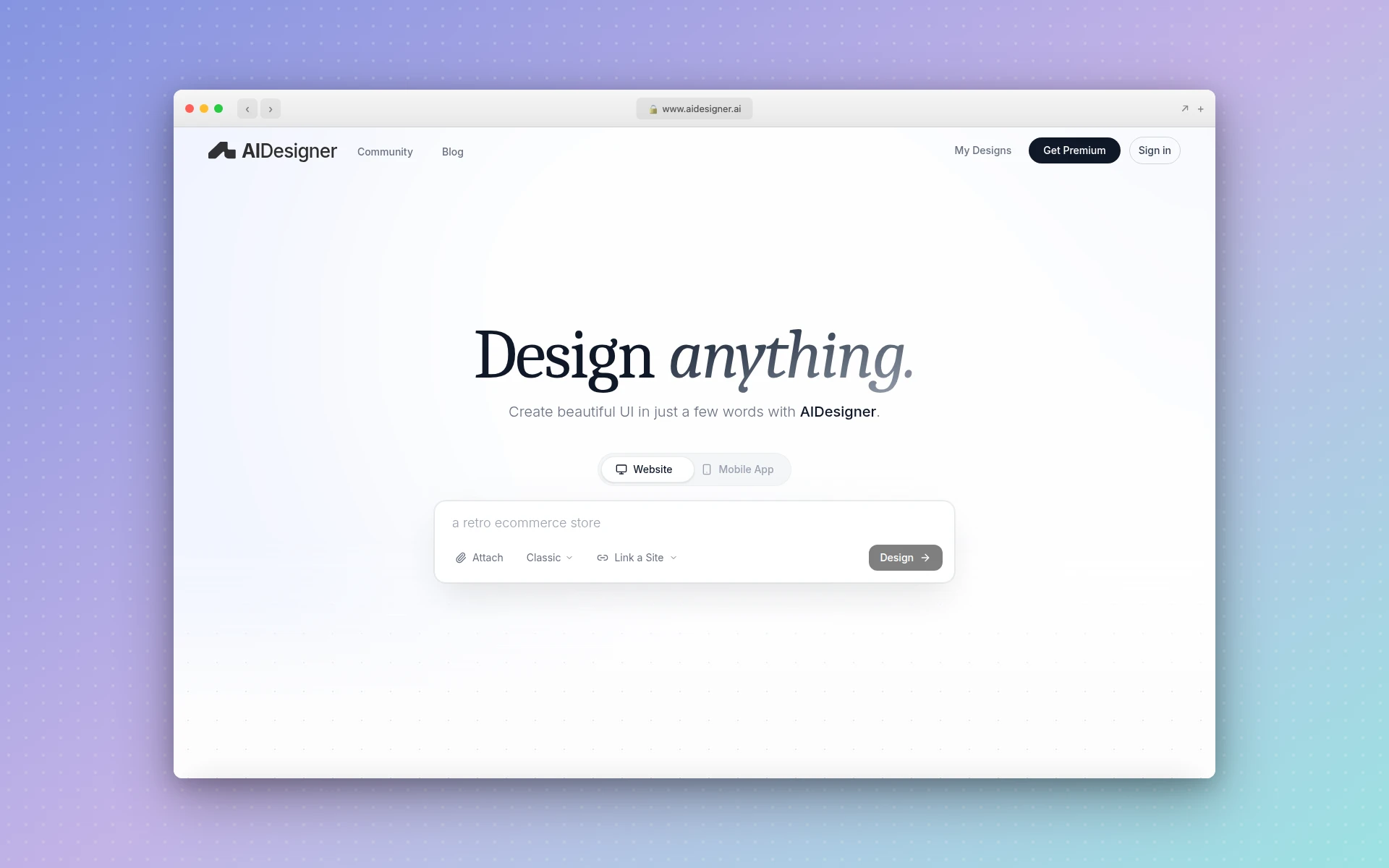 AIDesigner generates premium landing page designs on an infinite canvas with one-click publishing
Strengths:
- Highest design quality — Output looks premium and hand-crafted, not template-based
- Brand kit from any URL — Match a campaign page to your existing site’s palette, type, and imagery without writing a style guide
- Infinite canvas — Generate and compare multiple landing page variations side by side
- One-click publishing — Live on a custom subdomain with automatic SEO optimization
- Context-aware editing — Use @ references to refine a specific design without starting over
- Responsive output — Pages ship as responsive HTML/CSS, not a fixed-width mockup
Weaknesses:
- No built-in A/B testing or conversion analytics
- Not a traditional landing page platform — no form builder, CRM integrations, or lead management
- The free tier is 5 lifetime credits, enough to try a few generations but not to run campaigns on
- Best suited for design generation rather than full conversion optimization workflows
Pricing:
- Free: 5 lifetime credits, no card required
- Pro (from $25/month): Pro starts at $25/month for 100 credits, scaling up to $2,250/month for 10,000 credits. Yearly billing saves ~17%. 1 credit = 1 AI design generation, and reference-mode designs (Clone, Enhance, Inspire) cost 2 credits. All Pro tiers include one-click publishing, custom domains, watermark removal, unlimited projects, priority support, MCP server access, and advanced image tools.
Verdict: If your landing pages need to look exceptional (investor demos, product launches, brand-conscious campaigns), AIDesigner produces the best visual output of any tool on this list. Pair it with an A/B testing tool from your existing marketing stack for the full workflow. It’s not the right pick if you need built-in A/B testing and lead management in one platform.
2. Unbounce
Best for: Data-driven marketers who optimize landing pages for maximum conversions
Rating: 4.7/5
Unbounce is the veteran in this space, and its standout AI feature is still Smart Traffic. It looks at visitor attributes like location, device, and browser, then routes each visitor to the landing page variant most likely to convert for them. Unbounce says it can start routing after as few as 50 visits, and that marketers who turn it on get 30% more sales and signups on average.
The rest of the AI lineup has shifted. Unbounce shut down its standalone Smart Copy app on January 28, 2026, and AI copywriting now lives inside the page builder on the Build plan and up. Every plan, including the $29 Starter tier, also comes with an MCP server, so you can build and manage pages from AI assistants like Claude and ChatGPT.
Dynamic text replacement automatically matches your landing page headline to the ad keyword that brought the visitor. That keeps message match tight across Google Ads campaigns without building a separate page for every ad group.
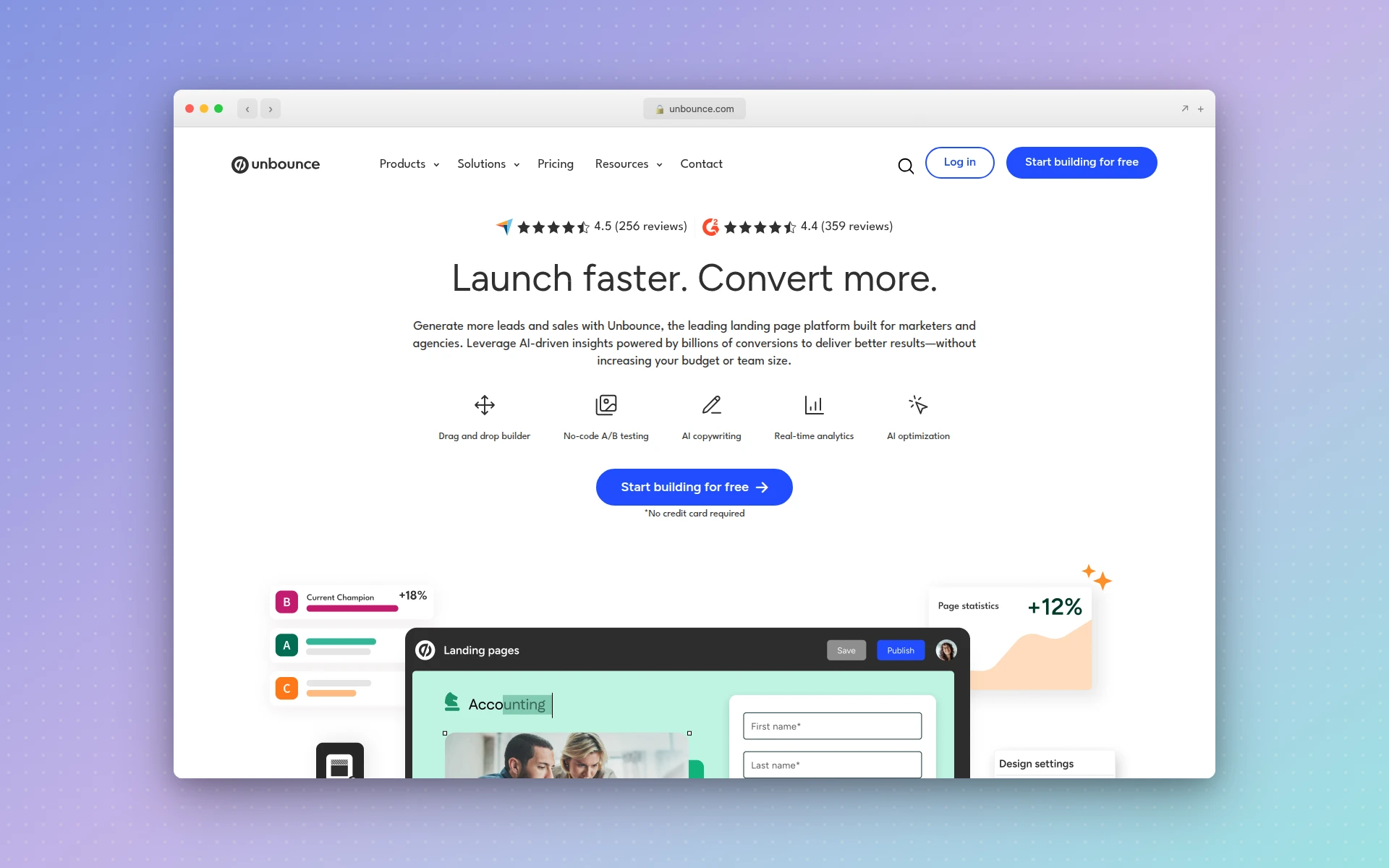 Unbounce pairs a drag-and-drop builder with A/B testing, AI copywriting, and Smart Traffic optimization
Strengths:
- Smart Traffic AI — Automatic visitor routing with a published average conversion lift
- Dynamic text replacement — Match landing page copy to ad keywords automatically
- MCP server on every plan — Build and manage pages from Claude or ChatGPT
- 100+ templates — Industry-specific, conversion-focused starting points
- Integrations — Connects to Salesforce, HubSpot, Mailchimp, and Zapier
Weaknesses:
- The $29 Starter plan caps you at 5 pages and 500 visitors a month
- A/B testing starts on Experiment ($149/month), and Smart Traffic needs Optimize ($249/month)
- Every plan is metered by monthly visitors
- Design flexibility lags behind dedicated design tools
Pricing:
- Starter ($29/month): 5 pages, 500 visitors/month, 1 domain
- Build ($99/month): Unlimited pages, 20,000 visitors/month, AI copywriting
- Experiment ($149/month): Unlimited A/B testing, 30,000 visitors/month
- Optimize ($249/month): Smart Traffic AI optimization, 50,000 visitors/month
Annual billing takes 25% off each plan (Starter drops to $22/month). Every plan comes with a 14-day free trial, no credit card required.
Verdict: If you’re running paid ad campaigns and need a landing page builder that actively optimizes for conversions, Unbounce is the industry standard. Smart Traffic alone justifies the Optimize plan for high-traffic pages. The $29 Starter plan is a cheap way in, but the features that make Unbounce worth paying for start at $149 a month.
3. Leadpages
Best for: Small businesses and entrepreneurs who want conversion tools without enterprise pricing
Rating: 4.4/5
Leadpages has rebuilt itself around AI generation. The homepage now opens with a prompt box: describe your campaign, and it builds a complete page (hero, body, social proof, form, and CTA) with your logo, colors, and fonts applied from a brand kit. Leadpages says that takes about 60 seconds. It’s a real change from the older Leadpages, where AI suggested layouts and copy while you assembled the page by hand.
The conversion tooling sits on top of that. There are no traffic caps on any plan, so a campaign that takes off doesn’t come with a surprise bill. The Grow plan adds manual A/B testing and dynamic text replacement, and Optimize adds AI traffic routing (Leadpages also calls it Smart Traffic), click and scroll heatmaps, and auto-personalization.
Leadpages also includes a website builder and blogs alongside its landing pages, plus integrations with HubSpot, Salesforce, Mailchimp, Klaviyo, Stripe, and Shopify. For businesses that need more than one landing page but don’t need Unbounce-level optimization, it covers a lot of ground.
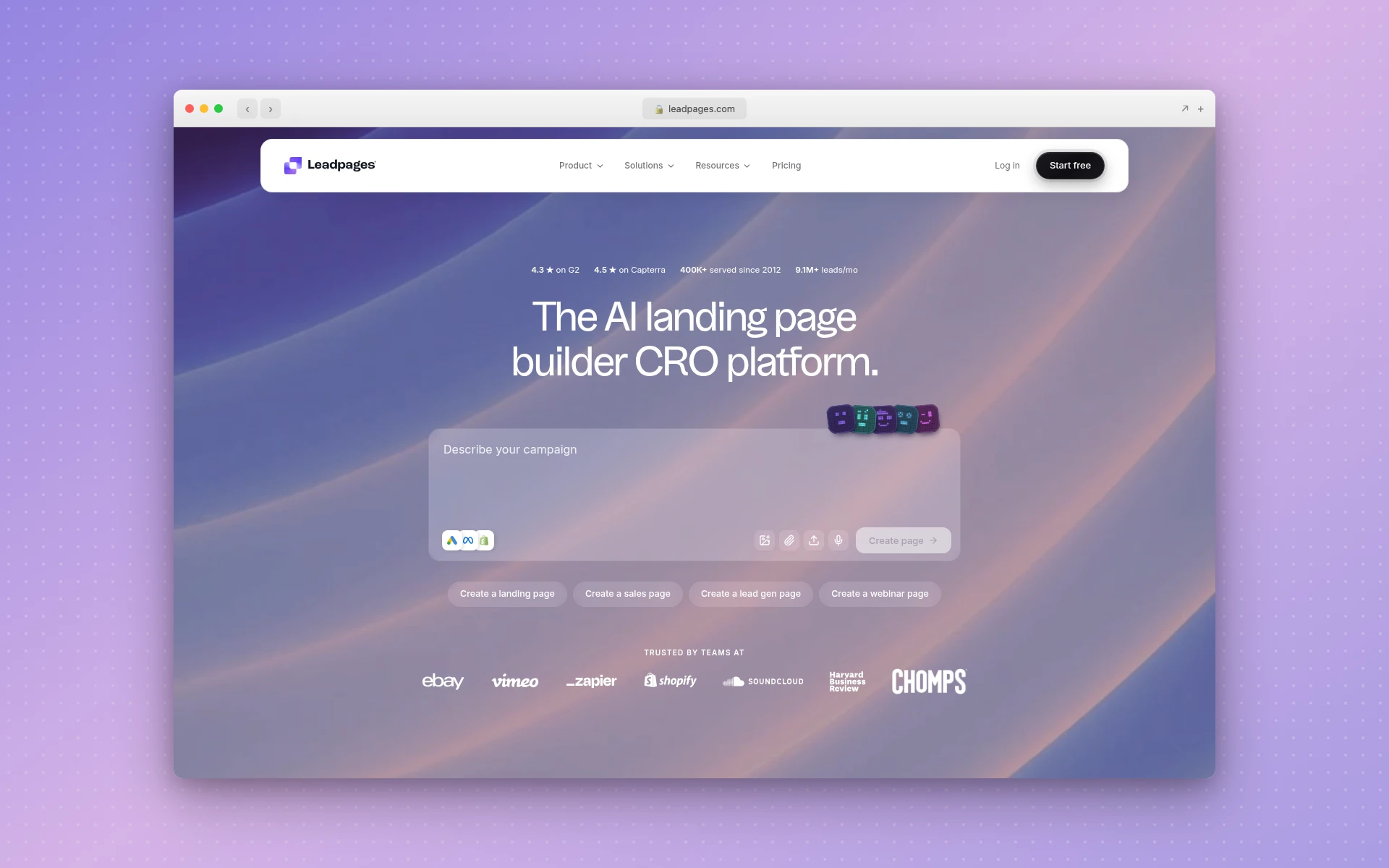 Leadpages now opens with a prompt box that generates a complete, branded landing page
Strengths:
- Prompt-to-page generation — A complete, branded page from a short campaign description
- Unlimited traffic — No visitor caps on any plan
- A/B testing under $100 — Manual A/B testing and dynamic text replacement on Grow ($99/month)
- Website builder included — Landing pages, sites, and blogs in one account
- Broad integrations — HubSpot, Salesforce, Mailchimp, Klaviyo, Stripe, and Shopify
Weaknesses:
- A/B testing requires Grow at $99/month, a big jump from the $29 Pro plan
- Grow’s testing is manual and two-way only; multi-variant tests and AI routing need Optimize at $199/month
- The free trial is 7 days and requires a credit card
- Design customization is more limited than Instapage or a design-first tool
Pricing:
- Pro ($29/month): 25 pages, 1 custom domain, AI page creation
- Business ($49/month): 50 pages, 2 custom domains
- Grow ($99/month): Unlimited pages, 4 domains, manual A/B testing, dynamic text replacement
- Optimize ($199/month): 6 domains, AI traffic routing, heatmaps, auto-personalization
Annual billing saves 20%. Every plan includes a 7-day free trial (credit card required).
Verdict: Leadpages is the best AI landing page builder for small businesses that want generation and conversion tools without enterprise pricing. The rebuild closed the gap with the prompt-first tools, and unlimited traffic means no surprise bills when a campaign goes viral. Upgrade to Grow only when you’re ready to A/B test seriously.
4. Instapage
Best for: Marketing teams and agencies managing landing pages at scale
Rating: 4.5/5
Instapage positions itself as the landing page platform for teams that take conversion optimization seriously — and the feature set backs that up. The drag-and-drop editor offers pixel-perfect control with a design experience closer to Figma than a typical page builder. Real-time collaboration lets team members edit simultaneously and leave feedback directly on the page, which eliminates the review-by-screenshot workflow that slows most teams down.
Instapage’s AI Landing Page Generator creates headlines, page text, CTAs, and complete page variations, and the real value shows during testing: you can spin up copy variations without waiting for a copywriter. AI experiments then direct ad traffic toward the versions that test best. AdMap visually connects your ad campaigns to their corresponding landing pages, so you can check message match across every ad group in one view.
Instablocks let you create reusable content modules — a testimonial section, pricing table, or feature grid — and deploy them across hundreds of landing pages with one update. For agencies managing dozens of client campaigns, this saves enormous time. The platform connects to 120+ apps including Google Ads, Facebook Ads, Salesforce, Marketo, and HubSpot.
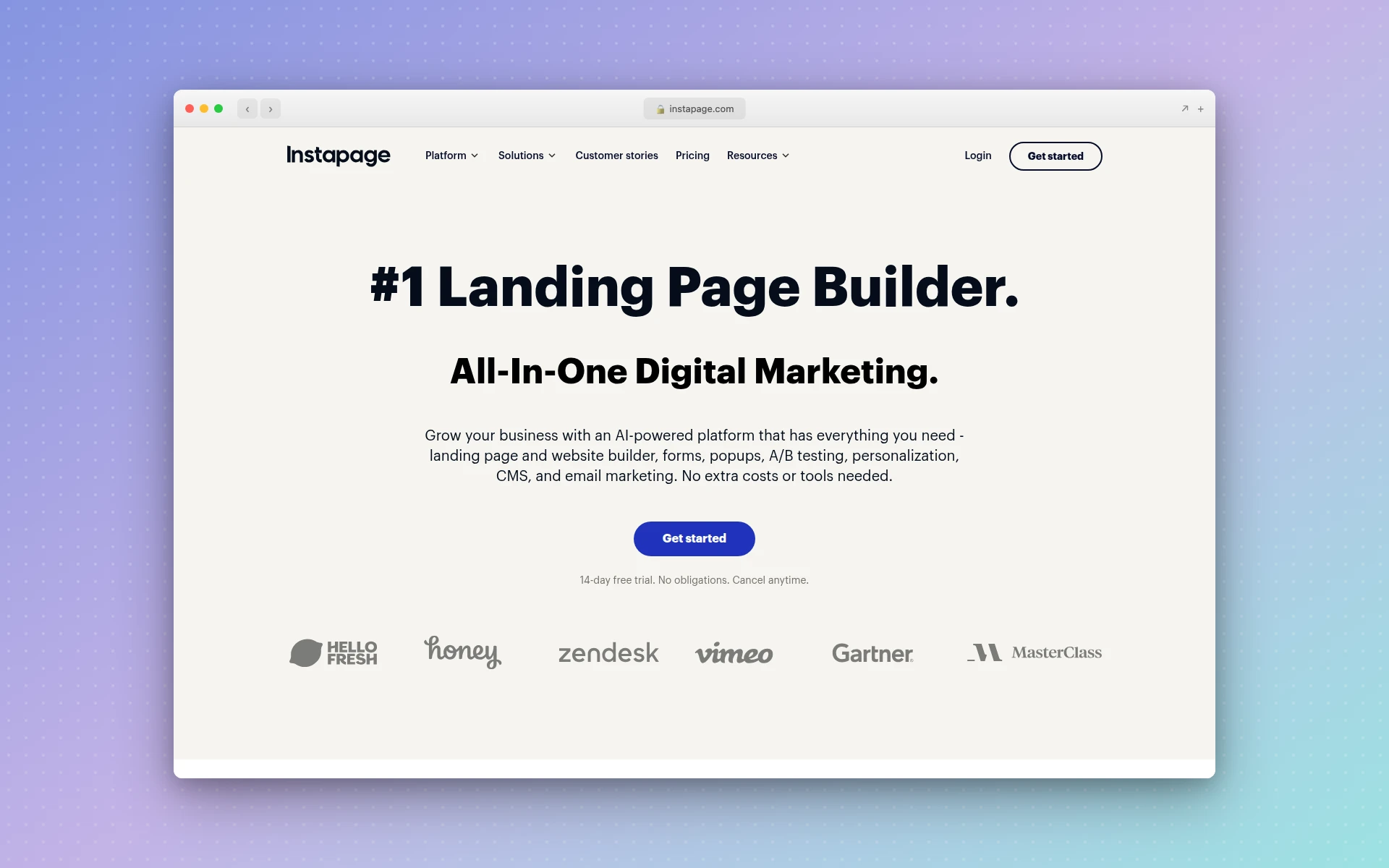 Instapage offers pixel-perfect editing, AdMap for ad-to-page alignment, and real-time team collaboration
Strengths:
- AdMap — Visual ad-to-page mapping ensures message match across campaigns
- Real-time collaboration — Team editing and feedback without external tools
- Instablocks — Reusable modules across all pages, update once, deploy everywhere
- Pixel-perfect editor — Design flexibility approaching dedicated design tools
- Server-side A/B testing — Eliminates the flicker effect of client-side tests
- 120+ integrations — Deep connections with major ad and marketing platforms
Weaknesses:
- A/B testing and AdMap require Optimize at $199/month; the $99 Create plan has neither
- No free plan (14-day trial only)
- The learning curve is steeper than simpler tools
- Visitor caps of 15,000 a month on Create and 30,000 on Optimize
Pricing:
- Create ($99/month, or $79/month billed annually): 15,000 visitors/month, AI content, Instablocks, real-time collaboration
- Optimize ($199/month, or $159/month billed annually): 30,000 visitors/month, server-side A/B testing, AdMap, dynamic text replacement, multi-step forms
- Convert (custom pricing): Heatmaps, enterprise SSO, global elements, dedicated customer success manager
14-day free trial on Create and Optimize.
Verdict: Instapage is the best ai landing page creator for agencies and marketing teams who manage multiple campaigns and need collaboration, reusable components, and ad platform integration. Budget for Optimize rather than Create, since that’s where testing and AdMap live. For teams spending five figures monthly on ads, the workflow efficiency is worth the premium.
5. Landingi
Best for: Performance marketers who need many targeted landing pages, not one perfect one
Rating: 4.3/5
Landingi is the quiet overachiever on this list. It now pitches itself as a landing page automation platform, with 400+ templates, server-side A/B testing, and AI built into the workflow. It no longer has a free plan, and its pricing now sits close to Unbounce’s, so the reason to pick it is the automation, not the price.
The AI layer was rebuilt around four named tools. Lunar generates a landing page from your offer, audience, and goal, and it’s included on every plan. The AI Assistant writes and improves copy and SEO metadata and adjusts visual assets inside the editor. Solis scans live pages for friction and CRO opportunities, and Orbit MCP connects your own LLM to the Landingi workspace.
What makes Landingi particularly valuable for performance marketers is programmatic landing pages: you generate targeted pages in bulk from one template and structured data. If you’re running Google Ads campaigns across multiple cities or products, you can produce location-specific or product-specific pages at scale, a job that otherwise means custom development.
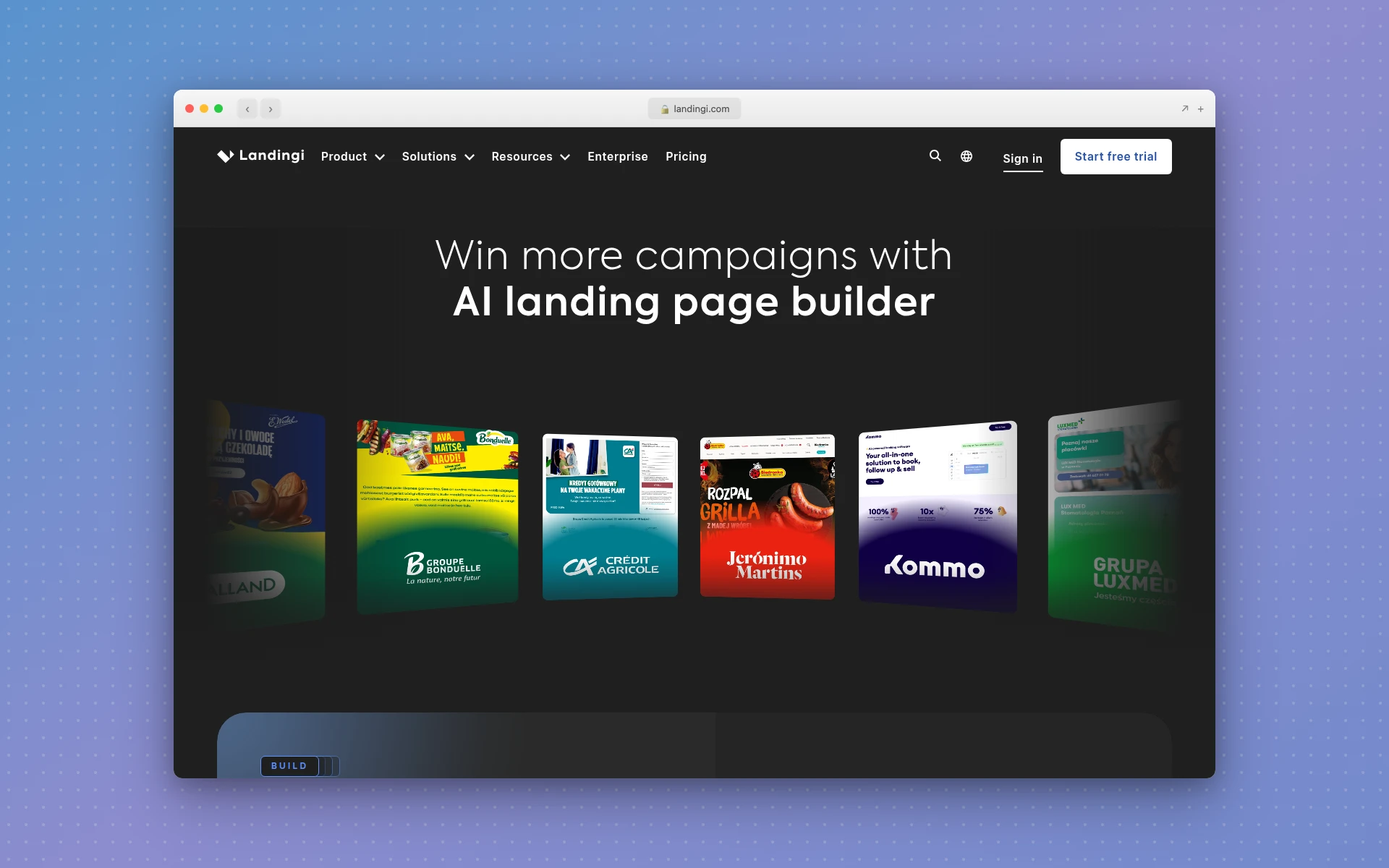 Landingi combines the Lunar AI page generator with programmatic pages and A/B testing
Strengths:
- Lunar AI page generator — Included on every plan, including Build
- Programmatic pages — Generate targeted pages in bulk from one template and structured data
- 400+ templates — Large library of conversion-focused starting points
- Solis AI insights — Flags friction and CRO opportunities on live pages
- MCP server — Orbit connects your LLM directly to the workspace
Weaknesses:
- No free plan anymore, only a 14-day trial capped at 200 visits
- Build caps you at 10 pages and 2,000 visits a month
- A/B testing starts on Optimize, a jump from $24 to $119 a month (billed yearly)
- The editor can feel cluttered with so many options
Pricing (billed yearly):
- Build ($24/month): 10 pages, 2,000 visits/month, 1 domain, Lunar AI
- Optimize ($119/month): 100 pages, 30,000 visits/month, 3 domains, server-side A/B testing
- Scale (from $229/month): Unlimited pages, 100,000+ visits/month, 10 domains
- Enterprise (from $1,199/month): 1M+ visits/month, 100 domains
Monthly billing costs more, since Landingi’s annual plans include two months free. 14-day free trial on every plan.
Verdict: Landingi is the best fit when you need lots of targeted pages rather than one perfect one. If you run campaigns across many locations or products and want A/B testing, AI page generation, and programmatic pages in one tool, it earns its place. Commit to annual billing, though, because that’s where the pricing makes sense.
6. Framer
Best for: Design-led startups that want a full marketing site, not only a landing page
Framer started as a design tool, grew into a website builder, and now calls itself a design agent. You describe the site, page, or update you need, and Framer’s AI agent creates editable pages, sections, copy, and visuals directly in your project. You can pick between GPT, Sonnet, Opus, or Fable models depending on the task.
The agent goes past the first draft. It can populate CMS collections, build custom code components from a description, and review the site before you publish for contrast issues, typos, missing alt text, and SEO gaps. It’ll also read your analytics and suggest next steps. Everything it generates stays editable on Framer’s canvas, which is the main draw for teams with a designer on staff.
For landing pages specifically, the trade-off is conversion tooling. A/B testing is a paid add-on, and only on the Pro plan, and the pricing page lists nothing like Unbounce’s Smart Traffic or Instapage’s AdMap. Framer makes the most sense when the landing page is one part of a marketing site you’ll keep growing.
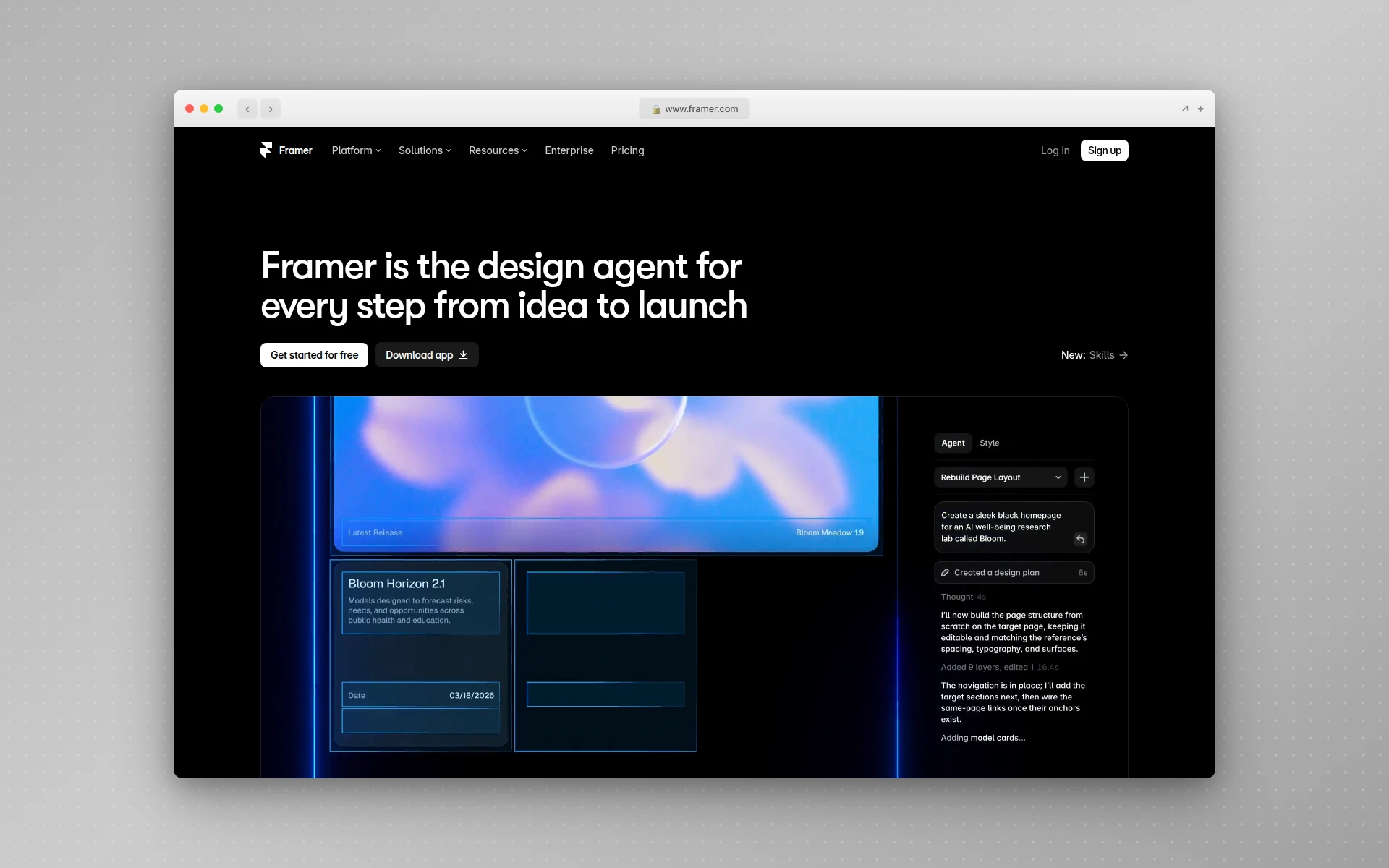 Framer’s AI agent builds editable pages, sections, and copy directly on its design canvas
Strengths:
- AI agent on the canvas — Generates editable pages, sections, copy, and visuals from a prompt
- Designer-grade editor — Everything the agent builds stays fully editable
- Built-in CMS — Collections for dynamic content the agent can populate for you
- Pre-publish review — The agent checks contrast, typos, alt text, and SEO gaps
- Usable free plan — Publish on a Framer domain with 500 AI credits to try
Weaknesses:
- A/B testing is a paid add-on, and only on Pro
- Thinner conversion tooling than Unbounce, Instapage, or Leadpages
- The canvas has a learning curve if you’ve never used a design tool
- Plan prices are quoted for yearly billing
Pricing:
- Free: Framer domain, 1 GB bandwidth, 500 AI credits to try
- Basic ($10/month, billed yearly): Custom domain, 30 pages, 50 GB bandwidth
- Pro ($30/month, billed yearly): 150 pages, 100 GB bandwidth, A/B testing available as an add-on
- Enterprise (custom): SSO, SCIM, uptime guarantee, unlimited editors
Verdict: Pick Framer if your landing page is the start of a bigger marketing site and someone on your team is comfortable in a design tool. If you want design-quality output from a prompt without learning a canvas, AIDesigner is the more direct route. If testing is the priority, Unbounce or Instapage are the better buys.
7. Carrd
Best for: Simple, beautiful one-page landing pages on a shoestring budget
Rating: 4.1/5
Carrd isn’t an AI landing page builder, and that’s precisely why it’s on this list. Sometimes you don’t need AI-generated copy, dynamic personalization, or machine learning optimization. Sometimes you need a clean, single-page site live in 20 minutes for $19 a year. Carrd does that better than anyone.
The builder is deliberately minimal. Choose from a curated set of templates, customize with a simple editor, and publish. No bloat, no feature overwhelm, no subscription that costs more than your hosting. The design aesthetic leans modern and minimal — exactly what you want for a startup launch page, waitlist page, or link-in-bio landing page.
Carrd’s signup forms send to Mailchimp, Kit, ActiveCampaign, EmailOctopus, and others, and you can embed Stripe, PayPal, Gumroad, Typeform, or your own custom code. For the price of a single coffee per year, you get a professional landing page on your own domain. The trade-off is clear: no A/B testing, no AI, and strictly one-page sites.
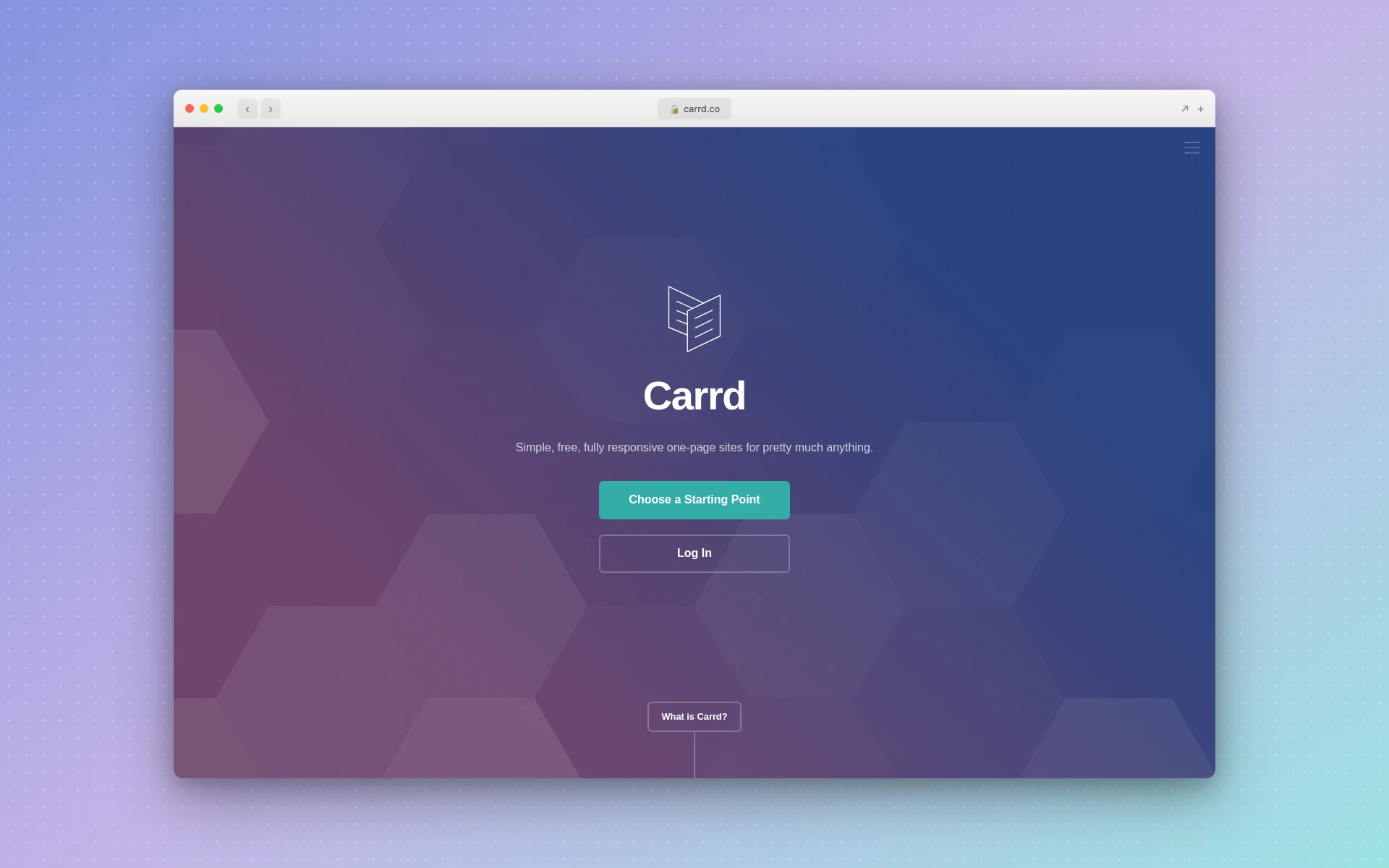 Carrd specializes in clean, responsive one-page sites at an unbeatable price point
Strengths:
- Unbeatable pricing — Pro plans from $9/year; $19/year adds custom domains and forms
- Clean design aesthetic — Templates are modern, minimal, and professional
- Dead simple editor — No learning curve, publish in minutes
- Generous free plan — Build up to 3 sites on carrd.co subdomains
- Form integrations — Mailchimp, Kit, ActiveCampaign, EmailOctopus, and more
Weaknesses:
- No AI generation or AI-assisted features
- One-page sites only — no multi-page landing page funnels
- No A/B testing
- Limited customization compared to full landing page builders
- Element limit on the free plan, and no forms or custom domain until Pro Standard
Pricing:
- Free: Up to 3 sites, carrd.co subdomain, limited elements
- Pro Lite ($9/year): 3 sites, no element limit (no custom domain or forms)
- Pro Standard ($19/year): 10 sites, custom domains, forms, widgets, embeds
- Pro Plus ($49/year): 25 sites, advanced forms, password protection
Verdict: Carrd is the best choice when you need a simple landing page fast and cheap. Startup waitlist page? Carrd. Link-in-bio page? Carrd. Product hunt launch page? Carrd. If you need A/B testing, dynamic personalization, or AI generation, look elsewhere. But for straightforward pages, nothing beats the value.
8. Swipe Pages
Best for: Mobile-first AMP landing pages that load instantly
Rating: 4.2/5
Swipe Pages focuses on a technical advantage most landing page builders ignore: AMP (Accelerated Mobile Pages). Every plan publishes AMP pages, and Swipe Pages advertises a 98 Google PageSpeed score for them, which matters when most of your paid social traffic arrives on a phone.
Speed is worth paying attention to. Google’s mobile research found that 53% of mobile visitors leave a page that takes longer than three seconds to load. Swipe Pages handles the AMP conversion behind the scenes while you design in a standard drag-and-drop editor.
It has also added AI since our first review. Swipe Genie builds a page from a description of your business, an AI Strategy Agent produces competitor teardowns, buyer personas, and ad angles, and a CRO Agent reads your live page and ranks what’s losing you conversions. Multi-step pages (the “swipe” in the name) break longer forms into card-like steps, which suits mobile lead gen.
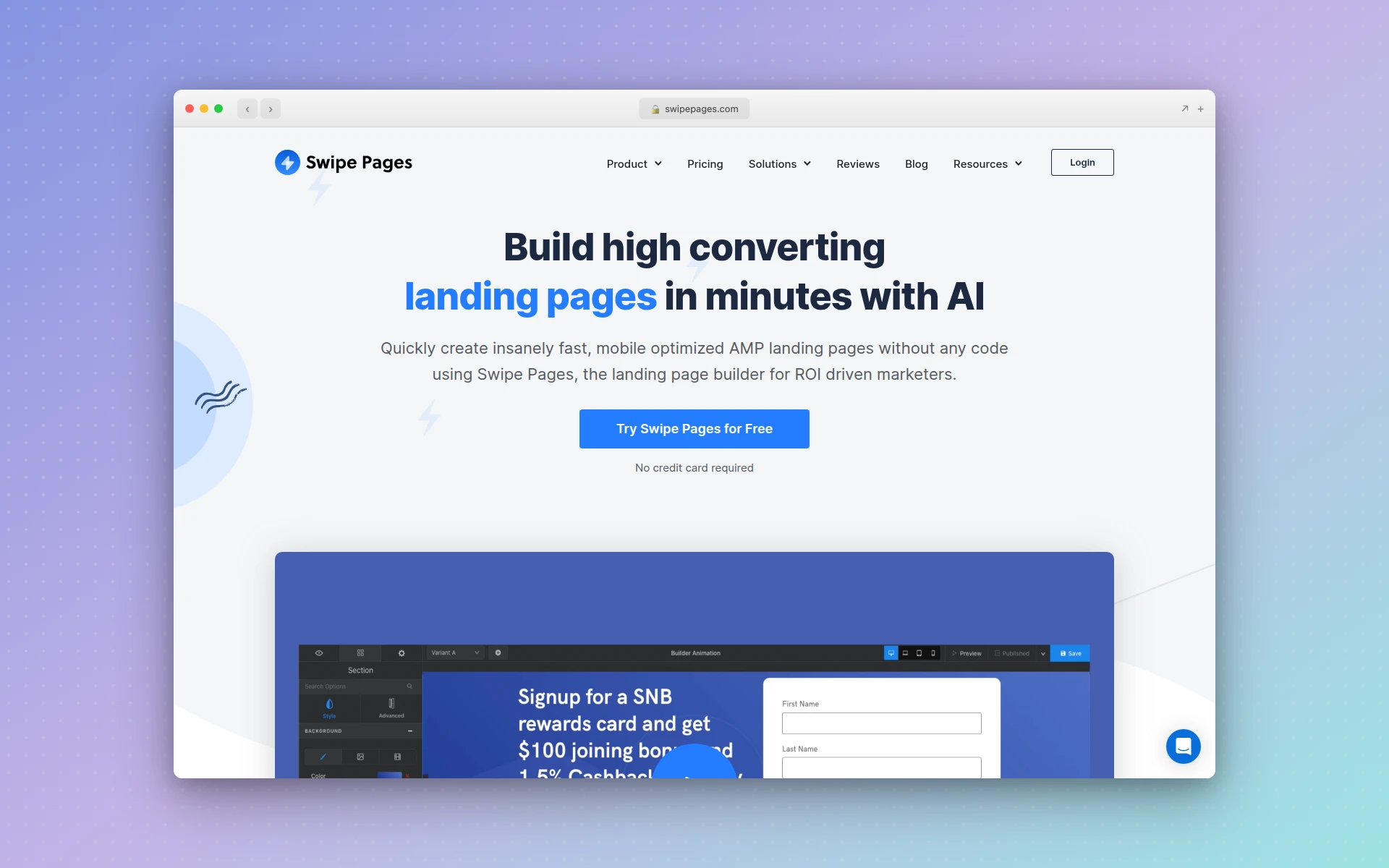 Swipe Pages builds AMP landing pages designed for fast mobile load times
Strengths:
- AMP on every plan — Fast mobile pages from the $39 Startup plan up
- Swipe Genie AI builder — Generates a page from a description of your business
- CRO Agent — Reads your live page and ranks conversion problems, with the reason for each
- Multi-step pages — App-like swipe experience for mobile lead gen
- Server-side A/B testing — Included from the Marketer plan
Weaknesses:
- A/B testing and dynamic text replacement aren’t on the $39 Startup plan
- The editor lacks the polish of Instapage or Unbounce
- Limited to landing pages and funnels, with no full website builder
- Startup plan limits you to 1 custom domain
Pricing:
- Startup ($39/month): AMP pages, 1 domain, 20,000 visitors/month, 4,200 AI credits
- Marketer ($89/month): 5 domains, 50,000 visitors/month, A/B testing, dynamic text replacement
- Agency ($199/month): Unlimited domains, 500,000 visitors/month, global blocks
Billed yearly, the plans drop to $29, $69, and $149 a month. 14-day free trial with no credit card required.
Verdict: If mobile conversion is your top priority, especially for paid social campaigns where most traffic is mobile, Swipe Pages’ AMP technology gives you a speed advantage. AMP is included on the $39 Startup plan, but budget for Marketer at $89 if you want to A/B test.
9. Phonesites
Best for: Creating landing pages from your phone, on the go
Rating: 3.8/5
Phonesites built its entire platform around a single insight: many entrepreneurs and sales professionals need to create landing pages from their mobile devices, not a desktop. The editor is designed for thumb-friendly interaction, and you can go from idea to published landing page during a commute or between meetings.
The platform includes 500+ mobile-responsive templates, drag-and-drop editing, and an AI copywriter that writes page text from a description of your product or service. Automated email and SMS follow-ups trigger when someone submits a form, which most competitors handle through external email tools. Beyond landing pages, you can build surveys, pop-ups, and digital business cards from the same account.
That said, Phonesites is positioned for speed and simplicity rather than optimization. There’s no A/B testing, the design output is functional rather than beautiful, and the two cheaper plans include only 5 AI writer credits.
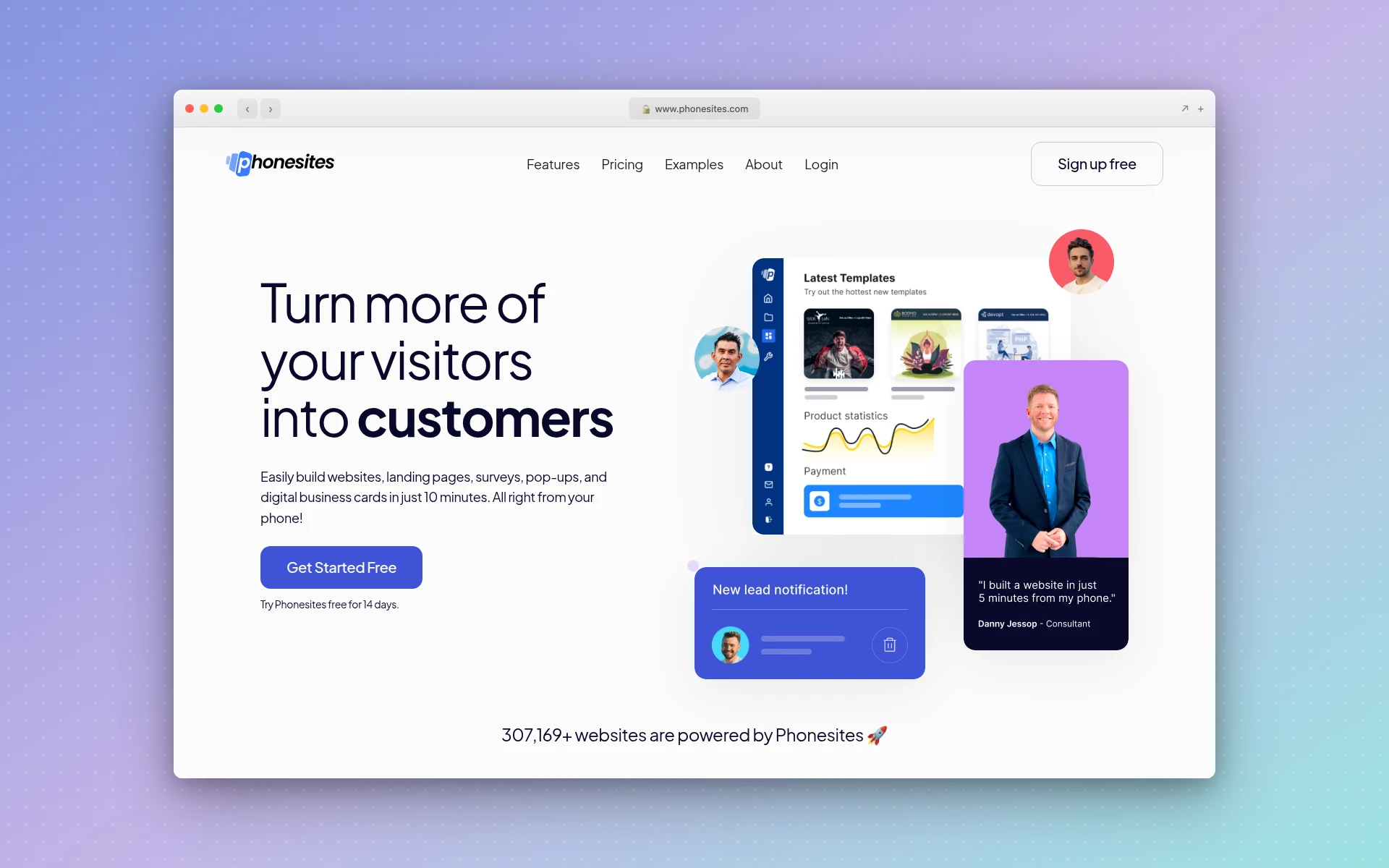 Phonesites lets you create and publish landing pages directly from your mobile device
Strengths:
- True mobile creation — Build full landing pages from your phone
- Built-in follow-ups — Email and SMS sequences without external tools
- 500+ templates — Large library of mobile-responsive designs
- Quick to publish — From idea to live page in minutes
- More than landing pages — Surveys, pop-ups, and digital business cards in one account
Weaknesses:
- No A/B testing capabilities
- Unlimited AI writing only on Unlimited+ ($69/month)
- Design quality is basic compared to desktop-first builders
- The mobile-first approach means the desktop editing experience is limited
Pricing:
- Essential ($29/month or $250/year): 5 websites, 25 pages, 5 custom domains, 5 AI writer credits
- Unlimited ($49/month or $400/year): Unlimited websites, pages, and domains, unlimited email automations
- Unlimited+ ($69/month or $500/year): Everything in Unlimited plus unlimited AI writer credits
14-day free trial available.
Verdict: Phonesites serves a specific niche well: entrepreneurs and sales reps who need to capture leads immediately and don’t have time to sit at a desk. If mobile creation is a genuine priority, nothing else on this list matches it. For everyone else, the desktop-first builders offer better design, better features, and better value.
10. Unicorn Platform
Best for: Startup and SaaS landing pages with a clean, modern aesthetic
Rating: 4.0/5
Unicorn Platform is purpose-built for the startup ecosystem. The templates, design components, and default styles are all tuned for SaaS products, mobile apps, and tech startups — the kind of clean, modern aesthetic you see on Product Hunt launches and Y Combinator demo pages. Over 104,000 websites have been built on the platform, and it shows in the polish of the component library.
The AI Co-Pilot builds or changes your site from prompts: describe what you need, and it adds sections, rewrites copy, or restructures the page. The drag-and-drop editor includes dozens of pre-designed components specifically for startup landing pages: feature grids, pricing tables, testimonial carousels, and integration showcases. If you have ever spent hours trying to make a generic template look like a proper SaaS landing page, Unicorn Platform eliminates that friction.
The free plan is for trying the editor, not launching. It lets you build up to 10 pages and 10 blog posts with custom code, but you can’t publish a live site until you upgrade to Maker at $9/month billed yearly.
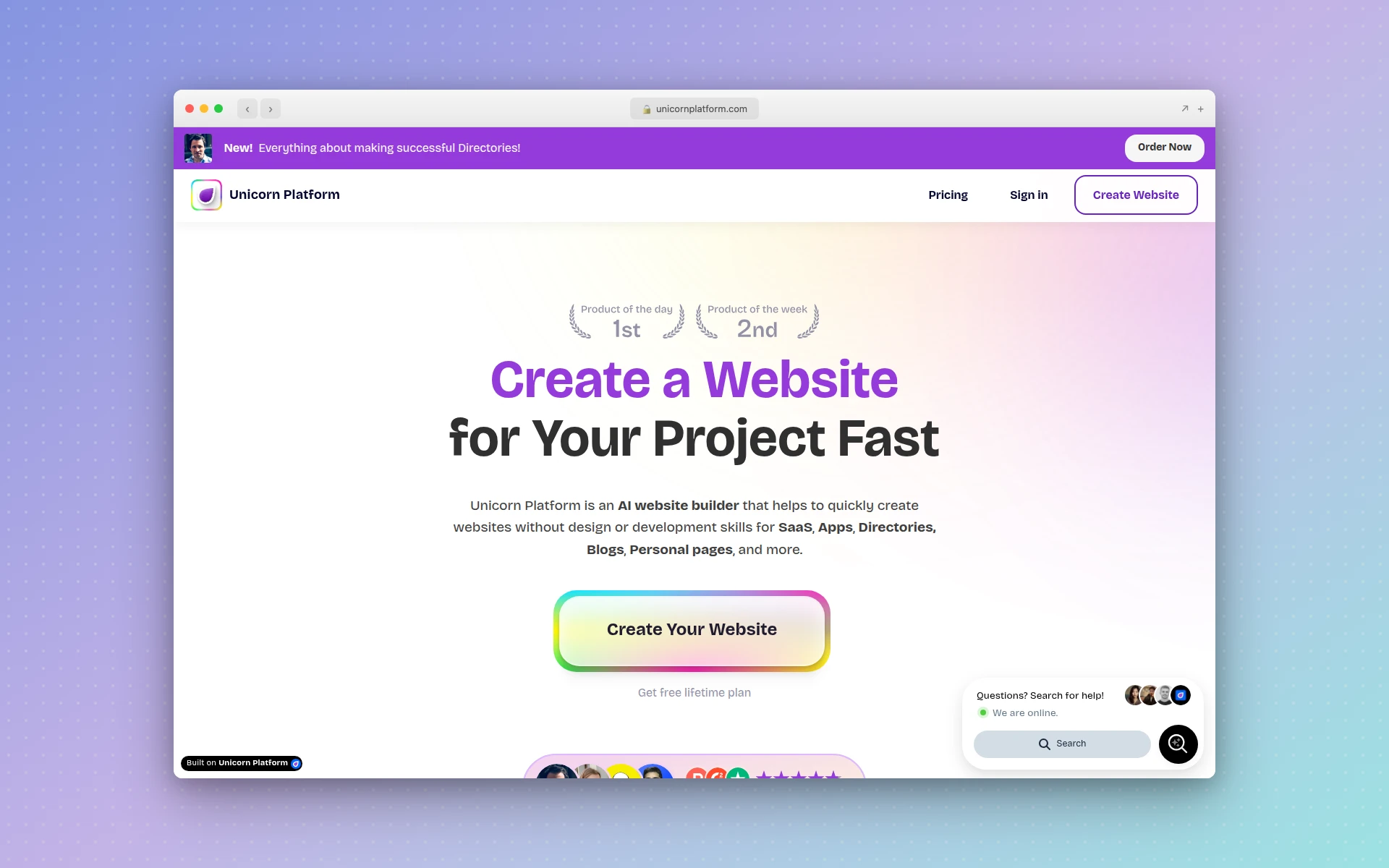 Unicorn Platform offers startup-focused components and AI Co-Pilot for SaaS landing pages
Strengths:
- Startup-native design — Templates and components built specifically for SaaS and tech products
- Affordable — Paid plans from $9/month billed yearly ($14 month to month)
- AI Co-Pilot — Build or edit the site with prompts
- Blog included — Built-in CMS for content marketing alongside your landing page
- Clean output — Fast-loading pages with modern design conventions
Weaknesses:
- No A/B testing or conversion optimization tools
- The free plan can’t publish a live site
- Limited to the startup aesthetic — not ideal for every industry
- Fewer integrations than established landing page platforms
- Basic forms compared with dedicated landing page platforms
Pricing:
- Free (Lurker): Build up to 10 pages and 10 blog posts, no published site
- Maker ($14/month, or $9/month billed yearly): 1 published site, custom domain, branding removal
- Startup ($49/month, or $29/month billed yearly): Unlimited blog posts, 1 collaborator
- Business ($69/month, or $49/month billed yearly): 3 sites, unlimited collaborators
30-day money-back guarantee on paid plans.
Verdict: If you are building a SaaS product or startup and need a landing page that looks like it belongs in the tech ecosystem, Unicorn Platform is the most cost-effective option. The $9/month starting price (billed yearly) with a prompt-driven AI builder is hard to beat. Just know that you are trading conversion optimization tools for design aesthetics and affordability.
11. Sitekick AI
Best for: Generating a complete landing page from a single prompt with zero manual building
Rating: 3.9/5
Sitekick AI is the closest to a “pure AI landing page generator” on this list. Describe your product or service, and the AI generates an entire landing page (layout, copy, images, and CTA) in under 5 minutes. Sitekick pitches the output as conversion-optimized from the first draft.
Images come from AI image generation (Sitekick doesn’t name the model), so you get custom visuals instead of generic stock photos. Multi-language support covers 100+ languages natively, which is valuable for businesses targeting international markets. After generation, a drag-and-drop editor lets you customize any element, and built-in tools include email signup forms, an ecommerce store, and a full CMS for blogging.
There’s no free plan, but a 7-day free trial and a 30-day “pay only if satisfied” guarantee make it cheap to test. The AI generation produces good starting points, but the output often needs refinement. Think of it as getting a solid first draft rather than a finished page.
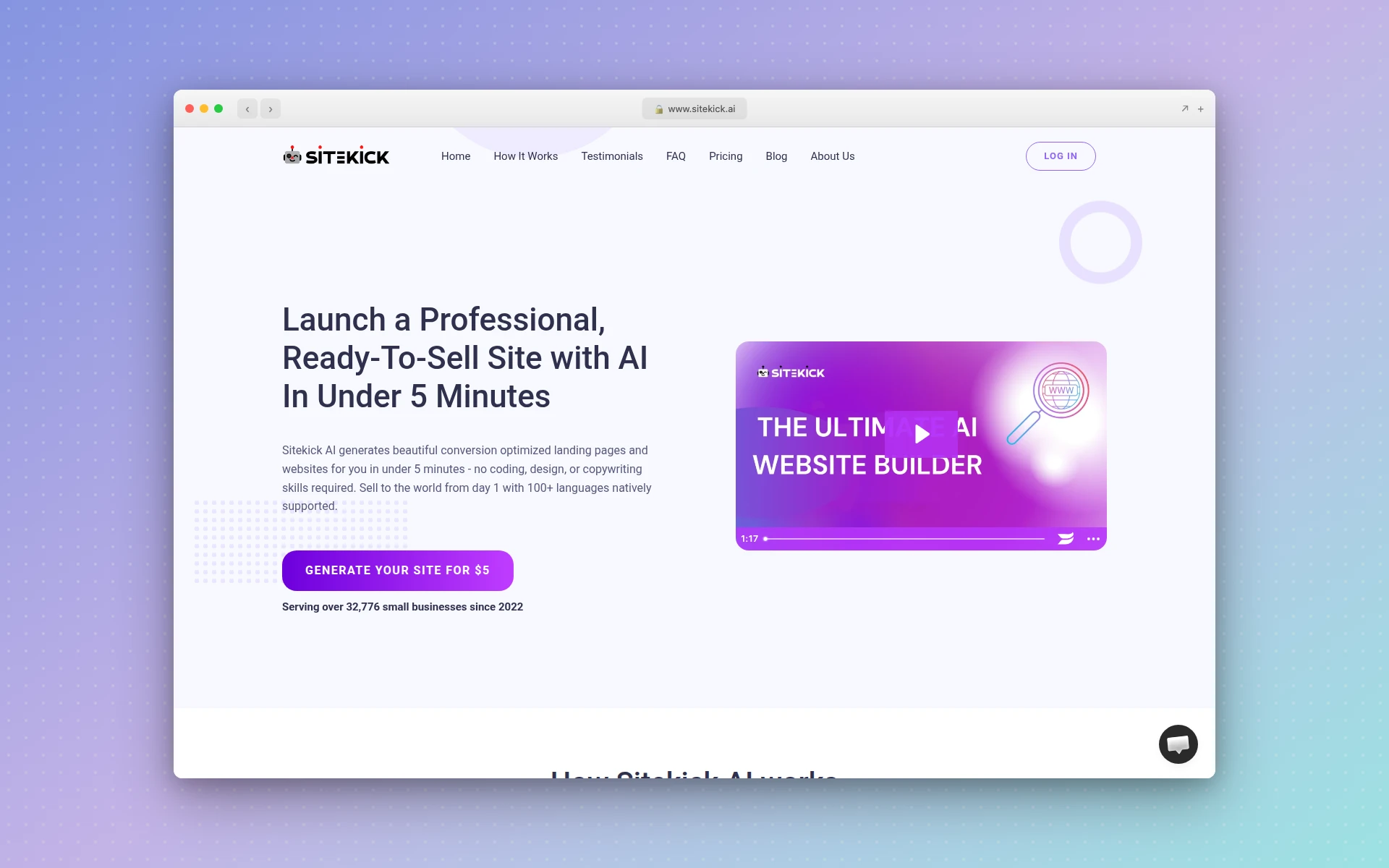 Sitekick AI generates complete landing pages, including copy and images, from a text prompt
Strengths:
- Full page generation — Complete landing page from a single prompt
- AI-generated images — Custom visuals, not stock photos
- 100+ languages — Native multi-language support for international campaigns
- Built-in tools — Email forms, ecommerce, blog CMS included
- Low-risk trial — 7-day free trial plus a 30-day money-back guarantee
Weaknesses:
- No free plan
- No A/B testing capabilities
- Generated pages often need significant refinement
- The drag-and-drop editor is less polished than established competitors
Pricing:
- Lite ($20/month): 1 website
- Basic ($39/month): 3 websites
- Pro ($99/month): 10 websites
Annual plans cost $145, $279, and $699 a year. 7-day free trial on every plan.
Verdict: Sitekick AI is best for solopreneurs who want a complete landing page generated from a prompt without manually assembling sections. The 7-day trial makes it easy to test, but the output typically needs hands-on refinement to match what you would get from AIDesigner or a well-configured Unbounce page.
How Much Do AI Landing Page Builders Cost?
AI landing page builders range from free to over $200 per month. Carrd is the cheapest at $19 per year with a custom domain. AIDesigner Pro starts at $25 per month, and Leadpages, Unbounce, and Phonesites start at $29. Instapage starts at $99, and plans with A/B testing start between $89 and $199 per month.
Do AI Landing Page Builders Include A/B Testing?
Most AI landing page builders include A/B testing, but rarely on the entry plan. Swipe Pages unlocks it at $89 per month, Leadpages at $99, Unbounce at $149, and Instapage at $199. Landingi includes it on Optimize ($119 per month billed yearly). AIDesigner, Carrd, Phonesites, Unicorn Platform, and Sitekick AI don’t offer built-in A/B testing.
How to Choose the Right AI Landing Page Builder
The “best” tool depends entirely on what you are optimizing for. Here is a decision framework:
Choose based on your primary goal:
- Design quality matters most — AIDesigner produces the most visually polished output. If your landing page represents your brand to investors, partners, or premium customers, design quality is not a nice-to-have.
- Conversion optimization is the priority — Unbounce with Smart Traffic or Instapage with AdMap. These tools exist specifically to squeeze more conversions from your traffic.
- You are budget-conscious — Carrd ($19/year) for simple pages, Leadpages ($29/month) for prompt-to-page generation with unlimited traffic, or Unicorn Platform ($9/month billed yearly) for startup-focused pages.
- You run mobile-heavy campaigns — Swipe Pages’ AMP technology gives you a measurable speed advantage on mobile traffic.
- You manage campaigns at scale — Instapage for team collaboration and Instablocks, or Landingi for programmatic pages built from structured data.
- You need a page in minutes, not hours — AIDesigner, Leadpages, or Sitekick AI for prompt-to-page generation, or Carrd for template-based speed.
- You want a full marketing site, not one page — Framer, with its AI agent and built-in CMS.
Questions to ask before choosing:
- How much traffic will this page get? (High-traffic pages justify Unbounce/Instapage pricing)
- Do you need built-in A/B testing? (This rules out AIDesigner, Carrd, Phonesites, Unicorn Platform, and Sitekick, and Framer charges extra for it)
- How important is design quality vs. conversion features? (AIDesigner for design, Unbounce for conversions)
- Do you already have a marketing stack? (If yes, check integrations before choosing)
- Is this a one-off page or an ongoing campaign? (One-off favors simpler tools; ongoing favors optimization platforms)
Tips for Higher-Converting AI Landing Pages
Generating a landing page with AI is the easy part. Making it convert is where the real work begins. Here are actionable tips that apply regardless of which tool you choose:
1. One page, one goal. The most common landing page mistake is trying to do too much. Every element on the page should drive toward a single conversion action. If you are asking for email signups, do not also promote your blog, link to your About page, and embed a product tour video.
2. Match your ad copy to your headline. If your Google Ad says “Free Project Management Tool for Remote Teams,” your landing page headline should echo that exact language. This is called message match, and tools like Unbounce (dynamic text replacement) and Instapage (AdMap) automate it. Without automation, do it manually — the conversion impact is significant.
3. Speed kills (in a good way). Load time decides whether paid mobile visitors ever see your headline. If you’re running paid traffic to a landing page, test it with Google PageSpeed Insights first. Swipe Pages’ AMP technology handles this automatically; for other tools, compress images, minimize scripts, and use the platform’s built-in CDN.
4. Social proof above the fold. Testimonials, client logos, user counts, or review scores should be visible without scrolling. AI tools generate placeholder social proof — replace it with real data immediately. “Trusted by 500+ teams” with actual client logos converts dramatically better than generic testimonials.
5. A/B test the headline first. If you can only test one element, test your headline. It has the single largest impact on conversion rates. Unbounce, Leadpages, and Landingi make this easy. If your builder doesn’t support A/B testing, publish two versions at separate URLs, split your ad traffic between them, and compare conversions in your analytics.
6. Remove navigation. Landing pages should not have a full site navigation bar. Every link that is not your CTA is a potential exit. The most effective landing pages have one way out: the conversion action.
7. Use AI as a starting point, not the finish line. Every AI landing page builder on this list produces good first drafts. None produce perfect pages. Plan to spend 30-60 minutes refining copy, swapping placeholder images for real ones, and tightening the value proposition for your specific audience. If you’re editing the generated HTML yourself, check the layout at phone width with your real content in place; our grid vs flexbox tests show which layout method breaks first when the copy gets longer.
If you’d rather build the page yourself with a coding agent, what is vibe coding explains the approach, and how to vibe code a website walks through a first landing page step by step, including where the design step fits.
FAQ
What is the best AI landing page builder in 2026?
AIDesigner is the best AI landing page builder for most people in 2026 because it turns a single prompt into a page that looks custom-designed and publishes it in one click. Unbounce is the best pick for AI-powered conversion optimization with Smart Traffic. Leadpages delivers the most value for small businesses, starting at $29 per month. For simple one-pagers, Carrd at $19 per year is the cheapest option with a custom domain.
Can AI really create a high-converting landing page?
Yes. Most AI landing page builders now generate a full first draft, including layout, copy, and calls to action, from a short prompt. Unbounce reports that marketers who turn on its Smart Traffic routing get 30% more sales and signups on average. You should still A/B test and refine AI-generated pages for your specific audience rather than publishing the first draft unchanged.
What is the difference between an AI landing page builder and an AI website builder?
An AI landing page builder specializes in creating single, conversion-focused pages designed to drive a specific action like signups, purchases, or downloads. An AI website builder creates multi-page websites with navigation, blogs, and multiple sections. Landing page builders typically include A/B testing, conversion analytics, and CRO tools that website builders lack.
Are there free AI landing page builders?
A few, and fewer than before. AIDesigner’s free tier gives you 5 lifetime credits with no card required. Carrd lets you build up to three sites for free on a carrd.co subdomain. Framer has a free plan on a Framer domain with 500 AI credits to try. Landingi no longer has a free plan, and Unicorn Platform’s free plan can’t publish a live site. Unbounce, Instapage, and Landingi offer 14-day free trials, and Leadpages offers 7 days.
How much does an AI landing page builder cost?
Most AI landing page builders cost between $20 and $200 per month. Budget options include Carrd at $19 per year, Unicorn Platform at $9 per month billed yearly, and Sitekick AI at $20 per month. AIDesigner Pro starts at $25 per month, and Leadpages, Unbounce, and Phonesites start at $29. Instapage starts at $99 per month. Your choice should depend on traffic volume, A/B testing needs, and integration requirements.
Do AI landing page builders include A/B testing?
Most do, but rarely on the entry plan. Swipe Pages includes A/B testing on Marketer at $89 per month, Leadpages on Grow at $99, Unbounce on Experiment at $149, and Instapage on Optimize at $199. Landingi includes it on Optimize at $119 per month billed yearly, and Framer sells it as an add-on to its Pro plan. AIDesigner, Carrd, Phonesites, Unicorn Platform, and Sitekick AI have no built-in A/B testing, so pair them with a dedicated testing tool.
Final Verdict
The AI landing page builder you choose should match the value of the traffic you are sending to it. If you want to skip the blank-page problem entirely, start from a landing page template and edit it with AI rather than generating from scratch. Here is the short version:
- Running $10K+ monthly ad campaigns? Unbounce or Instapage. The conversion optimization and A/B testing will pay for themselves.
- Need landing pages that look exceptional? AIDesigner. The design quality gap is real and visible.
- Small business on a budget? Leadpages for prompt-to-page generation with unlimited traffic, or Carrd if simplicity is the goal.
- Mobile-first campaigns? Swipe Pages for AMP speed advantages.
- Startup launching a product? Unicorn Platform for the aesthetic, or AIDesigner for the polish.
- Building a full marketing site? Framer for its AI agent and CMS.
The landing page builder market has matured to the point where every tool on this list can produce a competent page. The difference is in what happens after the page goes live — how well it converts, how easily you can iterate, and how much time it saves your team. Match the tool to your workflow, not just your budget.
Try AIDesigner free. Describe your landing page and judge the output before you pay anything: the free tier is 5 lifetime credits with no card required, and Pro starts at $25/month for 100 credits. Start designing at aidesigner.ai.